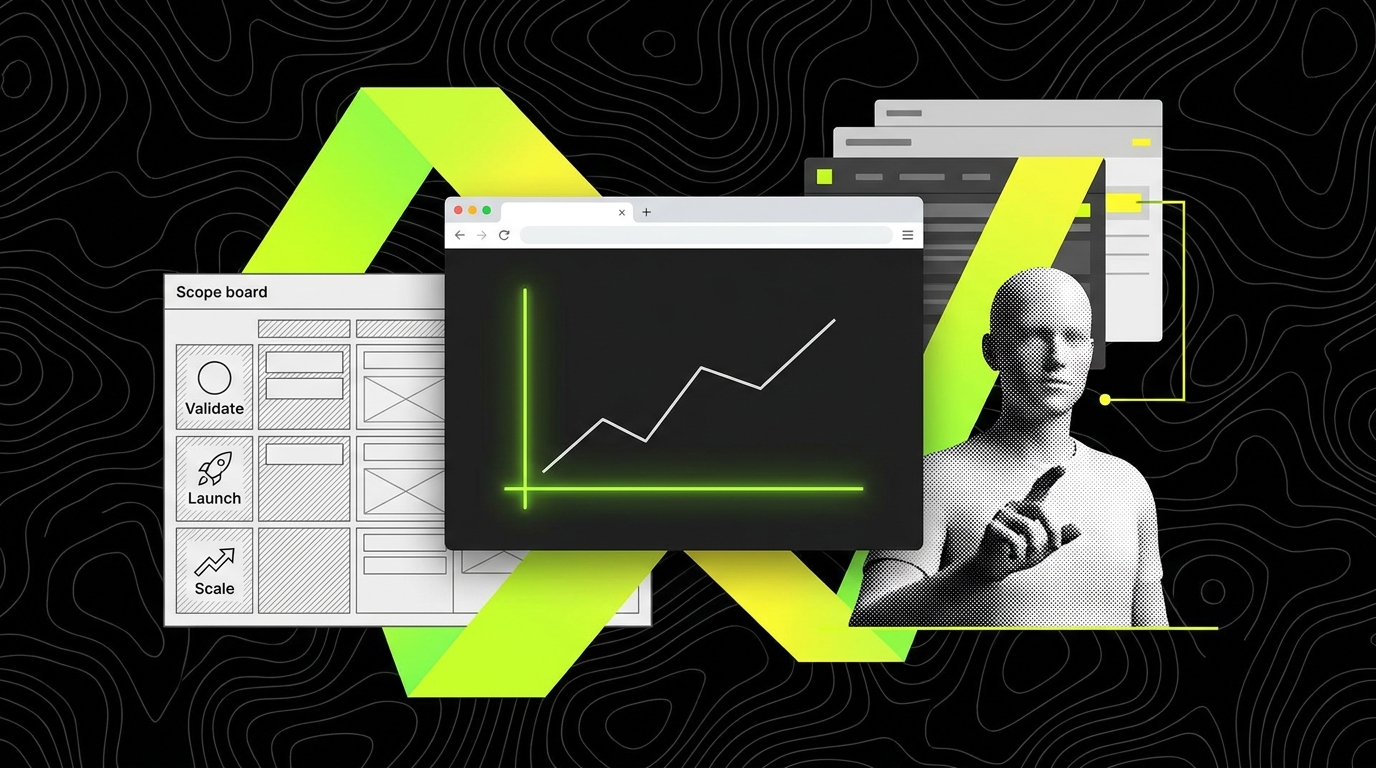
The demo works. Then customers touch it.
AI built prototypes can look complete after a few hours. The happy path works. The UI responds. The model returns something that feels “smart.” In a pitch meeting, that is often enough to get a nod, a follow up, or even a term sheet conversation started.
Then real customers arrive with real data, real roles, and real expectations. They do things a demo never does: they paste malformed inputs, they use shared inboxes, they refresh mid flow, they try on mobile, and they ask for audit trails. The prototype does not “break” in a dramatic way. It just leaks trust through small failures: wrong access, confusing errors, missing history, slow responses, and no one knowing what to do when the model output is wrong.
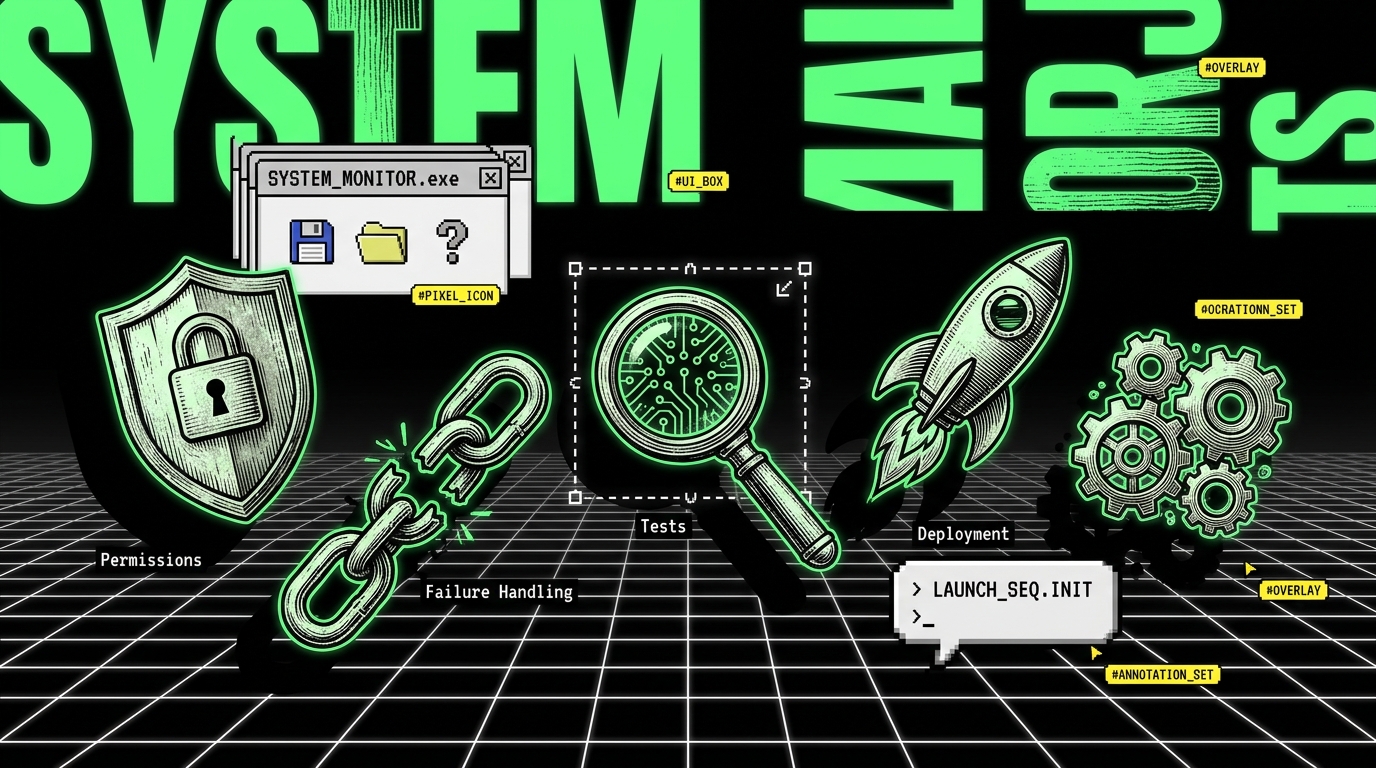
The gap is not mysterious. It is the hidden last 20%: permissions, failure handling, tests, deployment, and operations. Investors rarely explore these areas in a demo. Customers live in them.
The “last 20%” is where trust is earned (or lost)
When people say “it’s 80% done,” they usually mean the surface is done. The screens exist and the core logic runs. But in software, the last 20% often includes the parts that decide whether the product is safe, reliable, and supportable. Those are not polish items. They are the difference between “cool demo” and “I can run my business on this.”
Here is what that last 20% typically contains in an AI-assisted prototype, with concrete examples of how it shows up in production:
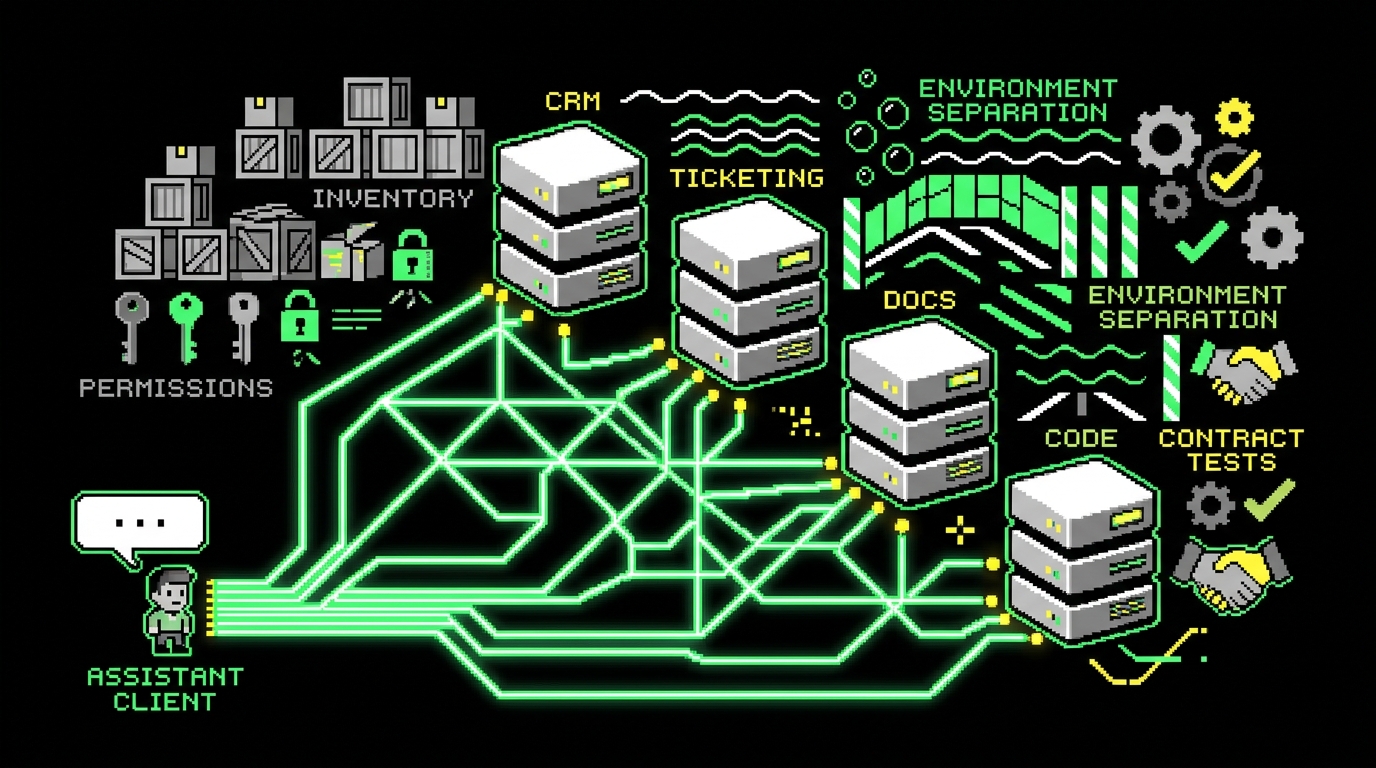
- Permissions and identity: “Who can see what?” Example: a sales rep should see only their accounts, while a manager sees the whole region. In a demo, everyone logs in as “admin.” In production, one misconfigured role can expose customer data.
- Failure handling: “What happens when dependencies fail?” Example: the LLM provider rate limits you, a payment webhook arrives twice, or a background job times out. In a demo, nothing fails. In production, failures are normal.
- Tests: “How do we know changes did not break the product?” Example: a prompt tweak improves one scenario but breaks another; an API change returns a new field shape; a UI refactor breaks a critical form validation.
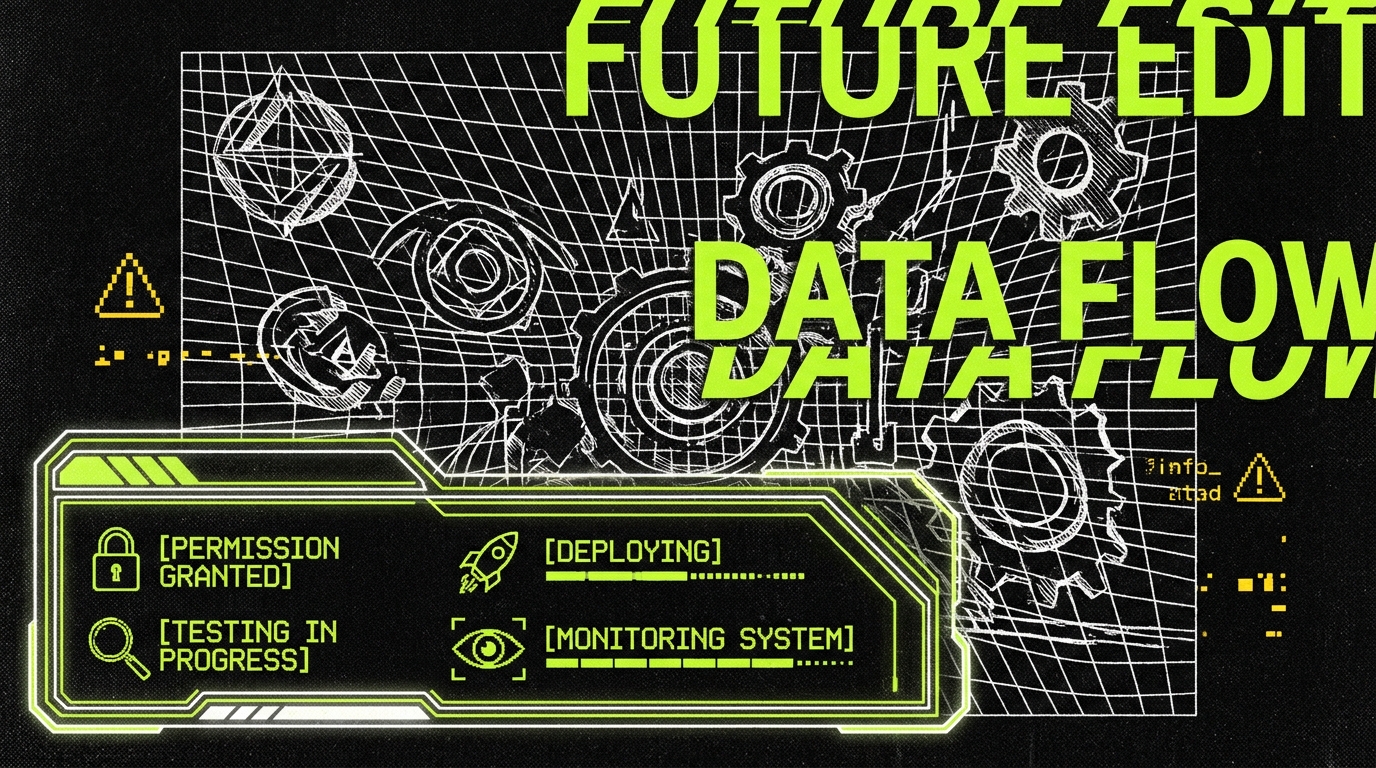
- Deployment: “Can we ship safely and repeatedly?” Example: staging and production should not share databases; secrets must be managed; migrations must be reversible; rollbacks must be possible.
- Operations: “Can we observe, support, and improve it?” Example: you need logs, metrics, alerts, and an on call plan. Without them, every incident becomes a guessing game.
None of this is glamorous. But customers notice it immediately because it affects their time, risk, and confidence. If you want a simple test, ask: “Can we explain how we would handle a bad day?” A prototype usually cannot answer that question.
Why demos impress investors but not customers
Investors and customers evaluate different risks. An investor often asks: “Is this a real market? Can this team build? Is the story coherent?” A customer asks: “Will this break my workflow? Will it leak data? Who fixes it at 2 a.m.?” Both are rational. They just optimize for different outcomes.
This mismatch creates a predictable pattern. The demo optimizes for speed and clarity. It removes friction, hides complexity, and assumes best case inputs. Customers bring friction back because their environment is full of constraints: SSO requirements, procurement rules, data retention policies, and teams that need predictable behavior.
Three concrete “demo illusions” that collapse in week one
Illusion 1: One user type. In a pitch, one login is enough. In production, you need roles like Admin, Member, Viewer, and sometimes “Billing Admin” as a separate permission set. A common failure is letting “Viewer” users trigger expensive AI actions because the UI button is visible, even if the backend blocks it. Customers experience that as confusion and wasted time.
Illusion 2: Perfect data. In a demo, records look consistent. In production, you get duplicates, missing fields, and legacy formats. If your AI feature summarizes customer tickets, you will meet tickets that contain pasted logs, screenshots as text, or multiple languages. Without input validation and clear error messages, support volume spikes.
Illusion 3: No compliance surface. Many teams demo with production-like data copied into a spreadsheet. Customers ask about retention, access logs, and redaction. If you cannot answer “Where is this data stored?” and “Who can retrieve it?” you lose deals even if the feature works.
The operational checklist AI prototypes usually miss
If you want to predict whether an AI prototype will survive contact with customers, check for a few boring artifacts. Not slides. Not prompts. Artifacts that prove the system can be run.
Below is a practical checklist we use when hardening prototypes into production at Apptension. It is not exhaustive, but it covers the failures that most often delay launches.
Permissions: roles, scopes, and audit trails
Permissions are not just “login.” They are the product’s trust boundary. A solid baseline includes role based access control (RBAC), which means you define roles (for example, Admin, Manager, Agent) and map them to allowed actions (create, read, update, delete, export). In many B2B products, you also need scopes such as “only projects in my workspace” or “only tickets assigned to my team.”
Audit trails matter because customers need accountability. An audit log answers: who did what, when, and from where. A concrete example: “User 1842 exported 1,200 records from Workspace A at 2026-07-15 09:12 UTC.” Without this, security reviews stall and incident response becomes guesswork.
Failure handling: retries, timeouts, and user-safe errors
Failure handling is where you decide whether a bad day becomes a minor blip or a crisis. Start with timeouts. If an LLM call can hang for 90 seconds, the UI will feel broken. Set explicit timeouts and return a user-safe message such as: “We could not generate this summary in time. Try again or contact support.” That message should include an internal correlation ID so your team can find the logs.
Then add retries where they make sense. For idempotent operations (safe to repeat), a retry can recover from transient network issues. For non-idempotent operations (like charging a card), retries must be guarded with idempotency keys so you do not double-charge. Customers do not care about the technical nuance. They care that they were charged twice.
Tests: what to automate first in AI-heavy products
Testing AI features is different from testing deterministic code, but it is not optional. The trick is to test what you can control. Start with contract tests for APIs (does the endpoint return the expected shape?), and regression tests for critical flows (can a user sign up, create a project, and export results?). These tests catch most breakages caused by refactors and dependency changes.
For model output, use scenario tests with acceptance criteria. Example: “Given a support ticket with PII, the summary must redact email addresses.” You can implement this as a rule-based check even if the summary text varies. Track a simple metric like Redaction Pass Rate (percentage of summaries with no detected PII). If it drops after a prompt change, you roll back.
Deployment: staging, rollbacks, and safe migrations
A deploy is not “push to main.” It is a controlled change to a running system. At minimum, you need separate environments (staging and production), secrets management (keys not stored in code), and a rollback path. Rollback is not only for code. It is also for database migrations. If you add a column and the migration fails halfway, you need a plan to restore service.
Feature flags help reduce risk. A concrete example: release the AI summarization feature to 10% of users first. Track errors and latency. If the Change Failure Rate (percentage of deploys that cause incidents or rollbacks) spikes, pause. This is how you avoid shipping a problem to every customer at once.
Operations: logs, metrics, alerts, and on call reality
Operations is the part most prototypes ignore because it does not change the demo. But it changes everything after launch. You need structured logs (so you can filter by user ID, request ID, and feature), metrics (so you can see trends), and alerts (so you know when users are hurting).
Pick metrics you can act on. For reliability, track MTTR (mean time to recover) and set a target like “restore within 30 minutes for P1 incidents.” For delivery, track Deployment Frequency (releases per week) and Lead Time for Changes (median time from code merged to deployed). For AI costs, track Cost per Task (for example, dollars per generated report) so you can spot runaway usage or inefficient prompts.
What “agentic” means when you have to ship, not just demo
“Agentic” can mean many things, so it is worth being precise. In this context, an agentic workflow is a system where tools (code generation, test generation, infrastructure templates, QA scripts) execute tasks with partial autonomy, but under constraints and review. The point is not to remove engineers. The point is to compress the time between idea and a deployable, supportable increment.
Where agentic approaches help is the boring volume work: scaffolding endpoints, generating test cases, drafting runbooks, and producing consistent documentation. Where they fail is judgment. For example, deciding whether to use RBAC or attribute based access control (ABAC), or deciding what to log for privacy, is not something you should outsource to a model without senior review.
Two places agentic delivery often goes wrong
Wrong incentives: optimize for output, not outcomes. If you measure success by “number of screens built” or “lines of code generated,” you get a feature factory. A feature factory is a team that ships volume while user value stays flat and support load rises. You can spot it by tracking Feature Adoption Rate (percentage of active users using a new feature) and Support Ticket Rate (tickets per 100 active users). If adoption is low and tickets climb, output is not the problem.
No guardrails: tools can create risk faster than they create value. AI can generate a working admin panel in a day. It can also generate insecure defaults, missing authorization checks, and silent error handling. A practical guardrail is a “definition of done” that includes security and ops items, not just UI completion. Another is mandatory code review by a senior engineer for auth, payments, and data access paths.
Fixed-menu MVP delivery: why scope discipline beats open-ended builds
Many teams try to close the last 20% by “just doing a bit more.” That approach fails because the work is not a bit more. It is a different category of work: risk reduction, operational readiness, and quality control. If you keep scope open-ended, you end up negotiating every missing piece while the deadline slips.
A fixed-menu MVP model treats production readiness as part of the product, not an add-on. “Fixed menu” means the delivery package has a defined set of components. You can choose options, but you do not invent the entire process mid-flight. This helps buyers because they can budget and plan. It helps builders because it prevents the endless “can we also add…” that eats the timeline.
What’s typically on the menu (with concrete deliverables)
A practical fixed-menu MVP for an AI product usually includes:
- Product slice: 1-2 core user journeys end to end (for example, “upload data → generate insight → share report”). Not five half-finished features.
- Identity and permissions: SSO or email login, RBAC roles, and an audit log for sensitive actions like exports and admin changes.
- Reliability basics: timeouts, retries for safe operations, idempotency for webhooks, and user-safe error states.
- Test suite baseline: smoke tests for critical flows, API contract tests, and a small set of AI scenario tests (like PII redaction checks).
- Deployment pipeline: staging and production environments, secret management, and a rollback plan tested at least once.
- Ops pack: dashboards for latency and error rate, alerts for key failure modes, and a short runbook for common incidents.
At Apptension, we have seen this structure reduce “unknown unknowns” because it forces early decisions. For example, you decide in week one whether you need workspace-level isolation (separate tenants) or simple per-project permissions. That decision affects database design, logging, and support workflows.
A realistic 4 - 8 week plan to close the gap
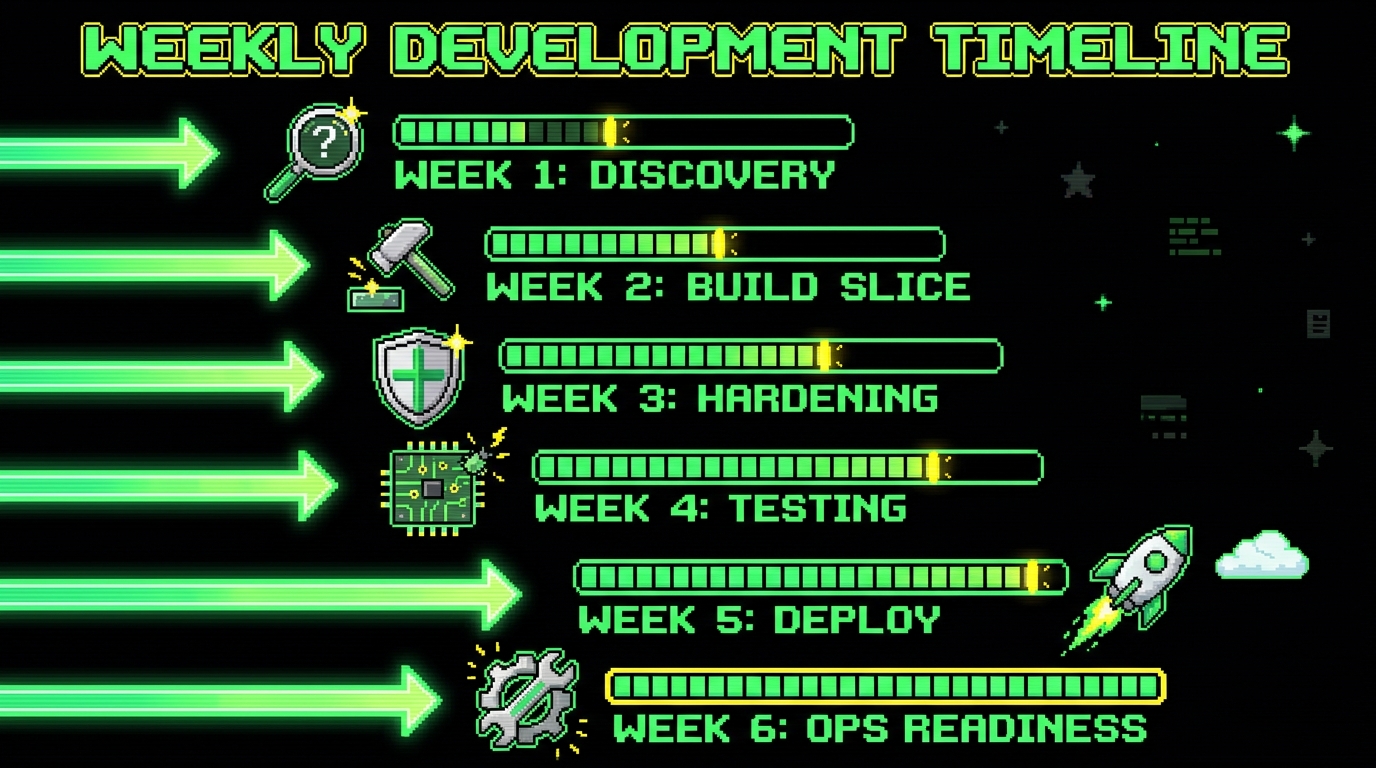
Four to eight weeks is enough time to ship a production-ready MVP if you keep the surface area small and treat operations as a first-class requirement. It is not enough time to build a full platform, a marketplace, and a perfect admin suite. The plan below assumes a small team and a narrow scope, which is the point.
Here is a concrete week-by-week structure that matches how we deliver MVPs when the goal is “customers can use it,” not “the demo looks finished.”
- Week 1: Define the slice and the risks. Write down the two primary user roles and their top tasks. List failure modes: “LLM timeout,” “wrong permissions,” “duplicate webhook,” “export abuse.” Set success metrics such as Activation Rate (percentage of signups who complete the first key action) and P95 Latency (95th percentile response time) for the core endpoint.
- Weeks 2 - 3: Build the end to end flow. Ship the smallest version of the product slice with real auth and basic logging. Avoid building a “settings galaxy.” If you need configuration, start with one screen and sensible defaults.
- Weeks 3 - 5: Harden the last 20%. Add RBAC checks on the backend, not just the UI. Implement timeouts and user-safe error handling. Add idempotency for external calls. Create the first dashboards for error rate and latency.
- Weeks 5 - 6: Test and stabilize. Write smoke tests for the core flow, contract tests for key APIs, and AI scenario tests for critical constraints (like redaction). Track Defect Escape Rate (bugs found after release / total bugs) and aim to push it down each week.
- Weeks 6 - 8: Deploy, run, and iterate. Set up staging, production, and a release checklist. Do a controlled rollout using feature flags. Run a short “operations rehearsal” where you simulate an incident and measure MTTR.
The key is sequencing. If you postpone permissions and operations until the end, you will rebuild. If you include them from the start, the architecture stays honest.
How to measure whether you’re building a product or a demo
Teams often track the wrong numbers because they are easy to count. Screens, story points, and “features shipped” are output metrics. They can be useful internally, but they do not tell you whether customers are succeeding. To know if you are building a product, you need a small set of outcome and reliability metrics tied to real behavior.
Below is a practical scorecard. You do not need all of it on day one, but you should be able to add it within the MVP window.
Customer value metrics (are users getting results?)
- Activation Rate: percentage of new accounts that complete the first meaningful action (for example, “created first report”). If 200 people sign up and 60 complete the action, Activation Rate is 30%.
- Time to First Value: median time from signup to that first meaningful action. If it is 45 minutes, you likely have onboarding friction or unclear copy.
- Feature Adoption Rate: percentage of active users who use the new AI feature at least once a week. This prevents shipping features nobody touches.
Reliability and ops metrics (can you run it?)
- P95 Latency: the 95th percentile response time for key endpoints. If the median is 800 ms but P95 is 8 seconds, some users are suffering consistently.
- Error Rate: percentage of requests that return 4xx/5xx. Track separately. A spike in 401/403 often means permission bugs or token issues.
- MTTR: mean time to recover from incidents. If MTTR is “whenever someone notices,” you do not have alerts.
- Change Failure Rate: percentage of deployments that cause rollback or incident. If it is above 20% for an MVP, you need smaller releases and better tests.
AI-specific quality and cost metrics (is the model helping?)
- Task Success Rate: percentage of AI runs that meet acceptance criteria. Example: “summary includes next steps and excludes PII.”
- Human Override Rate: percentage of outputs users edit or discard. A high rate can be fine early, but it should trend down as you improve prompts and context.
- Cost per Task: dollars per generated output (report, summary, classification). If it rises with scale, you may need caching, smaller models, or better prompt efficiency.
If you cannot describe how you detect failures and how you recover, you do not have a product yet. You have a demo with a support burden waiting to happen.
When the fun prototype becomes a real business
There is a moment founders recognize in their gut: strangers depend on the product. Payments move. Data is real. Someone’s Monday breaks if you are down. That is when security, resilience, reliability, and availability stop being optional vocabulary and become the job.
Map those words to evidence, not slogans:
- Security: authentication, authorization, secrets, and data boundaries you can explain
- Resilience and reliability: failure handling, tests tied to requirements, and rollback paths
- Availability: environments, health checks, monitoring, backups, and a named incident contact
On Agentic MVP, that evidence set is the quality bar behind Launch. Validate still matters earlier: Blueprint and a working prototype without pretending you already shipped production. If you are crossing from demo to dependence, start with a fit conversation and pick the package that matches the risk, not the adrenaline.
Conclusion: ship the boring parts on purpose
AI makes it easier to build convincing prototypes. That is useful. It reduces the cost of learning. It helps teams explore ideas and show intent. But it also increases the risk of mistaking a working demo for a shippable product.
The hidden last 20% is not optional work you can postpone. Permissions, failure handling, tests, deployment, and operations are the parts customers use indirectly every day. They feel them as trust, speed, and predictability. When those parts are missing, the product feels fragile even if the AI is impressive.
A fixed-menu, agentic MVP delivery model closes the gap because it forces scope discipline and includes production readiness as a deliverable. In practice, that is how you get from “it works on my laptop” to “customers can rely on it” in 4 - 8 weeks. Not by adding more features, but by making the existing ones survivable.
Next step: greenfield Validate→Launch on Agentic MVP, harden an existing demo via Prototype to Production, or read Validate before you hire an engineering team.