What changed in July 2026 (and why leaders should care)
July 2026 did not bring one new tool that “wins.” It brought a more useful signal: the market is converging on how teams adopt AI coding agents. On Hacker News, the debates are less about “can it code” and more about “can we control it,” “can we measure it,” and “what happens when the vendor changes pricing or retires a product.” Product Hunt still rewards novelty, but the comments and follow ups show teams asking for audit logs, policy controls, and predictable workflows. GitHub trending shows the same pressure from the other direction: more repos that help you run agents in repeatable ways, not just demos.
Two events made the risk obvious. Gemini CLI retirement reminded everyone that a tool can vanish even if it has users. GitHub Copilot Desktop going GA made the opposite point: some tools will become “default,” so teams will face pressure to standardize. When those two realities land in the same quarter, engineering leaders stop asking “which tool” and start asking “what is our adoption program and what do we standardize.”
At Apptension, we see this pattern in delivery work when clients ask for “Copilot rollout” and then, two weeks later, ask for “Claude Code for backend” and “Aider for refactors.” The request is not indecision. It is a rational response to a fast changing tooling layer. The stable layer needs to be your internal harness: policies, guardrails, metrics, and a workflow that stays intact when tools change.
The signal sources: what HN, Product Hunt, and GitHub trending imply
Hacker News is a good proxy for friction. When a tool is easy and reliable, people post results. When it is messy, they post failure modes. In July 2026 threads about CLI agents and MCP servers, the repeated themes were operational: prompt drift, inconsistent diffs, “it worked yesterday,” and security concerns around what the agent can read. That is not negativity. It is a map of what breaks first when you try to scale beyond one enthusiastic engineer.
Product Hunt is a good proxy for packaging. Tools that climb there tend to reduce setup time and improve onboarding, which matters for adoption programs. But the comments often expose the missing enterprise basics: SSO, role based access control, data retention, and admin visibility. If your adoption plan relies on Product Hunt energy alone, you will get a spike in trials and a slow decline when teams hit policy walls.
GitHub trending is a good proxy for building blocks. In July 2026, trending repos around agent frameworks, MCP servers, and “bring your own model” wrappers show that teams want composability. They want to swap models (for cost or privacy), swap front ends (CLI, desktop, IDE), and still keep the same workflow. The strategic takeaway is simple: the environment is moving toward interchangeable parts, so your internal standards should do the same.
CLI coding agents are winning mindshare (for specific jobs)
CLI agents are popular because they match how engineers already work: terminals, scripts, git, and CI. They also make automation easier. You can run a CLI agent against a repo, capture the diff, and gate it with tests in CI. That is harder to enforce when the agent lives only inside an IDE UI with limited exportable context.
Concrete examples show why teams keep multiple agents around. Aider is often chosen for targeted refactors because it is diff first and tends to keep changes scoped. Claude Code gets picked for multi file reasoning tasks like “trace this bug across services and propose a fix,” where context size and narrative reasoning matter. Copilot CLI shows up in teams already standardized on GitHub, because identity and billing are easier to manage. OpenCode (as it appears in community discussions) is used by teams that want a more open, scriptable workflow and fewer locked in assumptions.
Leaders should also note what CLI agents are not good at. They can generate a lot of code quickly, but they can also generate a lot of plausible wrong code quickly. The failure mode is not “it crashes immediately.” It is “it passes unit tests but violates a business rule,” or “it adds a dependency that increases your container image by 300 MB,” or “it introduces a subtle performance regression.” That is why adoption needs harness level controls, not just tool training.
MCP server proliferation: integration is the new battleground
MCP (Model Context Protocol) server growth is a signal that teams want agents to act with bounded power. An MCP server is basically a controlled bridge between the model and tools or data sources. Instead of giving an agent raw access to everything, you expose specific capabilities: “read issues from Jira,” “fetch logs from this environment,” “open a pull request,” or “query this database view.” The point is not convenience. The point is making access explicit and auditable.
In practice, MCP server proliferation happens when teams hit the same pain: engineers want the agent to answer questions that require context outside the repo. For example, “why did checkout latency spike after release 1.42” needs logs, traces, deployment history, and feature flags. Without a controlled interface, people copy paste sensitive data into a chat window. With an MCP server, you can restrict the query to a safe subset, log every call, and keep a record of what data left the system.
This is also where security and compliance stop being abstract. If you build software in regulated environments, you need controls like: data minimization (only send the fields you need), retention policies (how long prompts and outputs are stored), and access controls (who can call a “prod logs” tool). The operational version of this is straightforward: treat MCP servers like internal APIs. Version them, document them, add rate limits, and monitor usage.
Gemini CLI retirement and Copilot Desktop GA: the vendor risk lesson
Gemini CLI retirement is a clean example of vendor risk. It is not about one product being “bad.” It is about the cost of adopting a tool that becomes part of daily work and then disappears. The migration cost is not only switching commands. It includes retraining, rewriting internal docs, updating onboarding, and revalidating security approvals. If you have 80 engineers and you spend even 2 hours per person on migration, that is 160 engineering hours, before you count the productivity dip during the transition.
Copilot Desktop going GA sends a different message: some tools will become defaults in organizations because procurement and identity are easy. That can be good. A default tool reduces choice paralysis and helps you build consistent training. But it can also create a false sense of safety, where teams stop evaluating quality and cost because “it is the standard.” Leaders should treat GA as a procurement milestone, not a quality guarantee.
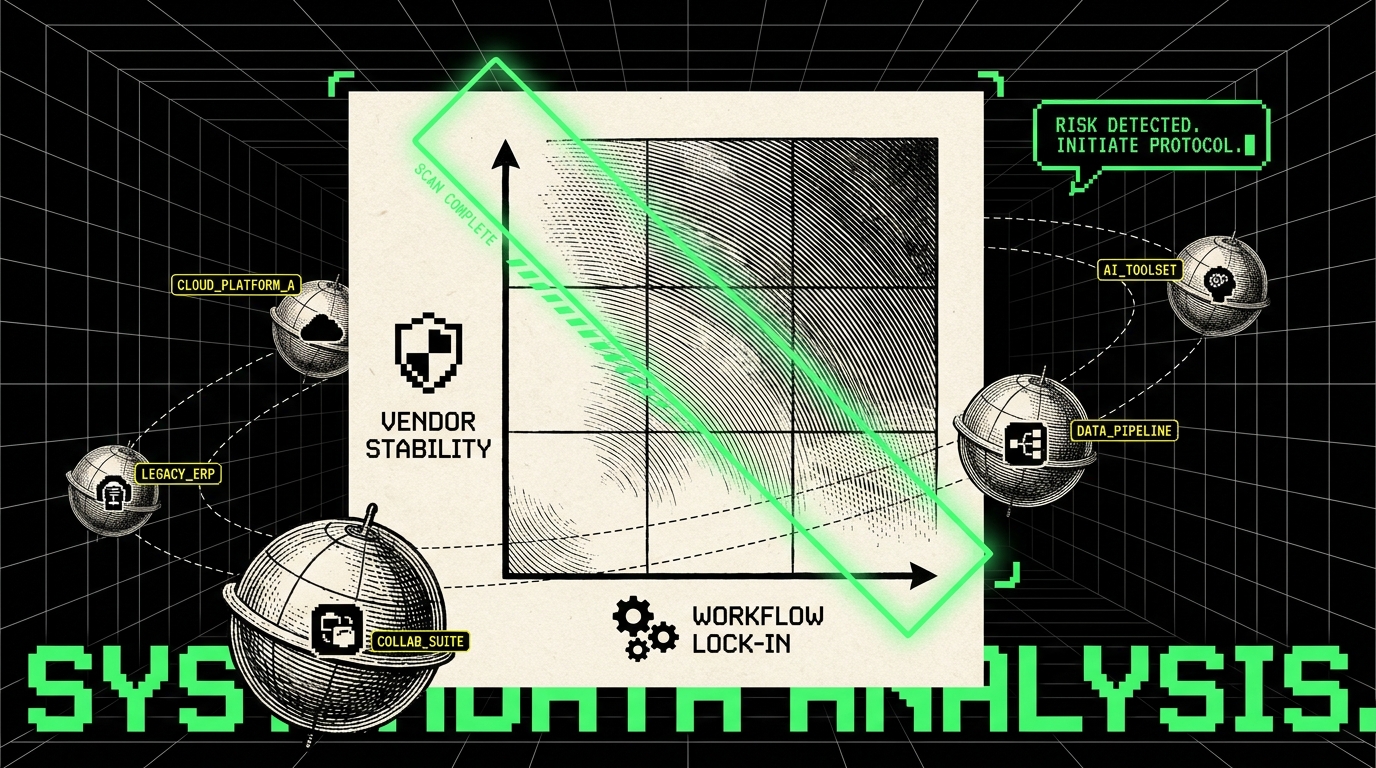
The balanced approach is to standardize on interfaces and policies, not on a single agent. If Copilot Desktop becomes the default UI, fine. Your harness should still allow exceptions for tasks where Aider or Claude Code performs better, and it should still allow a future swap if pricing, licensing, or data terms change.
Why teams are standardizing on harnesses (not single-tool bets)
A harness is the set of repeatable components that make AI coding safe and measurable across tools. Think of it like the difference between “we use one testing library” and “we have a testing strategy.” The library can change. The strategy stays. For AI coding, the harness usually includes: approved tools list, model and data policies, prompt and workflow templates, evaluation gates, and telemetry.
Teams choose harnesses because the underlying problems are not tool specific. They are workflow problems. Example: “agent generated PRs are hard to review” does not go away if you switch from Copilot CLI to OpenCode. You fix it by standardizing PR structure (summary, risk notes, test evidence), enforcing smaller diffs, and requiring reproducible steps. Another example: “engineers paste secrets into prompts” is not solved by a new UI. You solve it with secret scanning, redaction rules, and training that includes concrete do and do not examples.
In Apptension delivery, we often see clients succeed when they treat AI coding like any other productivity layer: they define a baseline, run a controlled pilot, and then scale with guardrails. The harness makes that possible. Without it, you get a patchwork: one team writes great internal prompts, another team uses a different tool with no logging, and leadership cannot answer basic questions like “did this reduce cycle time or just move work to code review.”
What a practical harness contains
A harness is not a big platform project. A first version can be a set of conventions and a few lightweight services. The key is that each element is observable and enforceable. “Be careful” is not enforceable. “PRs from agents must include a test run output and a rollback plan” is enforceable.
- Workflow templates: PR description templates that require “what changed,” “why,” “tests,” and “risk.” For example, require a line like “Tests: unit (pass), integration (not run), e2e (pass on staging).”
- Policy controls: approved model list, rules for sensitive repos, and data handling. Example: “No customer PII in prompts. Use synthetic examples or masked logs.”
- Evaluation gates: automated checks that run on agent PRs. Example: lint, unit tests, dependency license scan, and a “diff size” rule that flags PRs above 500 changed lines for manual review.
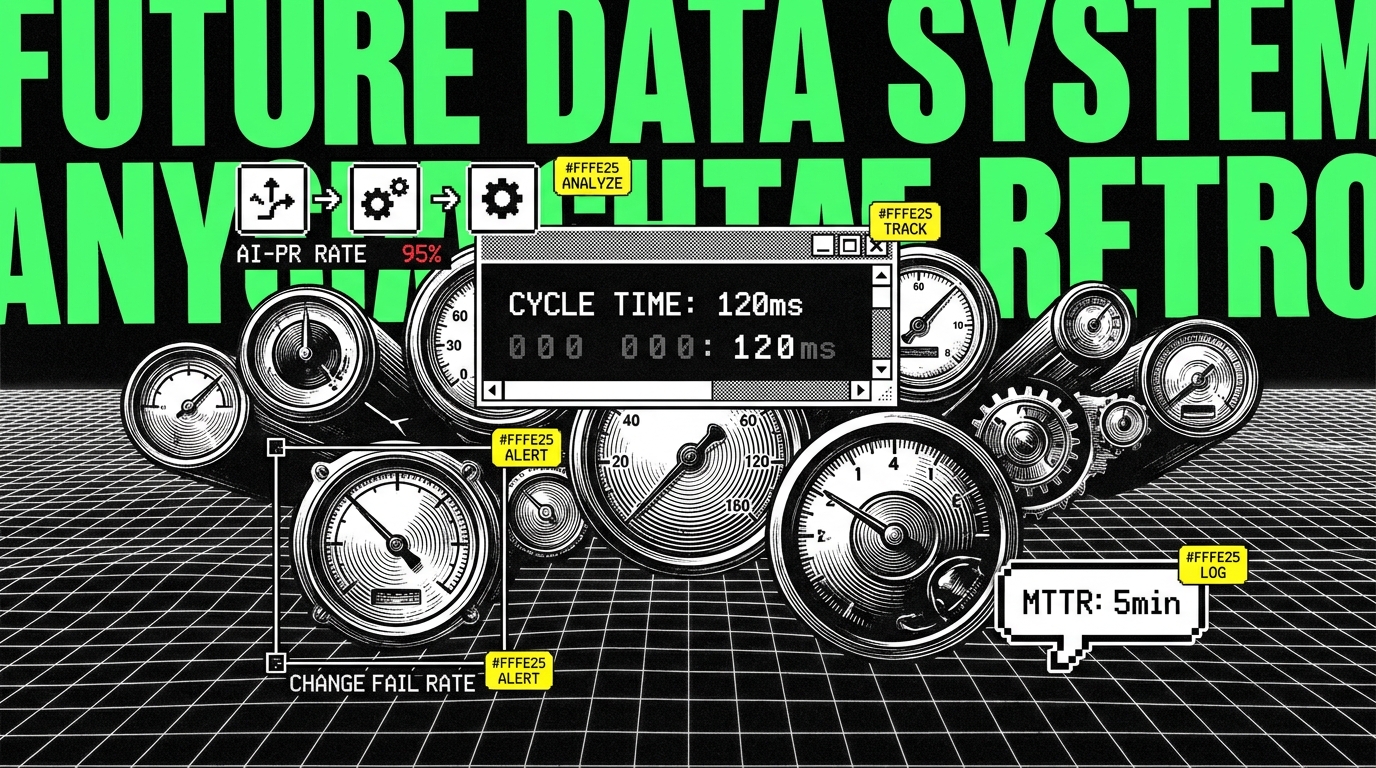
- Telemetry: track adoption and outcomes. Example: % of PRs with AI assistance, median cycle time, review time, and change failure rate.
What this means for adoption programs (and how to run one)
An adoption program is not a lunch and learn. It is a controlled change to how software gets produced. The goal is not “more AI usage.” The goal is better throughput without increasing risk. That means you need a baseline, a pilot design, and metrics that can show both improvement and harm.
Start with a baseline for delivery and operations. Useful metrics include: Cycle Time (median time from first commit to deployed), Deployment Frequency (deploys per day or week), Change Failure Rate (percentage of deploys that cause rollback or hotfix), and MTTR (mean time to recover from incidents). Add review metrics like Time to First Review (minutes or hours) and Rework Rate (percentage of PRs that need major changes after review). If AI increases deployment frequency but also increases change failure rate, you did not get productivity. You got churn.
A 30-60-90 day rollout that does not collapse under its own weight
A time boxed plan helps because tools and opinions change weekly. In the first 30 days, focus on safe use cases and documentation. Examples: test generation for legacy modules, drafting internal docs, or writing small refactors behind feature flags. Require that every AI assisted PR includes a short note: “What I asked,” “What I accepted,” and “What I verified.” This builds review literacy and creates training data for your own teams.
In days 31-60, introduce the harness gates and start comparing tools on the same tasks. For example, run a “refactor week” where engineers can choose Aider, Claude Code, OpenCode, or Copilot CLI, but they must use the same PR template and the same CI checks. Collect structured feedback: time saved (self reported), defects found in review, and number of follow up fixes after merge. This is not perfect science, but it is better than vibes.
In days 61-90, standardize defaults and formalize exceptions. Pick a default tool for most engineers, usually the one with the best admin controls and lowest onboarding cost. Then define approved alternates for specific tasks, like “Aider allowed for refactors above 5 files” or “Claude Code allowed for incident response analysis with masked logs.” This keeps flexibility without letting every team invent its own rules.
Training that sticks: teach review, not prompt tricks
Most training fails because it focuses on clever prompts. Prompt tricks decay fast as tools change. What stays useful is review discipline. Teach engineers to verify claims, not to trust fluent output. For example: if the agent says “this improves performance,” require a benchmark result like “p95 latency from 220 ms to 180 ms on staging with 10k requests.” If it says “this fixes the bug,” require a reproduction test that fails before and passes after.
Make the training concrete with a few standard scenarios. Use a small service with known issues and ask engineers to: generate a failing test, apply a fix, and produce a PR with risk notes. Score the output with a simple rubric: correctness (tests pass), scope (diff size), and explainability (can a reviewer follow it). This turns adoption into a skill, not a tool loyalty contest.
Decision framework: how to choose tools without getting stuck
Engineering leaders still need to pick tools. The mistake is picking tools based on demos. A better approach is to score tools against your constraints. Use a short list of criteria that map to real costs: admin controls, data handling, integration, and measurable impact on delivery metrics.
Below is a practical scoring checklist we use in discovery and rollout planning. Each item should have an observable test, not a promise from marketing copy. For example, “audit logs” means you can export who ran what, when, and on which repo, not “we care about security.”
- Governance: SSO support, role based access, audit logs export, retention settings. Example test: can you disable access for a contractor and verify it within 10 minutes?
- Data boundaries: can you block certain repos, redact secrets, or restrict tool calls? Example test: does the tool prevent sending files under
secrets/or.env? - Workflow fit: PR based flow, ability to run in CI, diff quality. Example test: can it produce a PR with under 200 lines changed for a small feature?
- Cost control: predictable pricing and usage limits. Example test: can you cap spend per team per month and alert at 80%?
- Quality impact: effect on change failure rate, review time, and incident volume. Example test: compare 20 AI assisted PRs vs 20 non assisted PRs for post merge fixes.
What “good” looks like in the numbers
You do not need perfect attribution, but you do need directional clarity. A healthy pilot often shows a reduction in Cycle Time for small changes, like lowering median from 3.2 days to 2.4 days for bug fixes, without a rise in Change Failure Rate. You may also see Time to First Review drop if PRs are smaller and better explained. If review time increases because PRs are larger or harder to understand, that is a harness problem: you need diff limits, better templates, or stricter “one intent per PR” rules.
Also watch support and operations signals. If AI increases the rate of minor regressions, your MTTR might rise because on call engineers spend more time diagnosing. Pair delivery metrics with ops metrics like Incident Count per week and Rollback Rate (percentage of deploys rolled back). If those worsen, slow down and tighten gates.
Conclusion: standardize the workflow, keep the tools flexible
July 2026 signals point to a stable conclusion: AI coding agents are becoming normal, but the tool layer is volatile. CLI agents keep growing because they fit existing workflows and automate well. MCP servers keep spreading because teams need controlled context and auditable actions. Vendor events like Gemini CLI retirement and Copilot Desktop GA show why you cannot treat any single tool as permanent.
The practical response is a harness. Define policies, templates, evaluation gates, and telemetry that apply across OpenCode, Copilot CLI, Claude Code, Aider, and whatever comes next. Then run an adoption program that measures outcomes with concrete metrics like cycle time, change failure rate, and MTTR. You will still make tool choices, but you will not be trapped by them. That is the difference between “we tried an agent” and “we improved how we ship software.”