Why this decision matters in July 2026
In 2026, “AI in the IDE” is not the main question anymore. Most teams already have some form of autocomplete, chat, or code review assistance. The harder question is operational: how do you standardize terminal and background agents so they help, don’t leak data, and don’t turn your cloud bill into a surprise.
Terminal agents touch production shaped systems. They run commands, generate migrations, edit infrastructure code, and open pull requests. Background agents can run for hours. They can index repositories, evaluate test failures, or draft refactors across multiple services. Once these agents exist, your organization needs a control plane, cost governance, and a clear stance on vendor neutrality.
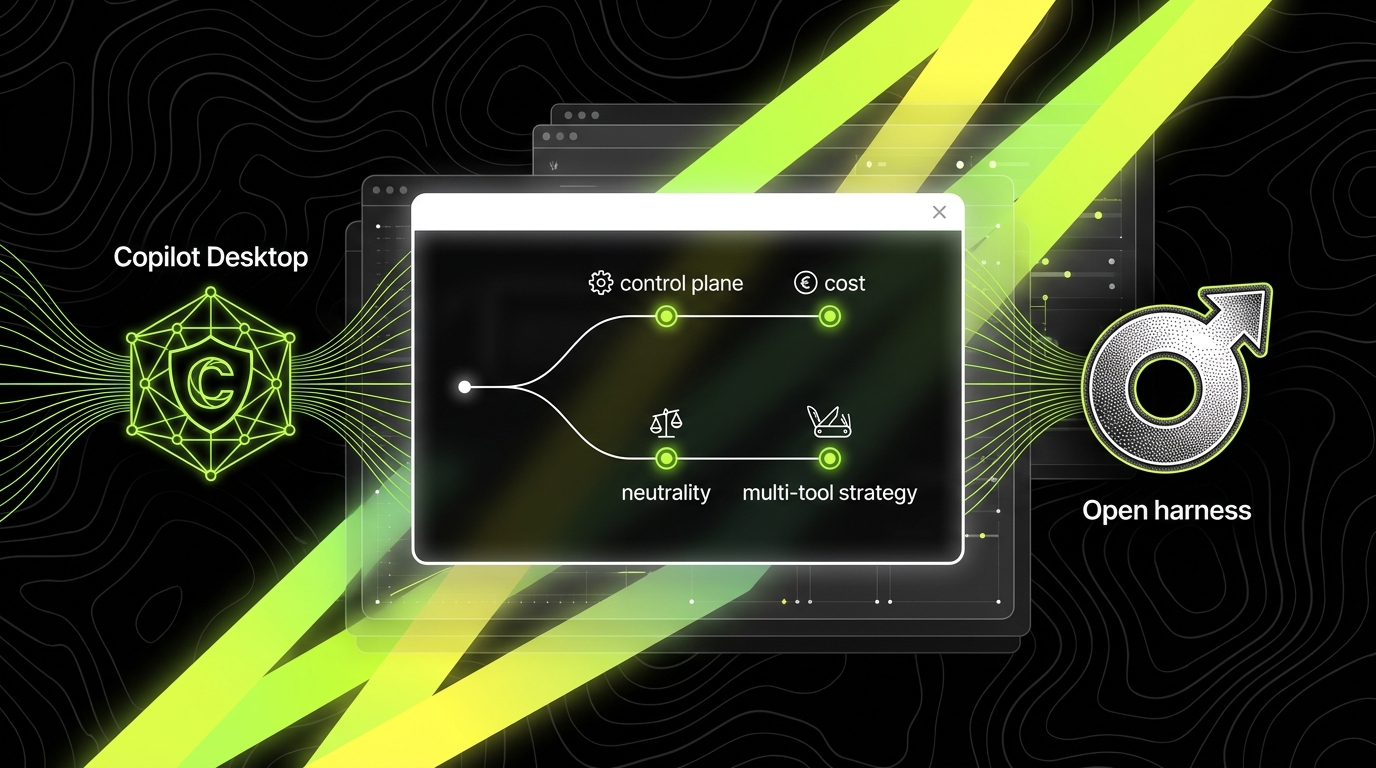
This article frames a CTO decision between GitHub Copilot Desktop and open agent harnesses (tooling you host or assemble that can run multiple models and agent frameworks). It is not a feature checklist. It is a decision frame you can use to write policy, pick defaults, and still allow exceptions when they pay for themselves.
Define what you are standardizing: terminal vs background agents
Many CTOs try to standardize “an AI tool.” That fails because terminal agents and background agents have different risk profiles. A terminal agent is interactive and executes short lived tasks: run tests, grep logs, generate a patch, open a PR. A background agent is asynchronous and persistent: it monitors CI failures, triages issues, or runs long refactor plans across repos.
Write down the job types you want to support. For terminal agents, common jobs include “fix a failing unit test,” “add a feature flag,” or “prepare a release note.” For background agents, common jobs include “daily dependency update PRs,” “security scan triage,” or “generate a weekly incident summary from tickets and postmortems.” These job types define what permissions and audit trails you need.
What “standardization” should mean in practice
Standardization is not “everyone uses the same UI.” It is a set of defaults and guardrails: identity, permissions, logging, and cost controls. For example, you can allow multiple front ends (CLI, desktop app, IDE) while enforcing that all agent actions go through the same repository access policy and the same audit log.
A useful way to express standardization is to define three tiers. Tier 1: safe by default tasks (read only repo, draft PRs, no secrets access). Tier 2: elevated tasks (write access to certain repos, can run tests in CI). Tier 3: production adjacent tasks (infrastructure changes, database migrations), which require human approval and stronger logging.
Metrics that tell you if agents help or hurt
If you do not measure outcomes, you will end up measuring tool adoption. Adoption is a vanity metric because people can use an agent and still ship bugs. Instead, track delivery and reliability metrics that connect to business outcomes.
- Cycle Time: median time from “in progress” to “deployed.” If agents help with boilerplate and test fixes, Cycle Time should drop for small changes.
- Change Failure Rate: percentage of deployments that cause rollback, hotfix, or incident. If agents increase risky changes, this number rises.
- MTTR (mean time to recover): average time to restore service after an incident. Background agents that summarize logs and propose fixes can reduce MTTR, but only if they have correct context and access.
- Cost per merged PR: total AI spend divided by merged PR count (or story points if you must, but PRs are more observable). This catches runaway background usage.
Control planes: who can do what, where, and with what proof
A control plane is the system that governs identity, permissions, policy, and audit for agents. CTOs often discover they already have partial control planes: GitHub org settings, SSO, device management, and CI policies. The question is whether your agent layer fits into those controls or bypasses them.
GitHub Copilot Desktop tends to align with an enterprise GitHub setup: org level policies, seat management, and a clearer mapping between user identity and tool access. Open harnesses can be stronger, but only if you build or adopt the missing pieces: a policy engine, a secrets boundary, and an audit pipeline that security will accept.
Identity and permissioning
Identity is not just “who logged in.” It is “which principal performed which action.” In a safe setup, the agent never uses a shared token copied into a config file. It uses a per user identity (for interactive tasks) or a per service identity (for background tasks), both tied to SSO and rotated credentials.
For terminal agents, a practical policy is: the agent can read the repo, create branches, and open draft PRs, but it cannot merge. For background agents, a practical policy is: it can open PRs only in designated repos (for example, “dependencies” repos) and only with labels like ai-generated and required reviewers. These are concrete permission boundaries that reduce “agent did a thing, nobody knows why” incidents.
Auditability: what you need to log
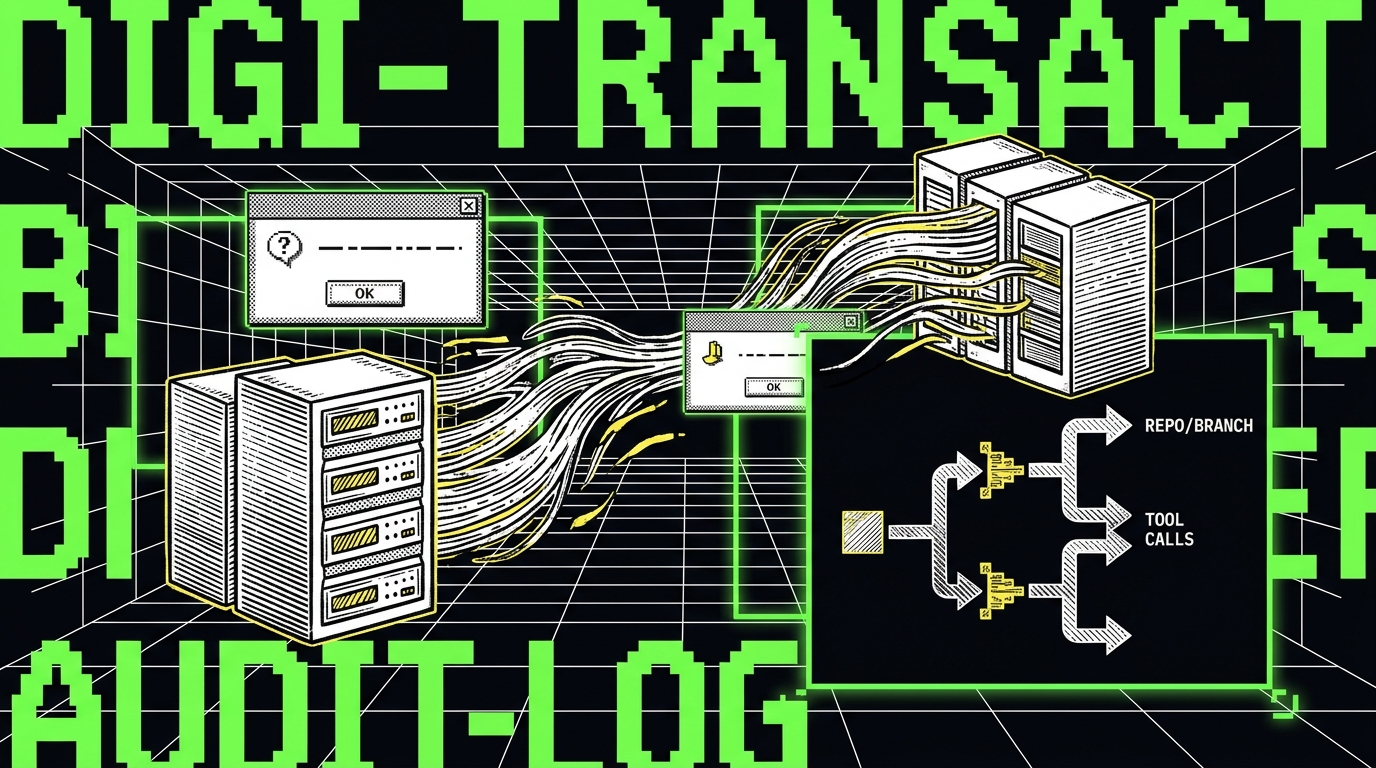
Audit logs need to be useful during an incident, not just present. At minimum, you want: prompt or instruction, tool calls (commands executed, files changed), model used, repository and branch, timestamps, and the human who approved the action. If you cannot answer “why did this migration run” in under 10 minutes, your audit setup is not working.
In Apptension delivery, we treat agent audit data like CI logs: it must be searchable and retained. When we build AI features for regulated environments, we often set retention targets such as 90 days hot storage for search and 1 year cold storage for compliance. The exact numbers vary, but the point is to make retention a decision, not an accident.
Cost governance: stop paying for “idle thinking”
Copilot style pricing often feels predictable because it is seat based. That predictability is real, but it can hide waste: you pay for seats that rarely use the tool, and you still have hidden costs in compute (CI minutes, preview environments) triggered by agent generated changes. Open harnesses can be cheaper or more expensive depending on how you meter usage and how many background agents you let run.
Cost governance is not just “set a budget.” It is a set of mechanisms: rate limits, per team quotas, and visibility down to the job level. If a background agent runs nightly across 40 repos, the unit of cost is not “token usage.” It is “cost per repo per run” and “cost per accepted PR.” Those are the numbers finance and engineering can both argue about productively.
Budget models that work in real organizations
Three budget models show up in practice. First, seat budgets: simple, stable, but can overpay for low usage teams. Second, usage budgets: pay per token or per request; fairer, but can create anxiety if teams fear overages. Third, job budgets: you fund specific workflows, like “dependency updates” or “CI failure triage,” and measure ROI per workflow.
Job budgets are often the most useful for background agents. Example: you allocate $1,000 per month for dependency PR automation. You then track “PR acceptance rate” (percentage merged without major rewrites) and “security exposure days” (median days between CVE disclosure and patch merged). If acceptance is 20% and exposure days do not improve, you stop or redesign the workflow.
Cost metrics to put on one dashboard
CTOs need a small set of numbers that prevent both overspending and underinvestment. A workable dashboard includes:
- AI spend per engineer per month (seat + usage). This catches uneven rollout patterns.
- AI spend per merged PR. This catches background agents that generate noise PRs.
- Acceptance rate of agent generated PRs. Track “merged as is,” “merged with minor edits,” and “closed.”
- CI cost delta: change in CI minutes after agent rollout. Agents can increase test runs and branch churn.
When we help teams move from prototype to production AI, we usually add one more metric: human review time. If a senior engineer spends 30 minutes rewriting every agent PR, you did not save time. You moved it.

Vendor neutrality: what you gain, what you pay for
Vendor neutrality means you can switch models, providers, or agent frameworks without rewriting your whole workflow. In practice, neutrality is rarely free. You pay with integration work, operational ownership, and sometimes a less polished developer experience.
Copilot Desktop is a vendor committed path. That can be a good deal when you want a single throat to choke, consistent updates, and fewer internal tools to maintain. Open harnesses are closer to “bring your own model,” which helps when procurement, data residency, or specialized models matter. The trade is that you now own more failure modes.
Concrete neutrality requirements to validate
Neutrality is not a slogan. Write down requirements you can test in a week. For example: “We can route coding tasks to Model A and documentation tasks to Model B,” or “We can run the same agent workflow on a hosted model and an on premise model.” Then verify with a small pilot.
Also validate the prompt and tool contract. If your harness uses a tool calling schema, you want it documented and stable. Otherwise, switching providers breaks your workflows in subtle ways, like different JSON formats for tool calls or different token limits that truncate file context.
Data boundaries and regulated environments
For regulated environments, neutrality often starts with data boundaries. You may need to guarantee that certain repositories never leave your network, or that prompts and outputs are not used for provider training. These requirements are easier to enforce when you control the harness and can route sensitive work to a private deployment.
In Apptension’s Generative AI Solutions work, we often split workloads by sensitivity. Example: a public marketing site repo can use a hosted model with standard enterprise terms, while a payments service repo uses a private model endpoint and stricter logging. This is vendor neutrality as a risk control, not as ideology.
Control plane patterns: managed desktop vs open harness
To compare Copilot Desktop and open harnesses, focus on how each handles four operational questions: policy, observability, integration, and incident response. A desktop tool can be easy to roll out, but hard to observe beyond what the vendor exposes. A harness can be deeply observable, but only if you invest in it like a product.
CTOs should avoid a false binary. Many organizations end up with Copilot Desktop as the default for interactive work and an open harness for a few background workflows where they need stronger controls or different models. The key is to make that split intentional and measurable.
Managed desktop pattern (Copilot Desktop as default)
This pattern works when you want fast adoption and consistent developer experience. You standardize on one vendor, integrate with SSO, and enforce org level policies. You accept that some controls are “good enough” rather than bespoke, and you rely on vendor roadmaps for missing features.
Where it fails is usually in background automation. Desktop tools are built around a user session. Background jobs need service identities, scheduling, and stronger audit. If you try to force background work into a desktop model, you end up with brittle scripts and shared tokens, which security teams correctly hate.
Open harness pattern (policy and routing first)
This pattern starts with a harness that sits between developers and models. It can be a CLI plus a service that enforces policy, logs tool calls, and routes requests to different providers. You can implement rules like “infra repo uses private endpoint” or “commands that touch Kubernetes require approval.”
Where it fails is ownership. If nobody owns the harness roadmap, it becomes an internal tool that breaks weekly. The failure mode looks like this: engineers stop trusting it, then they bypass it with direct vendor tools, and you lose the very controls you built it for.
When a multi tool strategy is the right answer
Multi tool strategies sound messy, but they are common because needs differ. A mobile team may want a tight IDE experience for Swift and Kotlin. A platform team may want a background agent that manages Terraform drift. A data team may want a model that is better at SQL and schema reasoning. One tool rarely wins every category.
The goal is not to let every team buy anything. The goal is to define a small approved set, with clear lanes and exit criteria. “Approved” should mean security review, cost model, and support plan, not just a Slack poll.
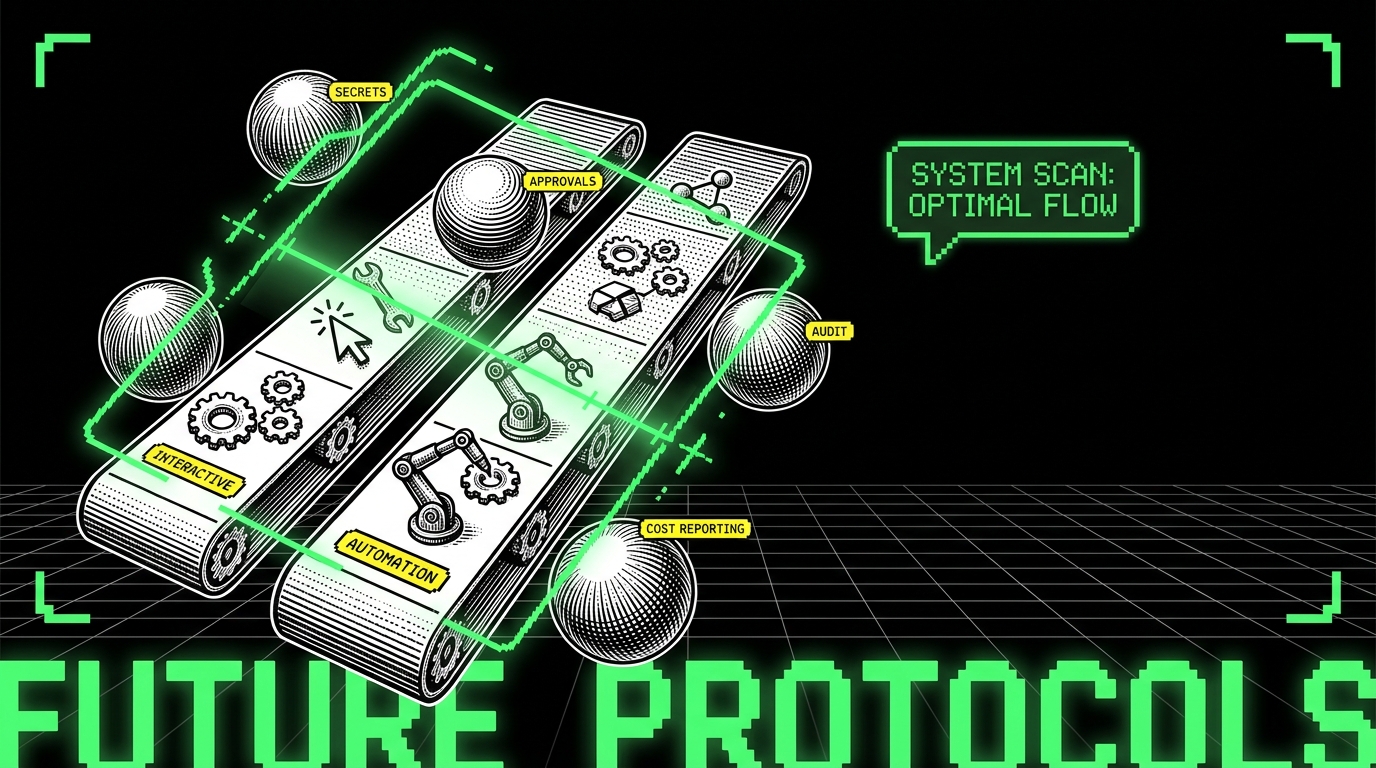
Two lane standardization: interactive lane and automation lane
A practical approach is to declare two lanes. The interactive lane covers IDE and terminal assistance for individual developers. Here, Copilot Desktop can be a strong default because the main risk is code quality, not autonomous execution.
The automation lane covers background agents that open PRs, run commands, or interact with systems. Here, an open harness often fits better because you need service identities, scheduling, and fine grained policy. You can still allow Copilot Desktop for interactive use while requiring that background workflows go through the harness.
Guardrails that keep multi tool from becoming chaos
Multi tool only works with guardrails that are easy to follow. If guardrails are painful, people route around them. Effective guardrails include:
- One secrets boundary: all tools must fetch secrets through the same mechanism (for example, a vault) and never store them in local config.
- One approval mechanism: background agents must open PRs and require CODEOWNERS review for sensitive paths like
infra/ormigrations/. - One audit sink: agent logs land in the same searchable system as CI logs, with consistent fields.
- One cost report: finance sees a single monthly report with spend by team and workflow.
These guardrails are boring by design. They make it possible to compare tools on outcomes, not vibes.
A CTO decision frame you can use this quarter
Most CTOs do not need a six month evaluation. They need a decision this quarter, with a path to revise it. Use a scoring frame that compares Copilot Desktop and open harnesses across criteria that matter to your org, then run a time boxed pilot to validate the biggest unknowns.
Below is a practical frame we use when advising teams building AI features or standardizing developer tooling. It ties directly to operational concerns: control, cost, neutrality, and multi tool fit.
Step 1: score the non negotiables
Start with non negotiables. If a tool cannot meet them, stop. Common non negotiables include SSO support, org level policy controls, and audit logging. In regulated environments, add data residency and retention requirements.
Make these testable. Example: “We can prove which identity executed npm publish” or “We can block agent access to the prod Kubernetes context.” If you cannot test it, you cannot enforce it.
Step 2: run a pilot with measurable workflows
Pick 2 - 3 workflows that represent your real work. Good pilots are narrow and measurable. For example: “fix flaky tests in one service,” “weekly dependency updates across five repos,” and “triage CI failures and propose patches.” Avoid pilots like “use it for a month” because they produce opinions, not evidence.
Define success metrics before you start. For the dependency workflow, track acceptance rate and security exposure days. For flaky tests, track reduction in reruns and CI minutes. For CI triage, track time to first practical diagnosis and MTTR impact during incidents.
Step 3: decide who owns the control plane
Ownership is the hidden variable. If you choose Copilot Desktop as the default, ownership sits mostly with IT and security for rollout and policy, and with engineering leadership for adoption. If you choose an open harness for automation, you need a product owner mindset: backlog, on call, and versioning.
At Apptension, when we harden prototypes into production SaaS, we treat internal platforms the same way. We define an owner, an SLA (even if informal), and a release cadence. Without that, the harness becomes “that thing that breaks,” and teams revert to ad hoc tooling.
Conclusion: pick a default, then design the exceptions
Copilot Desktop and open agent harnesses solve different problems. Copilot Desktop is a strong default when you want predictable rollout, consistent developer experience, and simpler governance for interactive work. Open harnesses make sense when you need deeper policy control, model routing, stronger auditability, or a path for sensitive workloads.
Most CTOs will land on a split: one default tool for interactive assistance, and a harness approach for background automation where the risk and cost profile is different. The win is not the tool choice. The win is a clear control plane, measurable workflows, and a cost model that stops “idle thinking” from becoming a budget line item.
If you cannot answer “who ran what, with which permissions, at what cost” you do not have an agent strategy. You have a collection of experiments.
Make the decision reversible. Set a 90 day review with the metrics you picked: Cycle Time, Change Failure Rate, MTTR, acceptance rate, and spend per merged PR. If the numbers move in the wrong direction, change the default. If they move in the right direction, expand the workflows that proved their value.