Introduction
AI coding is no longer a personal preference. It is a team system.
Once a CLI coding agent can open a terminal, modify 40 files, and push a branch, you have a governance problem. Not a tooling problem.
This guide is about setting up an AI coding harness that survives:
- Multiple tools (OpenCode, Copilot CLI, Claude Code, Aider)
- Multiple surfaces (editor, terminal, background agents)
- Multiple risk levels (docs change vs payments change)
- Multiple environments (local, CI, staging, prod)
In our delivery work at Apptension, this is where teams either speed up or burn time. The pattern is consistent: the teams that ship faster have shared rules, explicit permissions, and quality gates that catch failures before merge.
Insight: The fastest teams do not argue about which agent is best. They standardize how any agent is allowed to act in their repo.
What you will get:
- A minimum viable harness checklist for a squad
- An AGENTS.md template you can drop into a repo
- An MCP server inventory template
- A guardrail matrix by change risk
- A set of quality gates that work in CI
What we mean by harness
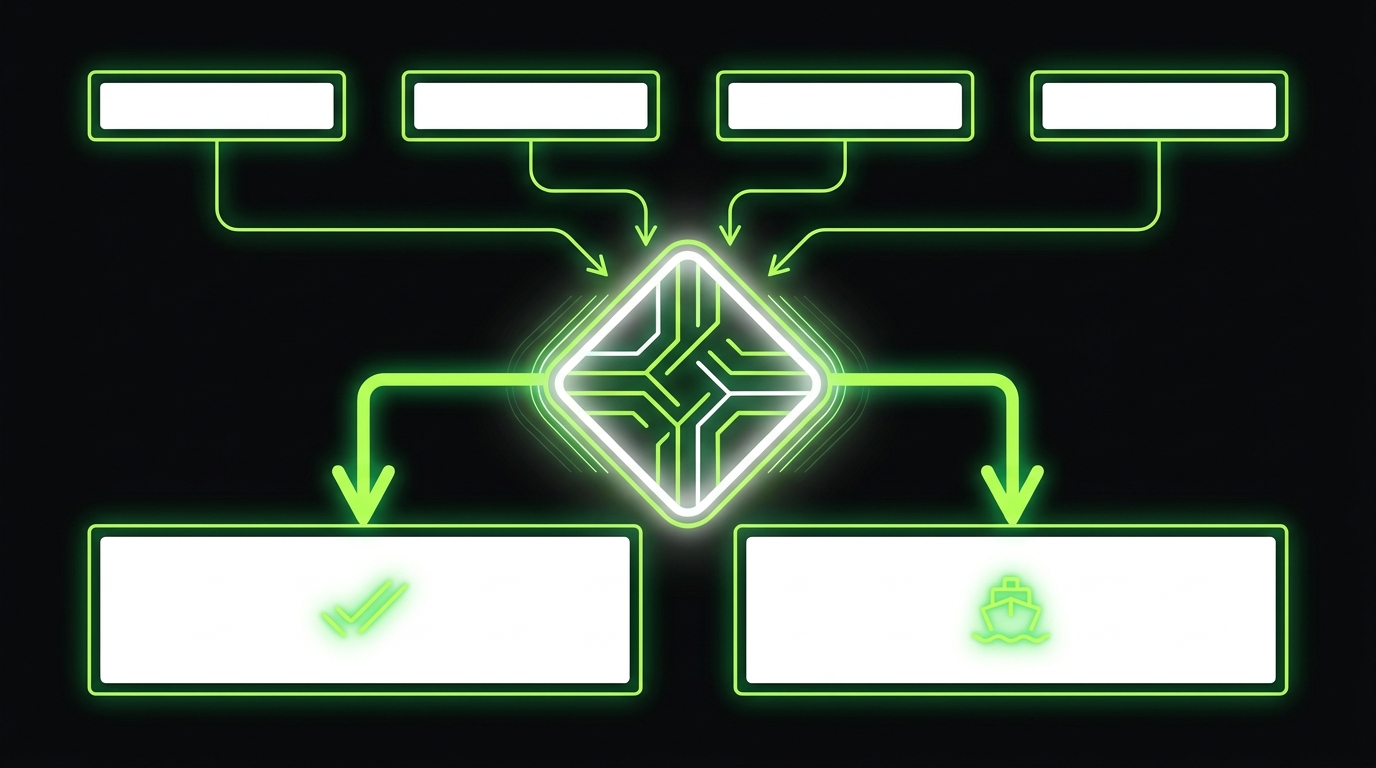
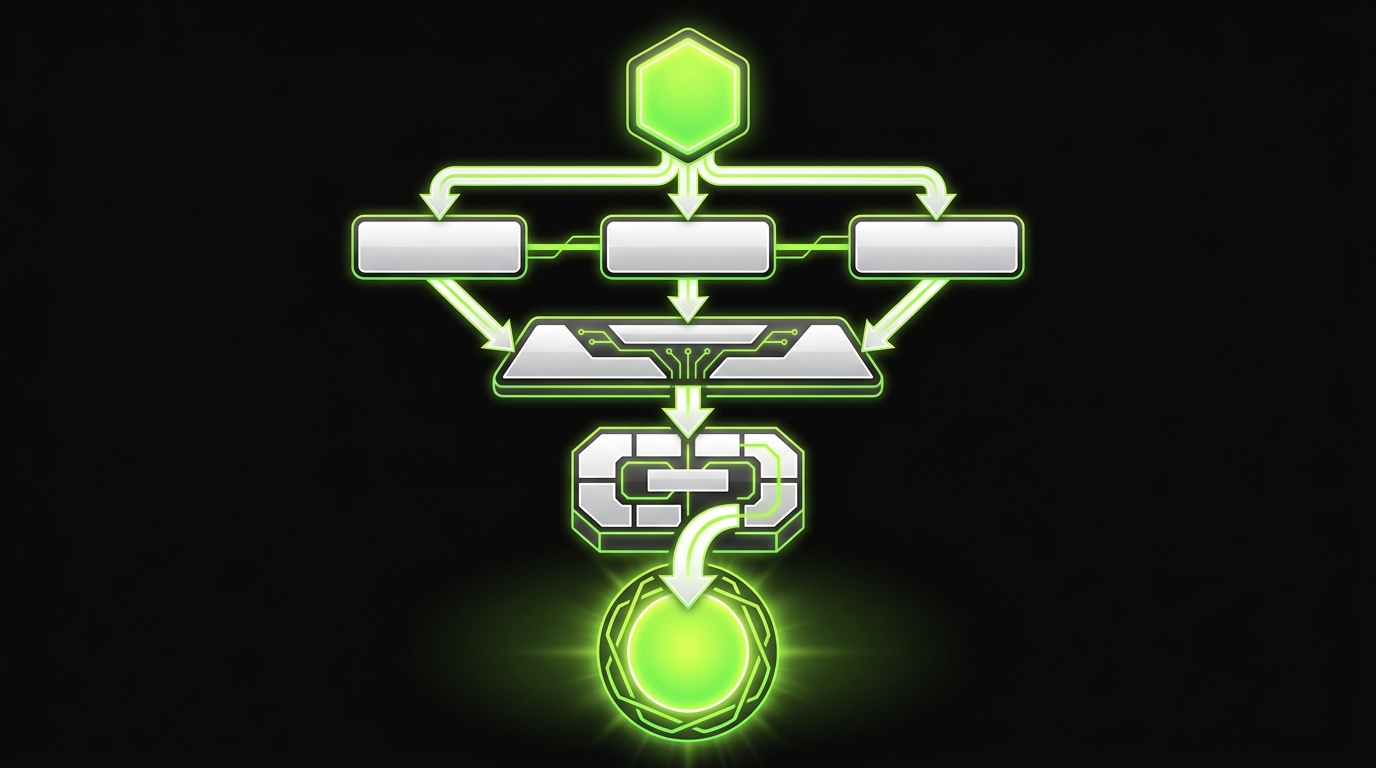
An AI coding harness is the combination of:
- Repo memory: AGENTS.md and related docs that define shared rules
- Plumbing: MCP servers, permissions, and environment separation
- Guardrails: risk based autonomy, review rules, and policy checks
- Quality gates: tests, lint, security, and compliance checks before merge
It is intentionally tool agnostic. Tools change. Harnesses age well.
Set up a minimum viable harness
_> A 2 day plan for a squad
→ Scroll to see all steps
Why July 2026 favors harnesses
In 2026, the AI coding tool landscape looks stable until it does not.
Teams that bet on one tool tend to hit the same wall: the tool changes behavior, pricing, policy, or integration points. Or a new tool wins a niche workflow and suddenly half the team wants it.
A harness absorbs that churn.
What breaks with single tool bets
Common failure modes we see when teams standardize on one assistant without a harness:
- Inconsistent diffs: two engineers get different output for the same task
- Silent policy drift: prompts and rules live in personal notes, not in the repo
- Security exceptions: an agent gets broad access “temporarily” and it sticks
- Review fatigue: reviewers become the only guardrail
- CI surprise: code passes locally but fails in CI due to environment mismatch
Observation: Tool adoption usually fails at the moment AI touches a shared repository. That is when it becomes a systems problem: CI, security, ownership, and repeatability.
Tools are surfaces, not strategies
You can run OpenCode, Copilot CLI, Claude Code, and Aider in the same org. That is normal now.
The strategy is deciding:
- What rules apply everywhere
- What permissions exist per environment
- What quality checks are mandatory
- What autonomy level is allowed per change type
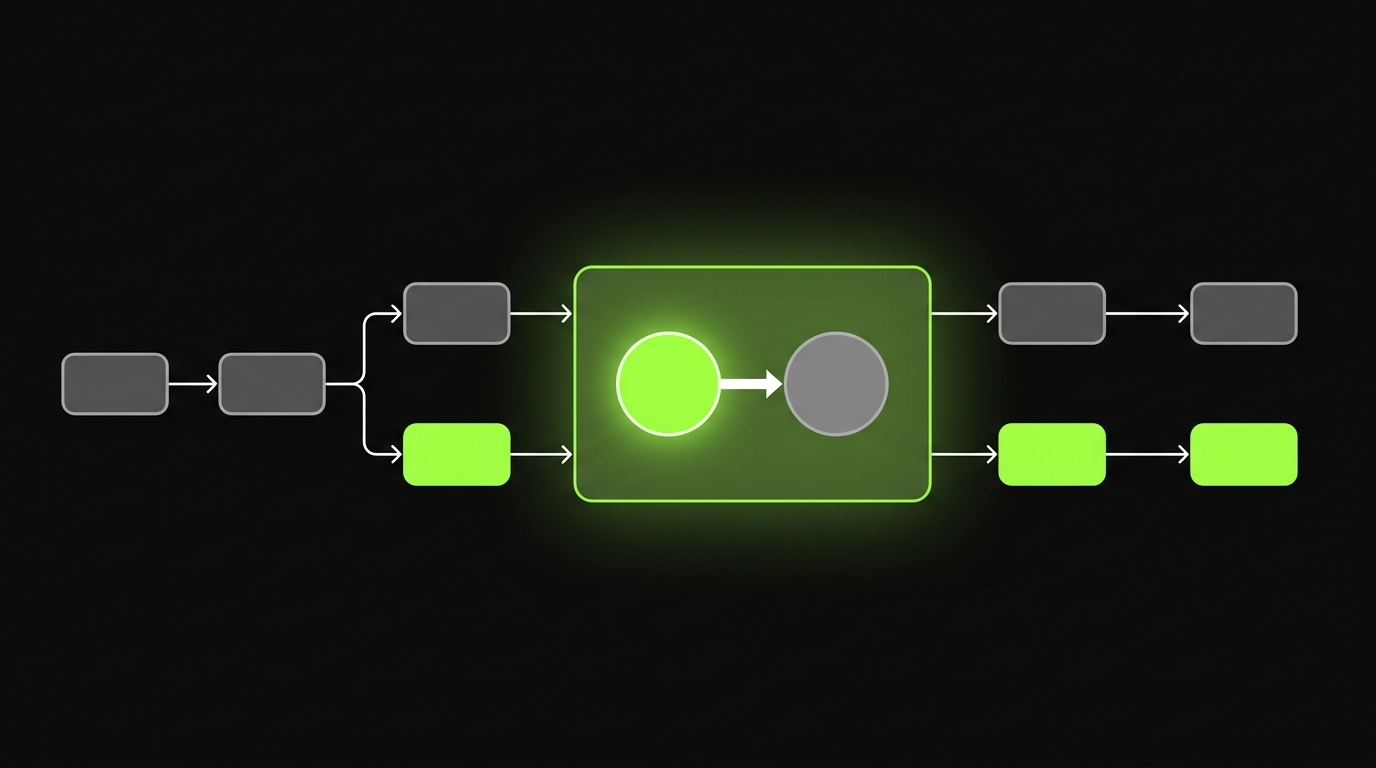
Quick comparison table
Use this to align the team. It keeps the conversation grounded.
| Tool surface | Typical strengths | Typical failures | Harness control points |
|---|---|---|---|
| In editor assistants | Fast feedback, small refactors, test drafts | Context loss across modules, style drift | AGENTS.md rules, lint, formatter, unit tests |
| Terminal agents | Repo wide changes, scripted tasks, migrations | Overreach, destructive commands | MCP permissions, sandbox env, command allowlist |
| Background agents | Long running tasks, batch PRs | Hard to supervise, unclear ownership | PR templates, CI gates, mandatory review |
| Workflow agents (issue to PR) | Throughput for routine work | Wrong assumptions, missing product context | Risk matrix, required acceptance tests |
Proof point from delivery
We have delivered 360+ projects across industries. The teams that keep velocity under deadline pressure tend to do two things early:
- Write down shared rules in the repo.
- Put non negotiable checks in CI.
A tool can help one engineer move fast. A harness helps a squad move fast without creating cleanup work next sprint.
_> Harness outcomes to track
If you cannot measure it, you cannot govern it
AGENTS.md and repo memory
AGENTS.md is the simplest high impact move you can make for CLI coding agent governance.
It is not a prompt. It is a contract.
The goal is repeatability across:
- Editors and IDEs
- Terminal agents
- Background agents
- New hires and contractors
What goes into AGENTS.md
Keep it short. Make it enforceable.
- Scope: what the agent is allowed to change
- Style: formatting, naming, file layout
- Tests: what must pass before a PR is ready
- Safety: forbidden commands and data handling rules
- Review: what needs human sign off
Insight: If a rule matters, it cannot live only in someone’s head or in Slack.
A practical AGENTS.md template
Copy this and adjust. It is intentionally boring.
# AGENTS.md

Goal
Help contributors and AI agents ship production ready changes with minimal review churn.

Default behavior
- Prefer small diffs. Split large changes into multiple PRs.
- Do not change public APIs without an explicit note in the PR description.
- Keep behavior changes separate from formatting only changes.

Repo conventions
- Follow existing patterns. Do not introduce new libraries without approval.
- Match existing folder structure and naming.
- Keep functions small. Avoid clever abstractions.

Safety rules
- Never print secrets.
- Never commit credentials, tokens, or private keys.
- Do not run destructive commands unless explicitly requested.
  Examples: rm -rf, drop database, force push.

Testing and quality gates
- Run unit tests for changed modules.
- Add tests for bug fixes.
- Update docs when behavior changes.

PR readiness checklist
- Build passes locally.
- All CI checks pass.
- PR description includes: what changed, why, and how to verify.

When to ask a human
- Auth, payments, permissions, encryption.
- Data migrations.
- Anything touching production infrastructure.
Repo memory beyond AGENTS.md
AGENTS.md is the front door. You still need supporting memory.
- CONTRIBUTING.md for human process
- CODEOWNERS for review routing
- Architecture decision records for intentional tradeoffs
- A short glossary for domain terms
How to keep AGENTS.md alive
AGENTS.md rots when it becomes aspirational.
Make it operational:
- Treat changes to AGENTS.md like code changes. Review them.
- Add one rule only after you hit a real failure.
- Remove rules that nobody can enforce.
A good target is 30 to 60 lines. If it is longer, split into linked docs.
MCP as production plumbing
MCP is where the harness becomes real.
Without MCP, agents often get access through ad hoc tokens, local shell privileges, and “just run it on my machine” workflows. That does not scale.
With MCP, you can define MCP coding agents as clients that can only do what a server allows.
What MCP enables in practice
Think of MCP as a controlled adapter layer.
- Agents talk to MCP servers, not directly to everything
- Servers enforce permissions and shape outputs
- You can separate environments cleanly
Common MCP servers in a software team:
- Git operations (read, diff, branch, PR metadata)
- Issue tracker (read tickets, post comments)
- Secrets broker (fetch ephemeral tokens)
- CI interface (read build status, trigger jobs)
- Docs search (read only knowledge base)
Key point: If the agent can reach prod with a static token, you do not have governance. You have hope.
Environment separation rules
This is where teams get burned. Especially with terminal agents.
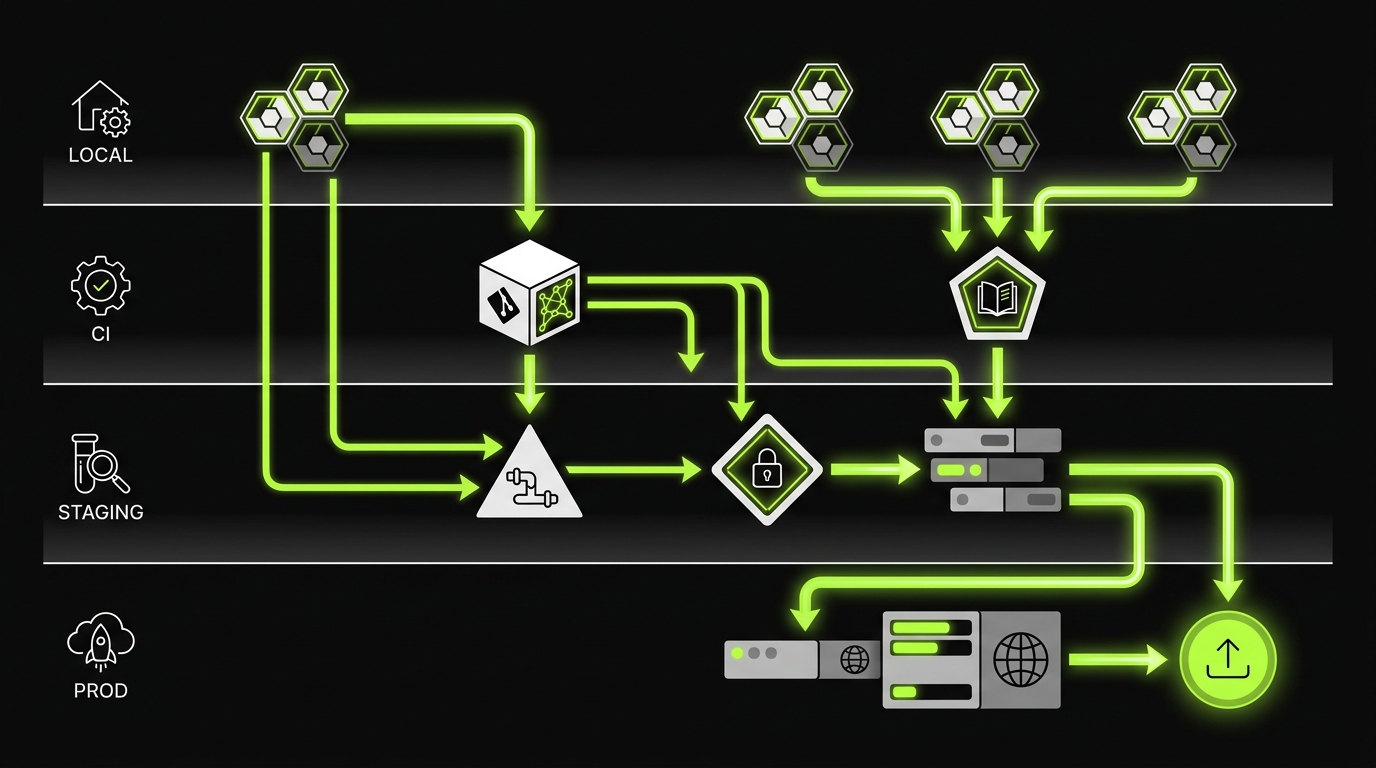
A practical separation model:
- Local dev: broad read, limited write, no prod secrets
- CI: deterministic, no network by default, explicit allowlist
- Staging: controlled credentials, audit logs, limited tools
- Prod: humans only for most teams, or extremely narrow automation
Permissions you can defend in an audit
Keep it simple and explicit.
- Read only by default
- Write requires scoped intent (repo path, resource type)
- Time bound credentials
- Logged actions with correlation IDs
MCP server inventory template
Use this as a living document.
# MCP Server Inventory

Server name:
Owner:
Purpose:
Clients (tools):
Environments:
- local:
- ci:
- staging:
- prod:

Permissions:
- read:
- write:
- exec:

Secrets and auth:
- credential type:
- rotation:
- storage:

Allowed operations:
- list:

Denied operations:
- list:

Logging and audit:
- what is logged:
- retention:

Failure modes:
- what happens on timeout:
- what happens on partial failure:

Runbook link:
A note on cost and complexity
MCP adds setup work. That is real.
It pays off when:
- multiple agents operate on the same repo
- you need environment separation
- you care about auditability
If you are a solo developer, you can start with AGENTS.md and CI gates. Add MCP when the surface area grows.
What a production ready harness includes
_> Tool agnostic, repo specific
Repo memory
AGENTS.md plus supporting docs that keep rules consistent across editors and CLIs.
Permissioned plumbing
MCP servers that enforce what agents can read, write, and execute per environment.
Risk based autonomy
Different autonomy levels for docs, refactors, and critical paths like auth and payments.
Quality gates
CI checks that are required before merge, so review is about design and correctness, not cleanup.
Clear ownership
CODEOWNERS and PR templates that make responsibility explicit for every change.
Auditability
Logs, time bound credentials, and predictable workflows you can explain to security and compliance.
Risk adjusted autonomy and guardrails
The real question is not “can the agent do it?”
It is “what is the blast radius if it is wrong?”
This is the missing layer in most AI coding rollouts. Teams give the same autonomy to a docs edit and a payments refactor.
Four surfaces, four autonomy levels
Use these surfaces to reason about control:
- In editor: fast, supervised, small scope
- Terminal: powerful, higher risk
- Background: asynchronous, needs stronger gates
- Workflow automation: issue to PR, needs strict scoping
Insight: Autonomy should increase only when your quality gates and permissions are strong enough to catch mistakes early.
Guardrail matrix by change risk
Print this. Put it in the repo. Point to it in AGENTS.md.
| Change risk | Examples | Allowed autonomy | Required checks before merge | Human approvals |
|---|---|---|---|---|
| Low | docs, comments, formatting | In editor or background | lint, docs build | optional |
| Medium | internal refactors, test additions | In editor or terminal with limits | unit tests, type checks, lint | code owner if module touched |
| High | auth, payments, permissions, cryptography | Terminal only with strict MCP permissions | unit and integration tests, security scan | security or platform owner |
| Critical | data migrations, infra, prod toggles | Human led, agent assists only | migration dry run, rollback plan, staged rollout checks | platform owner required |
Minimum viable harness checklist for a squad
If you do only one thing this month, do this.
- Add AGENTS.md with 10 to 20 enforceable rules.
- Add CODEOWNERS for high risk paths.
- Lock CI to required checks on main.
- Define risk levels and map them to required approvals.
- Add MCP for secrets and CI triggers if terminal agents are used.
- Add a PR template that forces verification steps.
Anti patterns we keep seeing
These are expensive because they feel productive.
- Buying more seats for tools before writing AGENTS.md
- Allowing terminal agents to run with personal tokens
- Treating code review as the only gate
- Letting agents modify lockfiles without a reason
- Running background agents that open PRs with no owner
Callout: License procurement without harness work is a tax you pay later. Usually in broken builds, security exceptions, and reviewer burnout.
What to measure (so this is not vibes)
If you want this to stick, track a few metrics for 4 weeks.
- PR cycle time (open to merge)
- Review rounds per PR
- CI failure rate on first run
- Revert rate or hotfix count
If AI helps but CI failures spike, your harness is missing gates or environment parity.
Yes. CONTRIBUTING.md is usually written for humans. AGENTS.md is written for humans and agents, with rules that can be followed in editor and terminal workflows.
Introduce MCP when terminal agents or background agents touch shared repos, secrets, CI, or staging environments. If you have more than one tool in play, MCP helps keep permissions consistent.
Set scope rules in AGENTS.md, enforce small PRs, and use MCP permissions that restrict write access by path. Add CI checks that fail on unexpected lockfile churn or missing tests.
In week one, yes, a bit. After that, it usually reduces review rounds and CI failures. Track cycle time and first run CI pass rate to confirm.
Conclusion
A good AI coding harness makes AI boring. That is the point.
You want predictable diffs, repeatable checks, and clear ownership. You want to ship faster without adding cleanup work.
Here is the practical path:
- Start with AGENTS.md as repo memory.
- Add risk based autonomy so agents do not get the same freedom everywhere.
- Use MCP when you need production ready permissions, audit logs, and environment separation.
- Make CI the gatekeeper, not a suggestion.
Next steps you can do this week:
- Draft AGENTS.md and review it in a real PR.
- Add a guardrail matrix to the repo and link it from AGENTS.md.
- Pick two high risk paths (auth and payments are common) and add CODEOWNERS.
- Define the minimum required CI checks for main and enforce them.
Final insight: The teams that win in 2026 are not the ones with the fanciest agent. They are the ones with clear rules and strong gates.