In 2026, most teams do not ask whether to use AI in development. They ask where it saves time without creating hidden risk. The answer depends on the surface area: code generation is easy to demo, but hard to maintain when requirements change and the repo grows.
What we see in delivery is simple. AI helps most when it reduces routine work: scaffolding, refactors, test drafts, documentation, and “find the bug” loops. It helps least when the task needs deep product context, careful tradeoffs, or a precise mental model of a legacy system.
This article focuses on what holds up in production. It covers workflows, tool choices, and guardrails we use when building SaaS and data heavy products, including patterns that showed up in Apptension projects like SmartSaaS and platform style enterprise builds. It also names failure modes, because those are the parts that cost real time.
Where AI fits in the 2026 engineering stack
By 2026, AI assistance is no longer a single “chat” tool. It is a layer across the editor, the CI pipeline, the code review UI, and even incident response. The practical question is how to keep that layer predictable, auditable, and cheap enough to run every day.
A useful mental model is to treat AI as a junior contributor with fast typing and weak memory. It can propose changes, but it does not own the system. You still need owners for architecture, data contracts, and long term maintenance. If you skip that, you get a repo that compiles today and hurts tomorrow.
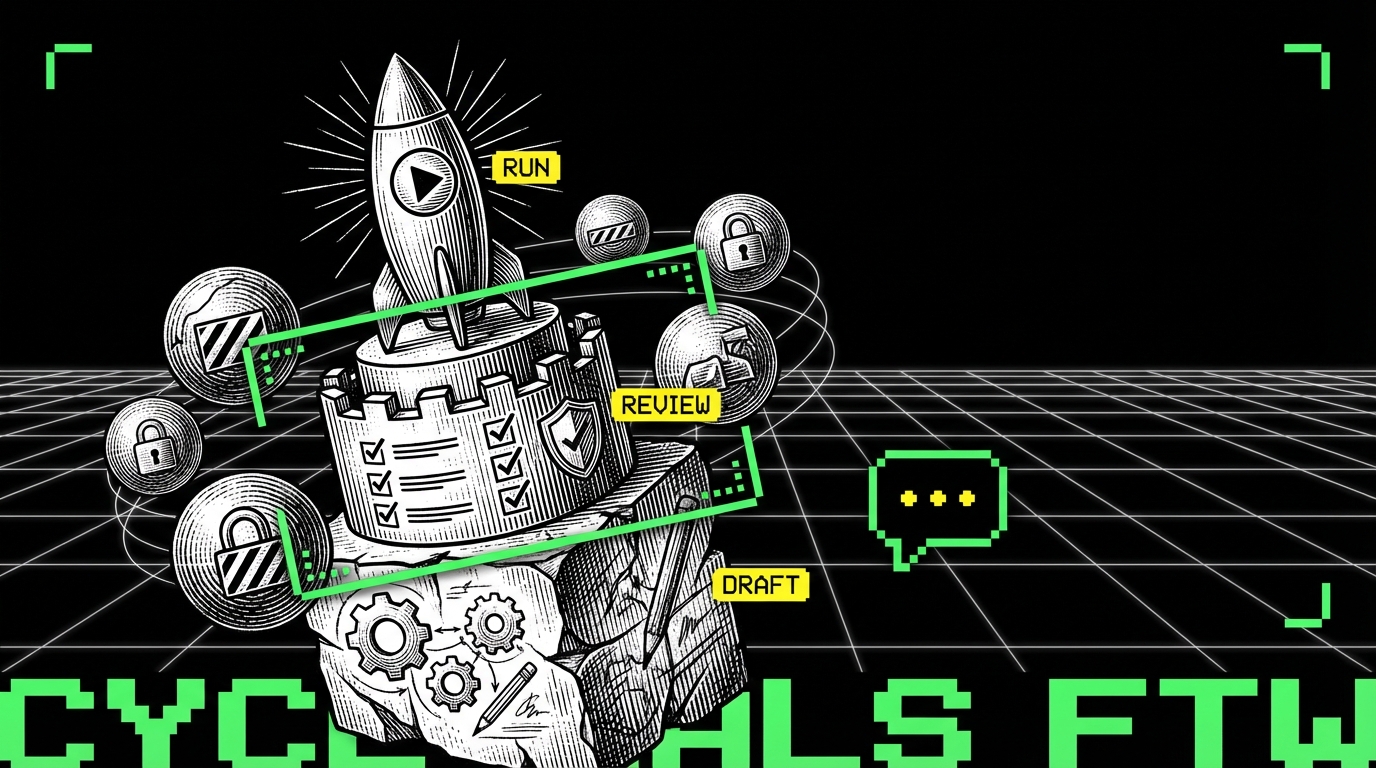
In Apptension delivery, we tend to separate AI use into three buckets: “draft,” “review,” and “run.” Draft is code and docs generation. Review is analysis, suggestions, and risk scanning. Run is anything that executes automatically in CI or production, which needs the strictest constraints.
Draft: fast output, low commitment
Drafting is where AI feels best. You can ask for a migration script outline, a React component skeleton, or a set of API endpoints and get something workable. The key is to keep it disposable until it earns trust through tests and review.
Draft output is also where teams overfit to the demo. A good prompt can produce a nice looking solution that ignores existing conventions, error handling, or non functional requirements. The fix is not “better prompts” as a primary strategy. The fix is to constrain the task and force alignment with your repo standards.
Review: catching issues early without blocking flow
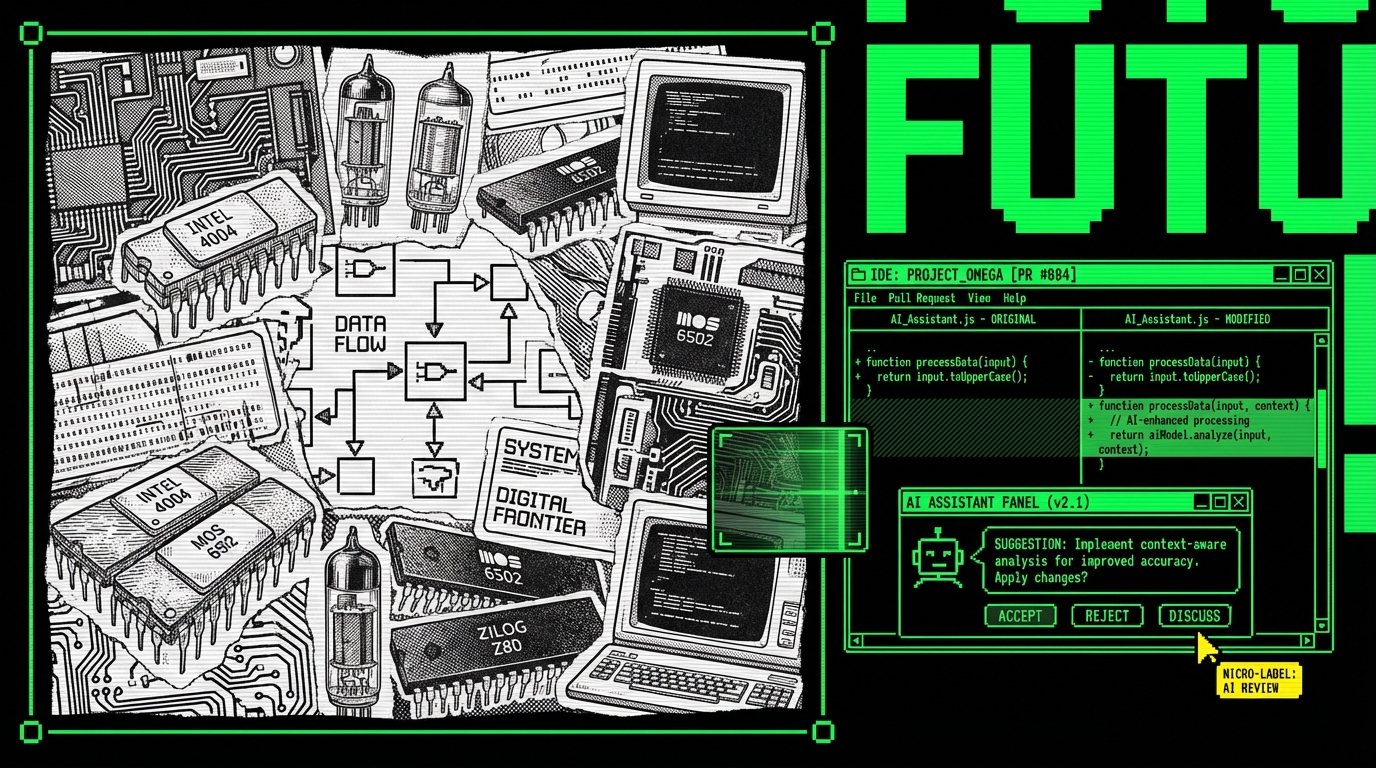
Review assistance can reduce time spent on predictable feedback: missing null checks, inconsistent naming, unsafe SQL building, or accidental breaking changes. In practice, it works when it is scoped to a diff and backed by repository context such as lint rules, architectural boundaries, and ownership files.
It fails when it becomes a second reviewer that comments on everything. Noise kills adoption. We aim for review bots that comment only when confidence is high, and that can point to a concrete rule or failing test. If it cannot do that, it should stay quiet.
Run: automation that must be deterministic
“Run” is the most tempting and the most dangerous. Examples include auto merging PRs, auto fixing incidents, or changing feature flags based on logs. These can work, but only with tight guardrails: allowlists, dry runs, human approval, and strong observability.
In 2026, many teams use AI to propose remediation steps during incidents rather than execute them. That difference matters. Proposals can be wrong without causing damage. Execution needs the same discipline as any production automation.
Tooling patterns that teams actually keep
The tools that survive past the first month share a trait: they fit existing workflows. If the assistant requires engineers to copy code into a separate app, it becomes a “sometimes tool.” If it sits in the IDE and CI, it becomes infrastructure.
We also see a shift from one general assistant to multiple specialized helpers. A codebase benefits from different models and prompts for different tasks: refactors, SQL review, API contract checks, and test generation. Specialization reduces hallucinations because the scope is smaller and the expected output is clearer.
Cost and privacy are not side notes anymore. Teams track token spend like any other SaaS bill. They also track where code and data go, especially in regulated environments. That pushes many organizations toward hybrid setups: local models for sensitive context, hosted models for generic tasks.
IDE assistants: repository aware or not worth it
The baseline in 2026 is an assistant that can index the repository, understand imports, and follow existing patterns. Without that, it generates plausible code that does not match your abstractions. You then spend time “translating” it into your style, which cancels the win.
Repository awareness also needs boundaries. Indexing everything can leak secrets into prompts or increase cost. Practical setups exclude secrets, generated files, and large binary artifacts, and they chunk context by module ownership.
CI assistants: focused checks, not generic advice
The best CI uses are narrow: “summarize failing tests,” “explain this TypeScript error,” “suggest minimal fix based on diff,” or “flag risky dependency changes.” These tasks have clear inputs and outputs. They also produce logs you can audit.
Generic “code quality” scoring tends to fail because it is subjective. Teams already have linters, formatters, and static analysis for that. AI should fill gaps where rules are hard to encode, like “this change breaks the intent of a domain invariant.” Even then, it needs to cite evidence from code.
- Keep: test failure summarization, flaky test triage, migration plan drafts, PR summaries, dependency risk notes.
- Drop: vague style feedback, rewriting large files without tests, auto approving PRs based on “looks good.”
Guardrails: what stops AI from making a mess
Guardrails are not a policy doc. They are constraints in tooling. If a team relies on “engineers should be careful,” the system will fail under schedule pressure. In 2026, the teams doing well encode constraints into the pipeline.
Guardrails also need to be practical. If they block progress too often, people bypass them. The goal is to prevent the high cost mistakes: security leaks, broken contracts, and silent logic bugs. For everything else, you want fast feedback and human judgment.
In practice, the best guardrail is still a failing test. The second best is a small diff.
Constrain the blast radius with small diffs
AI can change a lot of code quickly. That is the problem. Large diffs hide mistakes and slow down review. We often set an informal rule: if an AI generated change touches more than a few files, split it into multiple PRs with clear intent and tests per step.
Small diffs also make the assistant better. You can ask it to focus on one module, one endpoint, or one failing test. That reduces context confusion and makes review comments more specific.
Use “contracts first” to prevent silent breakage
Many production failures come from contract drift: API response shapes, event schemas, and database constraints. AI assistants are good at generating code that compiles but breaks contracts. The fix is to make contracts executable via schema validation, consumer driven tests, and typed boundaries.
For SaaS products, we often treat public APIs and internal events the same way: versioned schemas, explicit deprecations, and tests that assert compatibility. That approach helped in platform style projects where multiple teams ship against shared services. AI then becomes safer because it cannot “invent” a new field without failing a test.
Keep secrets out of prompts by design
Secret leakage is still a real risk. It happens when developers paste environment files, stack traces with tokens, or customer data into a chat. It also happens when indexing tools accidentally include secret files. Fixing this is mostly boring engineering: scanning, redaction, and access controls.
At minimum, teams should enforce secret scanning on commits and on prompt inputs where possible. They should also provide safe “debug bundles” that strip tokens and PII. If the safe path is easy, people stop taking the risky path.
- Exclude secret files and environment configs from any repository indexing.
- Redact tokens and emails from logs and stack traces before they enter support channels.
- Require approvals for any AI tool that sends code outside the organization boundary.
AI in daily coding: patterns that save hours
The best time savings come from repeated tasks with clear acceptance criteria. In 2026, that often means refactors, test scaffolding, and translation between layers. These tasks are common in real products, especially SaaS systems that evolve weekly.
In Apptension builds, we see this most in early MVP work and in later “stabilize and scale” phases. MVPs need speed, but they also need a path to maintainability. Later phases need careful refactors under load. AI can help in both, but the workflow differs.
Refactors: pair AI with type systems and tests
Refactors are a strong fit because the intent is stable. You want the same behavior with a better structure. AI can propose mechanical changes quickly, but you need a net. TypeScript, strict lint rules, and good unit tests provide that net.
A practical pattern is “AI proposes, compiler and tests decide.” Engineers should resist the urge to accept refactors that do not come with updated tests. If the assistant cannot update the tests, that is a signal the refactor is not well understood.
// Example: narrow error handling and keep it consistent across endpoints
export function toHttpError(err: unknown): {
  status: number;message: string
} {
  if (err instanceof ZodError) return {
    status: 400,
    message: "Invalid request"
  };
  if (err instanceof NotFoundError) return {
    status: 404,
    message: err.message
  };
  return {
    status: 500,
    message: "Internal error"
  };
}
This kind of helper is simple, but it prevents drift. AI assistants often generate ad hoc error handling per endpoint. Centralizing it makes the code easier to review and reduces inconsistent responses. It also gives the assistant a clear pattern to follow in future changes.
Test drafts: start with structure, then add assertions
AI is decent at producing test scaffolding: setup, mocks, and a basic “happy path.” It is weaker at choosing the right assertions and edge cases, because those come from product rules. The best workflow is to ask for the structure, then add domain specific assertions yourself.
We also see value in generating tests for bug fixes. When a bug has a clear reproduction, AI can help write a regression test quickly. Engineers still need to verify that the test fails for the right reason before applying the fix.
import {
  describe,
  it,
  expect
} from "vitest";
import {
  toHttpError
} from "./toHttpError";
describe("toHttpError", () => {
  it("maps unknown errors to 500", () => {
    expect(toHttpError(new Error("boom"))).toEqual({
      status: 500,
      message: "Internal error"
    });
  });
});
This example is intentionally small. The point is repeatability. When every endpoint uses the same mapping, you can test the mapping once and stop re debating error shapes in code review. AI can then generate code that aligns with the pattern, and reviewers can focus on behavior.
Data work: AI helps most with queries and migrations
For data heavy products, AI is useful for query drafts, migration outlines, and explaining query plans. It can also help translate between ORM code and raw SQL, which is common when performance matters. The risk is subtle correctness bugs, especially around time zones, null semantics, and joins.
We treat AI written SQL as a draft that must pass both unit tests and production like constraints: indexes, timeouts, and explain plan checks in staging. In projects like Tessellate style data management, “works on my machine” queries can become expensive quickly once datasets grow. AI does not feel that cost unless you measure it.
-- Example: enforce a safe pattern for pagination with a stable order
SELECT id, created_at, name
FROM customers
WHERE created_at < $1
ORDER BY created_at DESC, id DESC
LIMIT 50;
This pattern avoids offset pagination pitfalls and keeps ordering stable. AI often suggests OFFSET because it is common in examples. In production, keyset pagination tends to behave better under load. The assistant can follow this once you make it a standard and document it in the repo.
Quality and security: what AI improves, what it worsens
AI can improve quality when it increases coverage and reduces human fatigue. It can worsen quality when it adds plausible but wrong logic. Both outcomes happen in the same team, sometimes in the same day. The difference is whether the team measures outcomes and adjusts workflow.
Security is similar. AI can flag risky patterns and help patch known CVEs faster. It can also introduce insecure defaults, like permissive CORS, missing auth checks, or unsafe deserialization. The assistant does not own your threat model. Your system does.
AI output is not evidence. Tests, logs, and reproducible behavior are evidence.
Static analysis still matters, and AI should respect it
Linters, type checks, dependency scanners, and SAST tools remain the backbone. AI should be configured to follow those rules, not fight them. If the assistant keeps generating code that fails linting, the prompt is not the issue. The integration is.
A practical approach is to feed the assistant your constraints: TypeScript strict mode, ESLint rules, formatting, and architecture boundaries. Many teams store “assistant instructions” in the repo next to contribution guidelines. That keeps the rules close to the code and reduces drift across squads.
Threat modeling does not get easier
AI makes it faster to add endpoints and background jobs. That increases the attack surface if you do not keep up with threat modeling. The failure mode is not dramatic. It is usually one missed auth check or one log line that contains PII.
We recommend a short checklist that runs on every new API or data pipeline change. It should be simple enough to follow under time pressure. If it is long, people skip it. AI can help fill the checklist, but a human still needs to sign off.
- What data is stored, and what is the retention period?
- Who can read it, and how is access enforced?
- What gets logged, and can logs contain PII?
- What happens on retries, timeouts, and partial failures?
Delivery in 2026: how teams ship with AI without slowing down
Shipping with AI is mostly about keeping feedback loops tight. The best teams shorten the path from change to signal: tests, preview environments, and observability. AI then becomes a speed multiplier for the parts that are already disciplined.
In practice, we see two stable operating modes. The first is MVP mode, where the goal is to validate a product direction in weeks. The second is scale mode, where the goal is to keep a system stable while multiple engineers ship daily. AI fits both, but the guardrails differ.
MVP mode: speed with explicit debt tracking
For PoC and MVP work, AI helps generate scaffolding: auth flows, CRUD endpoints, admin panels, and basic analytics events. The trap is accidental complexity. AI can add layers you do not need, or pull in dependencies that complicate deployment.
A simple rule works: every AI generated feature must have a clear “done” definition. That includes basic tests, error handling, and a rollback plan. If you cannot define “done,” you are still exploring, and the code should stay behind a feature flag or in a branch.
- Keep the architecture boring: one service, one database, clear boundaries.
- Track debt as tickets with owners and dates, not as vague notes.
- Prefer deleting code over polishing code that will change next week.
Scale mode: consistency beats cleverness
In scale mode, AI should enforce consistency. That means shared patterns for logging, error handling, background jobs, and API contracts. It also means documented “golden paths” for common tasks, so the assistant can follow them and new engineers can learn them.
On enterprise platform work, consistency reduces integration bugs across teams. It also makes code review faster because reviewers recognize patterns. AI can propose changes that match those patterns, but only if the patterns are written down and enforced through tooling.
What to measure: a small set of signals
Teams often measure “time saved” with anecdotes. That is not enough. You need a few concrete metrics to see whether AI assistance helps or hurts. The goal is not perfect measurement. The goal is early detection of regressions in quality or velocity.
- Lead time: time from first commit to merge.
- Change failure rate: percentage of deploys that need rollback or hotfix.
- Review load: average review comments per PR and time to first review.
- Test health: flaky test rate and mean time to fix failures.
- Cost: monthly spend on AI tooling per engineer.
Conclusion: treat AI as a tool, not a teammate
AI-assisted development in 2026 is normal work. It can reduce grunt tasks and speed up iteration, especially in TypeScript heavy web stacks and data products where patterns repeat. It can also add subtle bugs, widen the attack surface, and create noisy reviews if you adopt it without constraints.
The teams that do well keep the basics strong: tests, contracts, small diffs, and observability. They integrate AI where it fits the workflow, and they measure outcomes instead of trusting vibes. They also accept a simple truth: AI output is cheap, but maintenance is not.
If you want AI to help in production, make it boring. Constrain the scope, encode standards in the repo, and require evidence through tests and metrics. That is the difference between “we tried it” and “we kept it.”