Introduction
Most SaaS teams don’t fail at AI because the model is “bad”. They fail because they picked the wrong level of ownership.
You can ship AI features three ways:
- Buy managed AI services and stitch them into your product
- Build custom models (or fine tuned models) and run them yourself
- Do the common middle path: start with managed services, then replace parts with custom models once the feature proves it deserves that investment
This article is a build vs buy framework for AI in SaaS. It’s based on what we’ve seen while delivering MVPs and production systems, including an AI powered analytics tool (L.E.D.A.) built in 10 weeks using RAG, plus non AI projects where speed, risk, and scale tradeoffs look very similar.
Insight: Build vs buy is not a philosophical choice. It’s a backlog choice. Every extra percentage point of model control costs engineering time, operational risk, and ongoing maintenance.
Here’s what we’ll cover:
- The real costs you pay when you “just call an API”
- The hidden work behind custom models on top of a boilerplate
- A decision table you can use in a planning meeting
- Implementation patterns that keep you out of trouble
A quick definition (so we argue about the same thing)
Managed AI services usually means third party APIs for LLMs, embeddings, speech, vision, moderation, or hosted vector databases. You don’t manage training. You mostly manage prompts, data flow, and guardrails.
Custom models means you own more of the stack: training or fine tuning, evaluation harnesses, model registry, inference hosting, and monitoring. You might still use a foundation model, but you take responsibility for behavior and cost.
Boilerplate means a reusable application foundation: auth, billing hooks, logging, feature flags, CI, and a baseline architecture. It reduces product plumbing, but it doesn’t remove the AI specific work.
What you are really deciding (it is not just cost)
Build vs buy for AI in SaaS often starts with cost per request. That’s fine for a spreadsheet. It’s not enough for a product.
What you are actually deciding is where you want complexity to live:
- In a vendor contract and API limits
- In your own infrastructure and on call rotation
- In your product team’s ability to evaluate and improve model behavior
The four forces that push you toward managed services
Use managed AI services when these are true:
- You need speed more than optimization
- Your problem is common (summaries, extraction, search, chat)
- Your data is messy and you are still learning what “good” looks like
- You can tolerate some vendor dependency
Concrete pain points managed services help with:
- No GPU procurement
- No inference autoscaling
- No model registry
- No training pipelines
Key Stat: 76% of consumers get frustrated when organizations fail to deliver personalized interactions.
That stat is usually used to justify “do AI now”. The more useful takeaway is different: if personalization is a core promise, you need reliability, not demos. Reliability is where build vs buy gets real.
The four forces that push you toward custom models
Custom models start to make sense when:
- You need predictable unit economics at scale
- You need domain specificity that prompts cannot reliably produce
- You have hard constraints (latency, offline, data residency)
- Model behavior is a competitive moat you can defend
Common triggers we see in SaaS:
- Support automation that must not hallucinate policy
- Regulated workflows where audit trails matter
- High volume classification where API costs explode
Insight: If you cannot define what “correct” means, you are not ready to build a custom model. You are still in discovery.
Visual component: Decision drivers checklist
Use this checklist in a planning call. If you answer “yes” to most items in one column, that is your default path.
Managed services fit if:
- You need something in production in weeks, not quarters
- You can accept vendor model updates changing outputs
- You can add guardrails at the product layer
- You do not have labeled data yet
Custom models fit if:
- You can invest in evaluation and monitoring
- You have or can create labeled data
- You need stable outputs across releases
- You want to control inference costs at high volume
Hypothesis to validate: If your team cannot allocate at least 1 engineer day per week to evaluation and monitoring, custom models will degrade quietly. Measure it by tracking time spent on evals and incident response.
Start with a swappable layer
Avoid lock in by design
Define a stable internal API for AI features so you can change vendors or models without rewriting product logic.
Measure outcomes, not tokens
Make quality visible
Track task success, override rate, and incident categories. Token counts matter, but they do not tell you if users trust the feature.
Treat evals as product work
Ship with guardrails
Build test sets from real traffic, run regression checks, and roll out with feature flags. This is where reliability comes from.
Managed AI services: where they shine, where they bite you
Managed AI services are a strong default for SaaS MVPs. We use them often in PoC and MVP builds because they let you learn what users actually ask for.
But they come with sharp edges. The earlier you name them, the less drama later.
Where managed services shine
You get leverage in three places:
- Time to first value: you can ship a working feature before you have perfect data
- Breadth: you can add capabilities (vision, speech, moderation) without hiring specialists
- Operational simplicity: fewer moving parts to own
Typical managed patterns that work well:
- Start with an LLM for generation
- Add retrieval (RAG) for grounding
- Add evaluation and guardrails
- Only then optimize cost and latency
Where managed services bite you
The failure modes are boring and expensive:
- Vendor rate limits and sudden throttling
- Model changes that shift outputs and break workflows
- Data handling concerns (PII, retention, training opt in)
- Cost spikes from prompt growth and retries
Insight: Most “LLM cost problems” are product problems. The prompt got bigger because the workflow is unclear.
Table: managed services vs custom models in SaaS
| Dimension | Managed AI services | Custom models on top of a boilerplate |
|---|---|---|
| Time to ship | Fast | Slower upfront |
| Upfront engineering | Low | High |
| Ongoing maintenance | Medium (vendor changes) | High (you own everything) |
| Data requirements | Low to start | Needs labeled data or strong synthetic strategy |
| Latency control | Limited | High control |
| Cost at low volume | Usually good | Usually worse |
| Cost at high volume | Can become painful | Can be optimized |
| Compliance and audit | Depends on vendor | You can design for it |
| Differentiation | Harder to defend | Easier to defend if you execute |
Practical guardrails (do these even for MVP)
If you use managed services, build these from day one:
- Prompt versioning and rollback
- Request tracing with user and feature context
- Structured outputs (JSON schema) where possible
- Fallback paths when the model fails
- Human review for high risk actions
Example: In L.E.D.A., accuracy and reliability were the hard part, not the UI. RAG helped ground answers in the underlying retail analytics context, but we still needed tight control over what the system was allowed to do and how it explained its steps.
Visual component: featuresGrid for managed AI integration
Features grid (use as acceptance criteria):
Observability
- Log prompts, retrieved context IDs, and model outputs
- Track latency and error rates per feature
Safety
- Input and output moderation
- PII redaction before sending to vendors
Reliability
- Retries with jitter and circuit breakers
- Cached responses for repeated queries
Product control
- Prompt templates per use case
- Feature flags to roll out gradually
Custom models on a boilerplate: what you gain, what you inherit
Teams hear “custom models” and imagine better accuracy. Sometimes you get it. Sometimes you get a longer backlog.
A boilerplate helps with the non AI parts: auth, billing, deployment, logging. That is real value. But the model lifecycle is still its own product.
What you gain with custom models
If you do it well, you get:
- Consistency: fewer surprises across releases
- Control: you decide when the model changes
- Cost control: you can optimize inference and caching aggressively
- Domain fit: you can tune for your exact labels and edge cases
What you inherit (and must budget for)
This is the part teams undercount:
- Dataset creation and labeling
- Evaluation harnesses and regression tests
- Model monitoring and drift detection
- Incident response when outputs degrade
- Security reviews for model artifacts and training data
Insight: A custom model without an evaluation harness is a random number generator with a GPU bill.
A minimal evaluation loop (what we actually implement)
Here is a pragmatic loop that fits into a SaaS team cadence:
- Define success metrics per use case (not “accuracy” in general)
- Build a test set from real user traffic
- Run offline evals on every model or prompt change
- Shadow deploy before full rollout
- Monitor production with alerts tied to product outcomes
What to measure (pick a few, then expand):
- Task success rate (user completed workflow)
- Human override rate
- Hallucination reports per 1,000 sessions
- Latency p50 and p95
- Cost per successful task
Hypothesis to validate: If your override rate stays above 15% after two iterations, the workflow needs redesign or better grounding. Measure override rate and categorize reasons.
Code block: schema first outputs (works for both paths)
{
  "task": "extract_invoice",
  "invoice_number": "string",
  "total": "number",
  "currency": "string",
  "confidence": "number",
  "needs_review": "boolean",
  "reasons": ["string"]
}
This is not about being fancy. It is about making failures visible.
If you cannot parse the output, you cannot test it. If you cannot test it, you cannot safely own it.
Visual component: benefits of custom models (when they are worth it)
Benefits (only when you have the inputs to support them):
- Stable behavior across releases and environments
- Lower long term costs at high volume
- Better edge case handling for your domain
- Stronger compliance story if you design for audit and traceability
Tradeoff: You pay for it in people time. Expect ongoing work, not a one off build.
A practical decision framework you can run in one meeting
You don’t need a six week analysis phase. You need a clear set of questions and a plan to de risk the unknowns.
Step by step: the build vs buy meeting agenda
Run this with product, engineering, and whoever owns risk (security, legal, compliance).
- Write down the top 3 user jobs the AI feature must do
- Define failure costs for each job (annoying, expensive, or dangerous)
- Estimate volume (requests per day) and growth curve
- List constraints: latency, region, data retention, audit needs
- Decide the default path (managed first or custom first)
- Define the exit criteria for switching paths
Exit criteria (so you are not stuck forever)
If you start with managed services, decide what would justify custom models later:
- Cost per task exceeds a threshold for 2 consecutive months
- Latency p95 breaks a user facing SLA
- Accuracy plateaus and the business impact is blocked
- Compliance requirements tighten (new markets, new customers)
If you start custom, decide what would justify falling back to managed:
- You cannot maintain evaluation coverage
- Drift incidents exceed your tolerance
- The model team becomes a bottleneck for product shipping
Insight: Most teams should start managed, but they should design the interface as if they will swap the model later.
Visual component: processSteps for designing a swappable AI layer
Step 1: Define an AI contract
- Inputs, outputs, error codes, and timeouts
Step 2: Put the model behind a service boundary
- One internal API, multiple backends
Step 3: Add evaluation hooks
- Log inputs, outputs, and ground truth when available
Step 4: Roll out with feature flags
- Gradual exposure, fast rollback
Step 5: Monitor product outcomes
- Not just token usage and latency
Internal linking opportunities (natural places to go deeper)
If you want to explore adjacent topics, these are the places that usually answer the next question:
- PoC and MVP Development: for shipping the first usable version in 4 to 12 weeks, with instrumentation from day one
- End to end Software Development: for scaling from “it works” to “it survives traffic and audits”
- No Code and Low Code to Code: for teams that prototyped AI workflows on a platform and now need ownership and performance
And if you are thinking about broader architecture decisions around scale and compliance, the patterns in future proof enterprise architecture (zero trust, event driven, hybrid cloud) map surprisingly well to AI systems too.
Real examples: speed, reliability, and what changed after launch
AI decisions look abstract until you tie them to delivery constraints. Here are three projects that show the tradeoffs in practice.
L.E.D.A.: RAG first, reliability work second
In our experience building L.E.D.A., the goal was to make complex retail analytics accessible through natural language. The timeline was 10 weeks, so we leaned on an approach that could ship quickly: retrieval augmented generation on top of an LLM.
What mattered most:
- Clear boundaries on what the system can do
- Grounding responses in the right source context
- Transparency: users need to see what the system did, not just the answer
Example: The hard engineering work was not “calling the model”. It was making outputs testable, explainable, and safe enough that analysts would trust them.
If we had jumped to custom models immediately, we would have spent most of the timeline building the pipeline, not the product.
Miraflora Wagyu: speed wins when the goal is launch, not perfection
Miraflora Wagyu was not an AI project, but it is a clean example of the same build vs buy forces. The goal was a premium Shopify experience, delivered in 4 weeks, with a client team spread across time zones.
The lesson transfers directly to AI features:
- When time is the constraint, pick tools that reduce coordination overhead
- Use asynchronous feedback loops
- Ship something coherent, then iterate
PetProov: trust and verification changes what “good enough” means
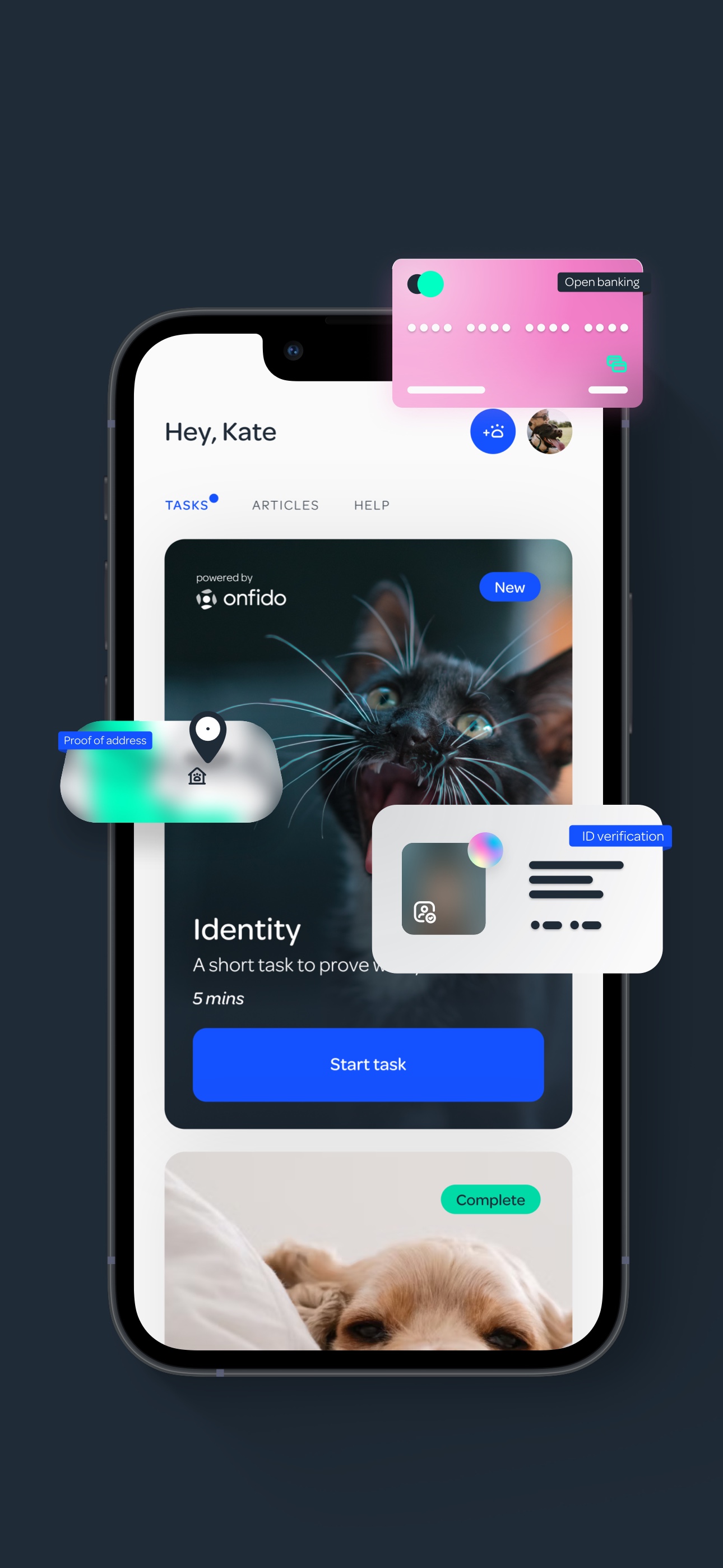
PetProov focused on identity verification and secure transactions. The timeline was 6 months. The product had to feel smooth in onboarding, but it also had to be correct.
This is where AI teams often get stuck. Verification and trust workflows have low tolerance for ambiguous outputs.
If you are building AI into a trust heavy flow, plan for:
- Human review paths
- Audit logs
- Conservative defaults
- Clear user messaging when the system is unsure
Insight: The more your product is about trust, the less you can treat AI as a UI feature. It becomes part of your risk model.
Visual component: FAQ for build vs buy AI in SaaS
FAQ
Can we start with managed AI services and still be “serious” about AI? Yes. Serious teams measure outcomes and build guardrails. The model choice can change later.
When do prompts stop working? When you need stable behavior across edge cases and you have clear labels for correctness. If you cannot write tests, you are not there yet.
Is RAG a substitute for fine tuning? Sometimes. RAG helps with grounding and freshness. Fine tuning helps with style, domain behavior, and consistent outputs. Many teams use both.
What is the biggest hidden cost? Evaluation and monitoring. Not GPUs. Not tokens. The cost is people time spent keeping behavior stable.
Conclusion
Build vs buy for AI in SaaS is a moving target. The right answer in month one can be wrong in month twelve.
If you want a simple rule that holds up in practice:
- Start with managed AI services when you are still learning the workflow and success criteria
- Move toward custom models when the feature is proven, volume is high, and you can afford the operational ownership
Insight: The best teams don’t “pick a model”. They pick a feedback loop, then let the model choice follow.
Actionable next steps you can take this week:
- Write down 2 to 3 AI use cases and define what failure looks like for each
- Add prompt and model versioning, even if you think it is overkill
- Instrument user outcomes (task success, overrides, drop off), not just token spend
- Define exit criteria for switching from managed to custom before you get locked in
If you do that, the build vs buy decision stops being a debate. It becomes a plan.