Introduction
Building a SaaS is rarely blocked by one big technical problem. It is blocked by a pile of small ones: auth edge cases, billing quirks, onboarding, admin tools, emails, audit logs, and the boring glue between them.
AI helps. But not in the way most teams expect. It does not replace product decisions, architecture trade offs, or security reviews. What it does well is compress the time between “we know what to build” and “it runs in staging”.
This article is about using AI assisted SaaS development with SaaS Boilerplate by Apptension. Not as a magic button. More like a disciplined workflow: boilerplate for the repeatable parts, AI for the repetitive parts, and humans for the parts that can ruin your business.
You will see what tends to work, what tends to fail, and how we’d measure success if you want to run this like an engineering project instead of a vibe.
- You will ship faster if you standardize the base stack and workflows
- You will ship safer if you treat AI output as untrusted code
- You will ship better if you measure lead time, defect rate, and onboarding completion, not “lines generated”
Insight: AI is most useful after you have constraints. Boilerplate gives you constraints. Without them, you get a lot of confident code that does not fit your system.
What we mean by AI assisted here
AI assisted does not mean “let the model build the product”. It means:
- Use AI to draft code, tests, queries, and docs inside an opinionated scaffold
- Use AI to speed up refactors and migrations you already decided to do
- Use AI to generate variants (copy, emails, UI states) that you still review
And it also means being honest about failure modes:
- Hallucinated APIs and libraries
- Security footguns in auth and billing
- Subtle data bugs that pass happy path tests
We mitigate those with guardrails: linting, type checks, test baselines, and code review rules that treat AI contributions like junior code. Fast, but not trusted.
A few rules that consistently reduce garbage output:
- Ask for file diffs and a list of touched files
- Require tests and migrations in the same output
- State constraints (no new libraries, do not change auth flow)
- Include edge cases and force the model to address them
- Keep scope small enough for one PR
If the model keeps inventing APIs, it is usually a sign your constraints are missing.
Why SaaS teams get stuck after the first demo
Most SaaS teams can get to a demo. The trouble starts when you need the demo to behave like a product.
Here are the bottlenecks we see most often when teams go from MVP to “people pay for this”:
- Inconsistent patterns across features (auth done three ways, forms done four ways)
- Slow onboarding loops because the app lacks emails, roles, and admin controls
- Billing and entitlement drift where Stripe says one thing and your database says another
- No audit trail so you cannot answer basic questions like “who changed this setting?”
- Testing debt that makes every change feel like gambling
Key Stat: 76% of consumers get frustrated when organizations fail to deliver personalized interactions. Treat onboarding and lifecycle messaging as product, not decoration.
The hidden tax: context switching
When the base is not standardized, every feature starts with a debate:
- Where does this logic live?
- How do we name this?
- Which library do we use?
- How do we test it?
That debate is expensive. It is also the exact place where AI is least helpful, because the model will happily generate code for any direction you pick.
A quick comparison: ad hoc start vs boilerplate start
| Area | Ad hoc build | Boilerplate first | What to measure |
|---|---|---|---|
| Auth and roles | Rebuilt per feature | Shared patterns | Support tickets tagged auth, time to add a role |
| Billing | Late integration, brittle webhooks | Early integration paths | Payment failure rate, reconciliation time |
| Emails and notifications | Added “later” | Planned as a system | Activation rate, churn in first 30 days |
| Admin and ops | Spreadsheet ops | Basic admin surfaces | Time to resolve incidents |
| Testing | Spot checks | Baseline test harness | Defects per release, rollback count |
- If you already have a codebase, boilerplate still helps as a reference architecture
- If you are starting fresh, it helps you avoid accidental complexity
Insight: Boilerplate is not about speed on day one. It is about fewer decisions on day thirty.
Where AI makes this worse
AI can amplify the mess if your foundation is loose. Common failure patterns:
- Generating new patterns instead of extending existing ones
- Copying code that looks right but ignores your domain rules
- Creating “almost correct” tests that give false confidence
Mitigation is boring but effective:
- Put conventions in writing (folder structure, naming, error handling)
- Add CI checks that fail fast
- Require a human reviewer to run through edge cases, not just style
Use this as a PR template comment when AI contributed code:
- Auth: Does this change affect login, sessions, or role checks?
- Billing: Could this create an entitlement mismatch or double charge?
- Data access: Are we leaking data across orgs or roles?
- Destructive actions: Are deletes reversible or confirmed?
- Observability: Are key events logged and errors traceable?
- Tests: Do we have negative tests and edge cases, not just happy paths?
If any answer is “not sure”, slow down and add coverage.
What SaaS Boilerplate is good for (and what it is not)
SaaS Boilerplate by Apptension is useful when you want a repeatable baseline for a SaaS product. It reduces the surface area of decisions and gives AI a narrower lane to operate in.
It is not useful as a substitute for product thinking. It will not tell you:
- Which pricing model fits your market
- Which roles your customers actually need
- What “activation” means for your workflow
FeaturesGrid: the baseline you want before adding AI
- Auth and user management: consistent flows, fewer one off hacks
- Roles and permissions: predictable access control patterns
- Billing and subscriptions: a place to anchor entitlements
- Team and org structures: the shape most B2B SaaS products end up needing
- Email and notification hooks: onboarding and lifecycle messaging without starting from zero
- Admin and operational surfaces: enough to debug production without SSH archaeology
Where it can slow you down
A boilerplate can create friction when:
- Your domain is not SaaS shaped (for example, heavy marketplace logic)
- You need a very custom auth model (complex SSO, external identity constraints)
- Your first milestone is a single workflow, not a full product shell
In those cases, you can still use parts of the boilerplate, but you should be explicit about what you are not adopting.
Insight: If you cannot explain why you are diverging from the boilerplate, you are probably diverging for the wrong reason.
Value props of pairing boilerplate with AI
When you combine a standardized base with AI assistance, you get a few concrete advantages:
- AI suggestions are more likely to match your patterns
- Code review gets faster because reviewers recognize the shape
- Refactors become cheaper because the system is less bespoke
And you get one big risk:
- You can ship wrong things faster
So keep product discovery tight. Use PoC and MVP style validation when you are still unsure (we often run investor ready prototypes in 4 to 12 weeks to test demand before hardening the full SaaS shell).
Fewer decisions
Shared conventions
AI output fits better when folder structure, naming, and patterns are already set.
Faster slices
Small PRs
Generate reviewable changes with tests instead of big drops that nobody wants to touch.
Safer scaling
Operational basics
Roles, audit logs, and admin surfaces reduce production guesswork as usage grows.
A practical AI assisted workflow that does not blow up in production
AI in SaaS development works best as a pipeline, not a chat window. The goal is repeatable output: PRs that pass checks, features that match requirements, and changes that do not break billing.
ProcessSteps: how we run it end to end
- Define constraints
- Acceptance criteria, edge cases, and non goals
- Data model sketch and permission rules
- Generate a first pass inside the boilerplate conventions
- Ask for file level changes, not “build the feature”
- Require tests and migration notes
- Run automated checks early
- Type checks, linting, unit tests, and basic security scans
- Human review focused on risk
- Auth, billing, data access, and destructive actions
- Instrument and ship behind a flag
- Track usage, errors, and drop offs
- Tighten the loop
- Update prompts, add regression tests, document patterns
Code example: prompt structure that produces reviewable PRs
You are working in an existing SaaS Boilerplate codebase.
Follow existing patterns for folders, naming, and error handling.

Task: Add a "Team Invitations" feature.

Requirements:
- Only org admins can invite
- Invite expires after 7 days
- Email is sent on invite creation
- Accepting an invite requires login

Output format:
1) List files to change
2) For each file: describe change in 1 to 2 sentences
3) Provide code diffs
4) Provide unit tests
5) Provide database migration
6) List edge cases and how they are handled

Constraints:
- No new libraries
- Do not change auth flows
- Add audit log entries for invite created and accepted
This looks strict. That is the point. The model does better when you remove ambiguity.
Benefits: what to measure (and what not to)
Measure outcomes, not AI activity.
- Lead time to merge (idea to production PR)
- Change failure rate (rollbacks, hotfixes)
- Defect density (bugs per release)
- Onboarding conversion (signup to activated)
- Support load (tickets per 100 users)
Avoid vanity metrics:
- Tokens used
- Lines of code generated
- Number of prompts
Hypothesis: Teams using boilerplate plus AI will reduce lead time for standard SaaS features by 20 to 40%. Validate by comparing cycle time for similar features across two sprints, with the same reviewers and definition of done.
Where AI is safe to lean on
Good places to use AI heavily:
- CRUD surfaces with clear schemas
- Admin tools and internal dashboards
- Email templates and copy variants (still reviewed)
- Test scaffolding and regression tests
- Documentation and runbooks
Places to be careful:
- Authentication and session handling
- Stripe webhook processing and entitlement checks
- Anything that touches PII or regulated data
This is where Apptension’s Generative AI Solutions experience in regulated contexts matters as a mindset: treat privacy, auditability, and access control as first class requirements, not afterthoughts.
_> Delivery Signals Worth Tracking
If you do not measure it, you will argue about it
If you are still proving demand, do not overbuild the SaaS shell. Validate:
- A single core workflow end to end
- One pricing assumption (even if manual billing)
- One onboarding path with measurable activation
- One retention signal (repeat action within 7 or 14 days)
Then harden with the full SaaS baseline once you know what users actually do.
What it looks like in real builds: three examples and the lessons
The best way to talk about AI assisted SaaS development is to ground it in delivery work. These are not “AI projects”. They are product builds where the same constraints show up: speed, quality, and operational reality.
blkbx: simple checkout sounds simple until it is not
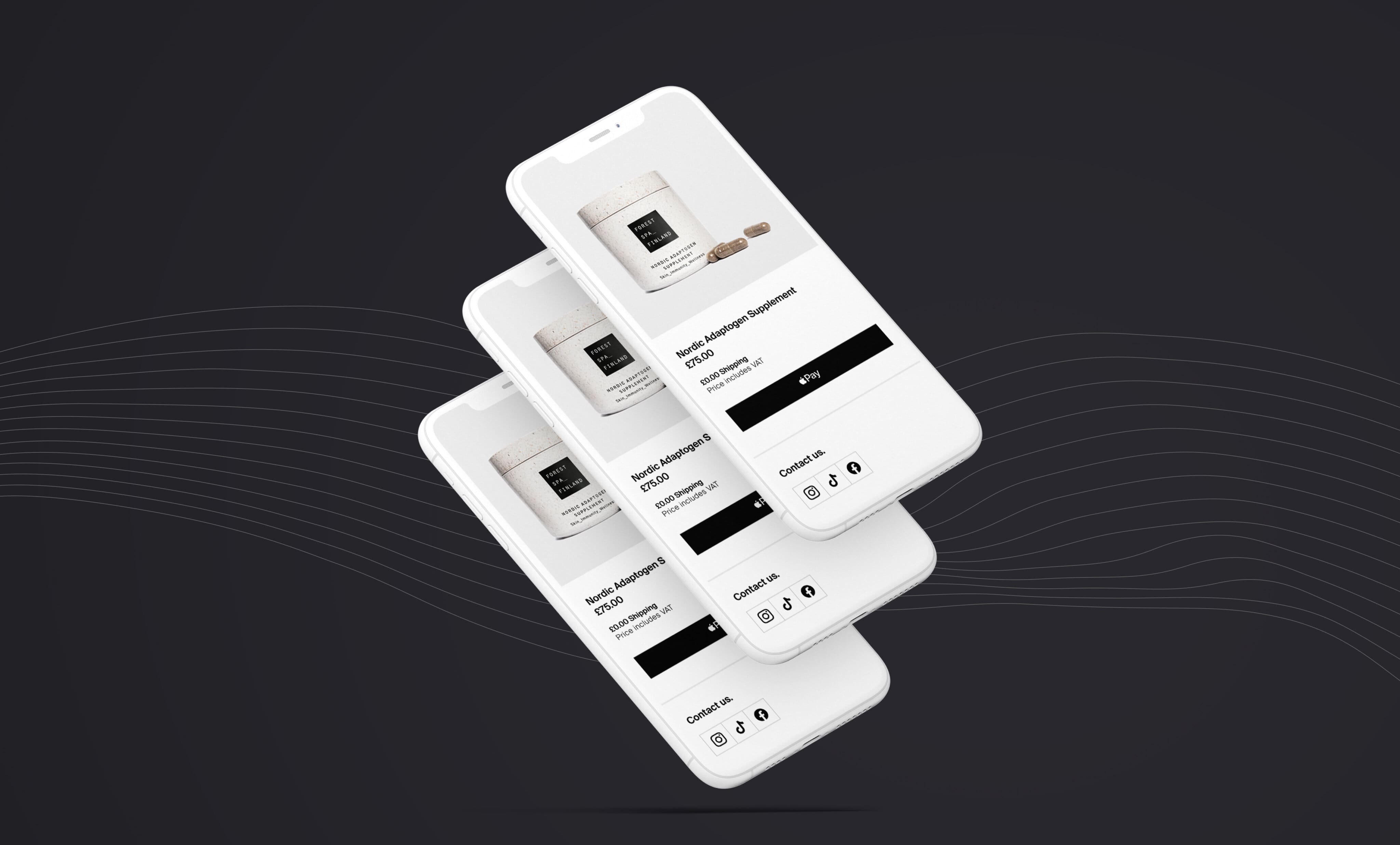
blkbx wanted a simple checkout flow that lets sellers generate payments for virtually any product by linking a seller account to Stripe. The core idea is straightforward. The edge cases are not.
What this teaches about boilerplate plus AI:
- Billing logic needs a single source of truth
- Webhooks need idempotency and replay safety
- Entitlements need to be explicit, not inferred
AI can help draft webhook handlers and tests, but you still need humans to define:
- Which events you trust
- How you reconcile Stripe state with your database
- What you do when events arrive out of order
Insight: Payments are not a feature. They are a system. Treat them that way or you will debug them at 2 a.m.
Miraflora Wagyu: speed under async constraints
Miraflora Wagyu needed a high end Shopify experience delivered fast. The team was spread across time zones, so synchronous feedback was limited. The store shipped in 4 weeks.
The takeaway for AI assisted SaaS development is not “AI made it fast”. The takeaway is process:
- Tight scope
- Clear approvals
- Async friendly handoffs
AI fits well here for:
- Drafting content variants
- Building repeatable UI patterns
- Generating test cases for critical flows
Example: When feedback loops are async, you win by shipping smaller slices more often. AI helps you prepare those slices faster, but it does not fix unclear decisions.
PetProov: trust, onboarding, and security are the product
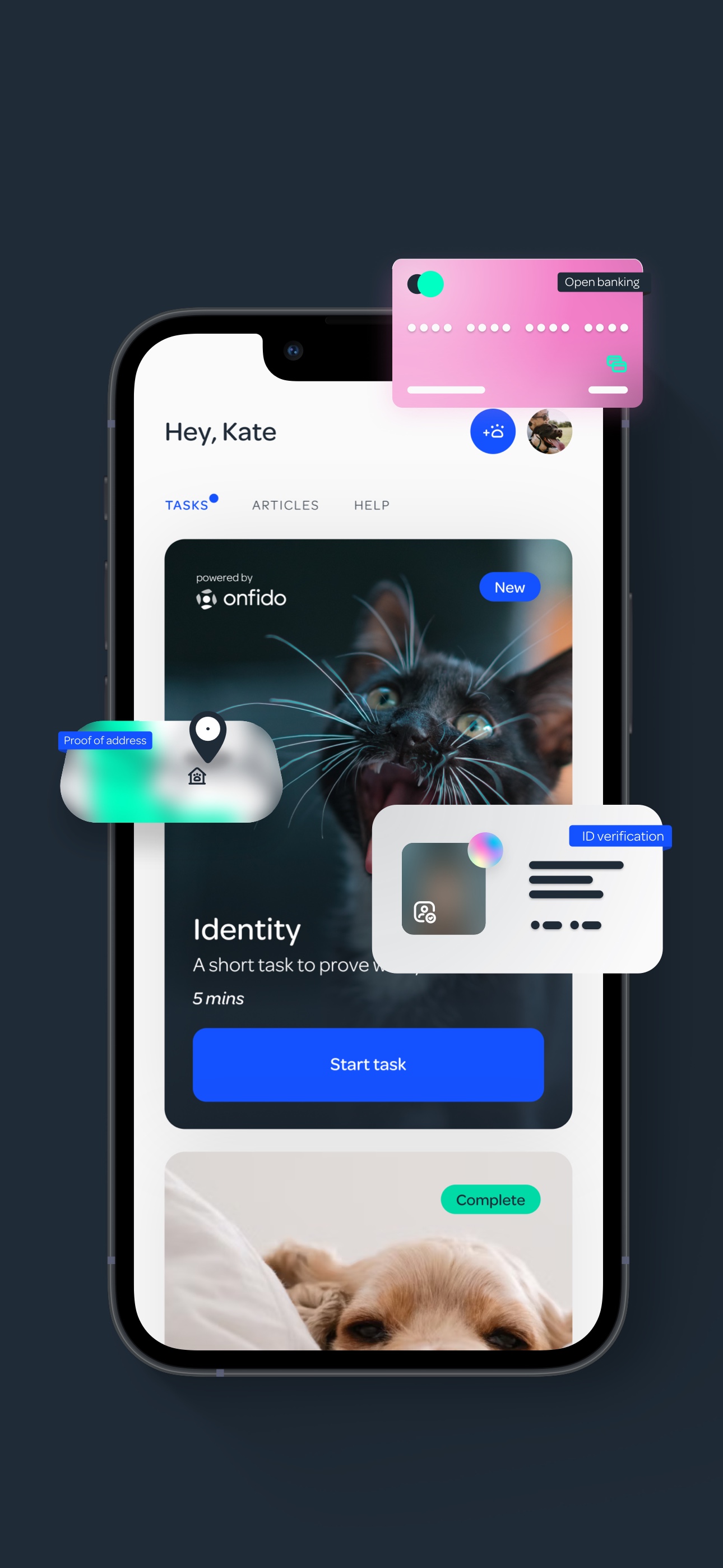
PetProov focused on identity verification and secure transactions in a marketplace like flow. The build included a seamless onboarding process plus dashboards for multiple concurrent transactions, delivered in 6 months.
This is where boilerplate value shows up:
- Roles and permissions are not optional
- Audit logs matter when trust is the product
- Onboarding needs to be measured, not guessed
AI can accelerate:
- UI state coverage (all the “what if verification fails?” screens)
- Test generation for workflows
- Documentation for support and operations
But AI can also introduce risk in crypto and security sensitive areas. We learned this the hard way in other work, like implementing custom cryptographic systems in React Native. The code can “work” and still be hard to test and reason about.
Insight: If you cannot test it, you do not control it. This is especially true for security and cryptography.
Comparison table: where boilerplate plus AI tends to pay off
| Workstream | AI help level | Boilerplate help level | Common failure | Mitigation |
|---|---|---|---|---|
| Onboarding flows | High | High | Missing edge states | Add UI state checklist, snapshot tests |
| Billing and webhooks | Medium | High | Wrong assumptions about events | Idempotency keys, replay tests, monitoring |
| Permissions and roles | Medium | High | Over permissive defaults | Permission matrix, negative tests |
| Analytics and dashboards | High | Medium | Misleading metrics | Define events, validate against DB |
| Crypto and security | Low | Low to Medium | Untestable complexity | Threat modeling, audits, test harnesses |
Conclusion
AI assisted SaaS development works when you treat it like engineering: constraints, checks, and measurements. SaaS Boilerplate by Apptension helps because it reduces the number of decisions you have to remake every week.
If you want a practical way to start, keep it simple:
- Pick one workflow that is boring but important (invitations, roles, subscription gating)
- Build it inside the boilerplate conventions
- Use AI to draft code and tests, but keep humans responsible for edge cases
- Instrument the flow and watch the numbers for two weeks
Next steps you can run this sprint
- Write a permission matrix for your top 3 roles
- Add audit log events for the top 5 destructive actions
- Create a billing reconciliation job (even a basic one) and measure mismatch rate
- Define onboarding activation and track drop off by step
- Set a rule: AI generated code must ship with tests and a reviewer note on risks
Insight: The goal is not “use AI”. The goal is fewer surprises in production, with shorter cycles between idea and shipped value.
FAQ: common questions we hear from SaaS teams
Will AI reduce the need for senior engineers? Not in the parts that hurt the most: architecture, security, and production debugging. It can reduce time spent on scaffolding and repetitive work.
Is boilerplate worth it if we already have an MVP? Often yes, as a reference model. You can adopt patterns incrementally: auth conventions, role checks, billing boundaries, and testing structure.
How do we know it is working? Track lead time, change failure rate, and onboarding conversion. If those do not improve, you are probably generating code faster but not shipping better.
Where should we avoid AI? Anything with sensitive data, complex billing rules, or cryptography unless you have strong test coverage and review discipline.