Introduction: SaaS security is mostly boring work
SaaS security rarely fails because of one exotic zero day. It fails because a token leaked, a role was too broad, a webhook endpoint accepted unsigned requests, or a database snapshot was left open. These are plain mistakes, and they repeat across teams and stacks. The fix is also plain: define the risks, reduce the blast radius, and detect problems fast.
At Apptension we build and run SaaS systems, including our own product Teamdeck, and we have seen the same pattern during delivery work. Teams often start with “we use cloud so it is secure,” then discover that cloud security depends on how you configure identity, networking, logging, and deployment. The good news is that you can get to a strong baseline with a small set of controls if you implement them with discipline.
This article focuses on practical essentials. It covers what to do, what tends to go wrong, and how to implement controls in code and infrastructure. It also calls out tradeoffs, because some “secure” choices can slow incident response or block product work if you overdo them.
Start with a threat model you can actually use
Threat modeling sounds heavy, but it can be a one hour exercise that saves weeks later. The goal is not a perfect model. The goal is a short list of “if this breaks, we lose money or trust” scenarios that map to concrete controls. You want something you can revisit each sprint, not a document that dies in a folder.
For SaaS, the highest frequency threats are not mysterious. They include account takeover, credential stuffing, insecure password resets, access control bugs, leaked API keys, and data exposure through logs or exports. Add availability risks too, because outages can also become security incidents when teams bypass controls under pressure.
Define assets, entry points, and trust boundaries
Start by listing assets in plain language. Examples: customer data in Postgres, file uploads in object storage, billing events, admin actions, and audit logs. Then list entry points: browser app, public API, webhooks, background jobs, internal admin, and CI pipelines. Finally, draw trust boundaries: what is public, what is “authenticated user,” what is “internal service,” and what is “cloud provider control plane.”
In Teamdeck-like products, a common boundary is between the multi tenant app layer and the analytics/export layer. Exports often run in background jobs and touch large data sets. If tenant scoping fails there, the blast radius is large. That boundary deserves extra tests and logging, not just “it should work.”
Pick a small set of abuse cases and map controls
Abuse cases are more useful than generic threats. Write them as “Attacker does X, result is Y.” Keep each one testable. Then map controls: authentication, authorization, rate limits, input validation, secrets management, and monitoring. If you cannot map a control, the abuse case is still useful because it becomes a backlog item.
- Credential stuffing against login endpoint → add rate limits, bot detection signals, and MFA options.
- Stolen refresh token from a compromised device → rotate tokens, bind sessions, and support logout everywhere.
- Unsigned webhook triggers privileged action → verify signatures and enforce replay protection.
- Overbroad IAM role allows reading all objects → least privilege policies and scoped buckets.
Identity and access: make the happy path safe
Most SaaS incidents start with identity. That includes end users, admins, service accounts, and CI credentials. Strong identity controls reduce the chance of compromise and shrink what an attacker can do after compromise. You cannot patch your way out of bad access control.
Two failures show up often: teams treat authentication as “done” after adding OAuth, and teams treat authorization as scattered if statements. OAuth helps, but it does not solve tenant isolation or admin safety. And scattered authorization checks eventually drift, especially when features ship fast.
Authentication basics: sessions, tokens, and MFA
If you use cookie sessions, set HttpOnly, Secure, and SameSite correctly, and keep session lifetimes short enough to limit exposure. If you use JWTs, avoid long lived access tokens in browsers. Prefer short lived access tokens plus refresh tokens stored in httpOnly cookies. Plan for token rotation and revocation, even if you start with a simple approach.
MFA is not only for enterprise checklists. It is a practical control for admin accounts and high risk actions like changing payout details or rotating API keys. The tradeoff is support overhead. You can reduce that overhead by providing recovery codes and clear UX for device changes.
Authorization: centralize policy and test tenant isolation
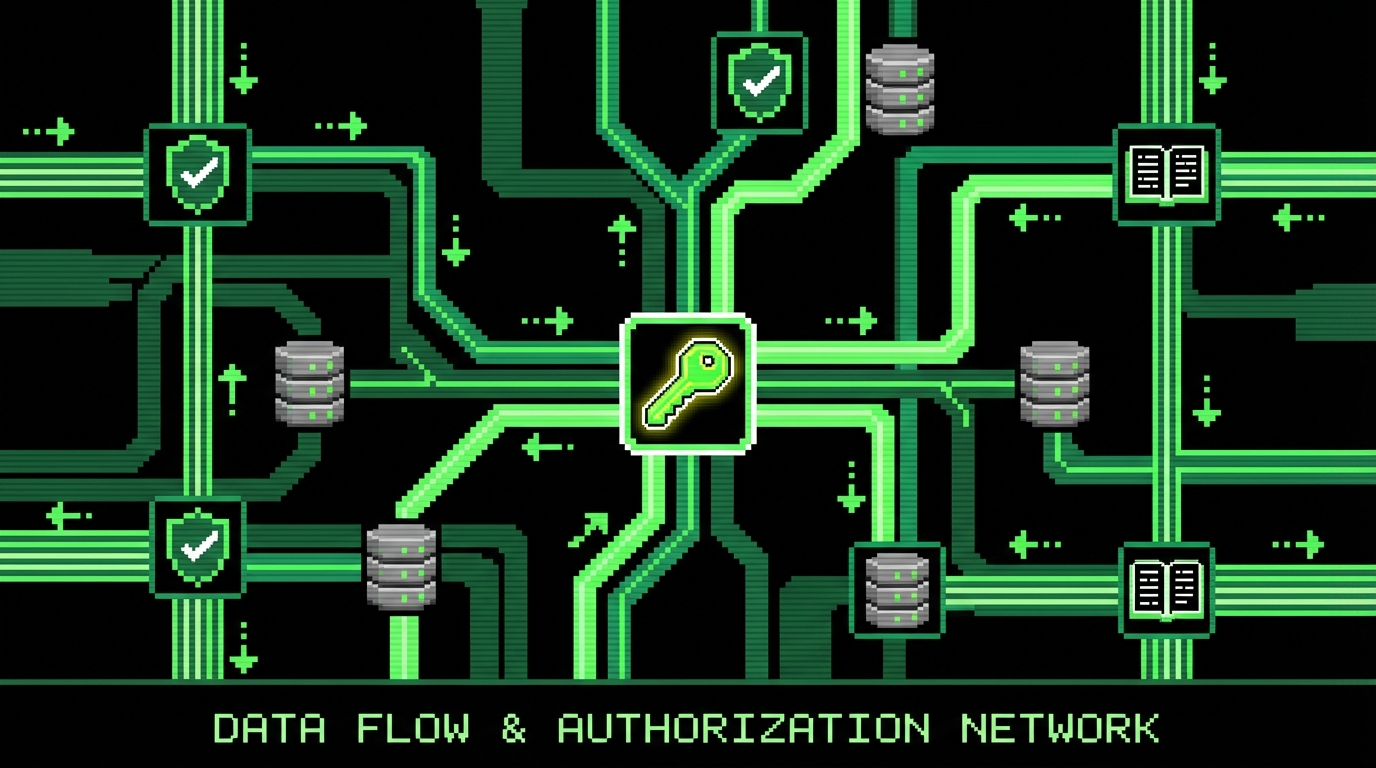
Authorization should be a layer, not a habit. Put checks in one place, and make them hard to bypass. Many SaaS apps need both role based access control (RBAC) and attribute based rules (ABAC), for example “user is admin” plus “resource belongs to tenant.” Centralization also makes it easier to log decisions for audits.
In delivery work on multi tenant SaaS (similar to SmartSaaS patterns), the most expensive bugs are cross tenant reads through “helpful” endpoints like search, exports, and CSV imports. These endpoints often bypass normal query builders. Add explicit tenant filters, and write tests that attempt to read another tenant’s data. Treat those tests as critical.
// Example: centralized authorization guard (Node/TypeScript)
// Assumes a multi-tenant model where every resource has tenantId. type Role = 'member' | 'admin' | 'owner'; type UserContext = { userId: string; tenantId: string; role: Role;
};
type Resource = {
  id: string;tenantId: string;
};
export function assertTenantAccess(ctx: UserContext, resource: Resource) {
  if (resource.tenantId !== ctx.tenantId) {
    const err = new Error('Forbidden');
    (err as any).statusCode = 403;
    throw err;
  }
}
export function assertAdmin(ctx: UserContext) {
  if (ctx.role !== 'admin' && ctx.role !== 'owner') {
    const err = new Error('Forbidden');
    (err as any).statusCode = 403;
    throw err;
  }
} // Usage in a handler
export async function updateBillingSettings(ctx: UserContext, settingsId:
  string) {
  const settings = await db.billingSettings.findById(settingsId);
  assertTenantAccess(ctx, settings);
  assertAdmin(ctx); // ..perform update
}
Secrets and configuration: stop leaking keys in normal workflows
Secrets leaks happen during normal work: debugging, copying env files, posting logs to chat, or running migrations locally. The fix is not “be careful.” The fix is to remove secrets from places where humans handle them and to add detection when leaks happen anyway.
A good baseline includes a secrets manager, strict separation of environments, and short lived credentials where possible. It also includes a plan for rotation. Rotation is not a yearly ritual. It is something you should be able to do on a Tuesday without breaking production.
Use a secrets manager and minimize long lived credentials
Store secrets in a managed system (cloud secrets manager, Vault, or a similar tool) and inject them at runtime. Avoid committing .env files or passing secrets through build logs. In container platforms, prefer mounting secrets into the runtime environment rather than baking them into images. For databases, use IAM auth or dynamic credentials if your platform supports it.
The tradeoff is operational complexity. Secrets managers add moving parts and permission management. But the alternative is worse: a single leaked key can give an attacker durable access, and you may not notice for weeks.
Add guardrails: scanning, policy, and safe defaults
Implement secret scanning in git and in CI. Add a pre-commit hook if your team can tolerate it, but do not rely on local hooks alone. Enforce policy in CI so it runs for every branch. Also, treat configuration as code and validate it. Misconfigurations like “debug true in production” or “CORS allow all” are common and avoidable.
Example: simple CI step to fail on obvious secret patterns
This is not sufficient alone, but it catches common mistakes. grep -RIn --exclude-dir=node_modules --exclude-dir=dist \ -E "(AKIA[0-9A-Z]{16}|-----BEGIN( RSA)? PRIVATE KEY-----|xox[baprs]-[0-9A-Za-z-]{10,})" \ . && echo "Potential secret found" && exit 1 || true
Assume a secret will leak at some point. Design so that a leaked secret expires fast, has narrow permissions, and is easy to rotate.
Data protection: encryption, isolation, and safe exports
SaaS apps live on data. That includes user profiles, business records, uploaded files, and analytics. Protecting that data is not only about encryption. It is about isolation, correct access patterns, and controlled data movement. Many incidents happen during exports, backups, and support workflows, not during normal API reads.
Encryption at rest is table stakes in most cloud platforms, but it does not fix logical access bugs. You still need tenant scoping, row level controls, and audit trails. Encryption in transit is also non negotiable, but you should verify it end to end, including internal service calls.
Tenant isolation patterns: schema, database, or row level security
There is no single best multi tenant isolation model. Separate databases per tenant give strong isolation but increase operational overhead. Separate schemas reduce some risk but still share infrastructure. Row level security (RLS) can work well when implemented carefully, but it requires discipline in how you connect and query.
When we build SaaS systems with Postgres, we often see teams start with application level tenant filters and later add stronger controls. If you choose RLS, enforce it at the database level and make it hard for application code to bypass. The failure mode is a “superuser” connection string used by a background job that accidentally ignores tenant checks.
-- Example: Postgres Row Level Security for a multi-tenant table ALTER TABLE projects ENABLE ROW LEVEL SECURITY; CREATE POLICY tenant_isolation_projects
ON projects
USING (tenant_id = current_setting('app.tenant_id')::uuid); -- In your app, set the tenant id per request/transaction
-- SET LOCAL app.tenant_id = '..';
Handle exports and file storage as a separate risk
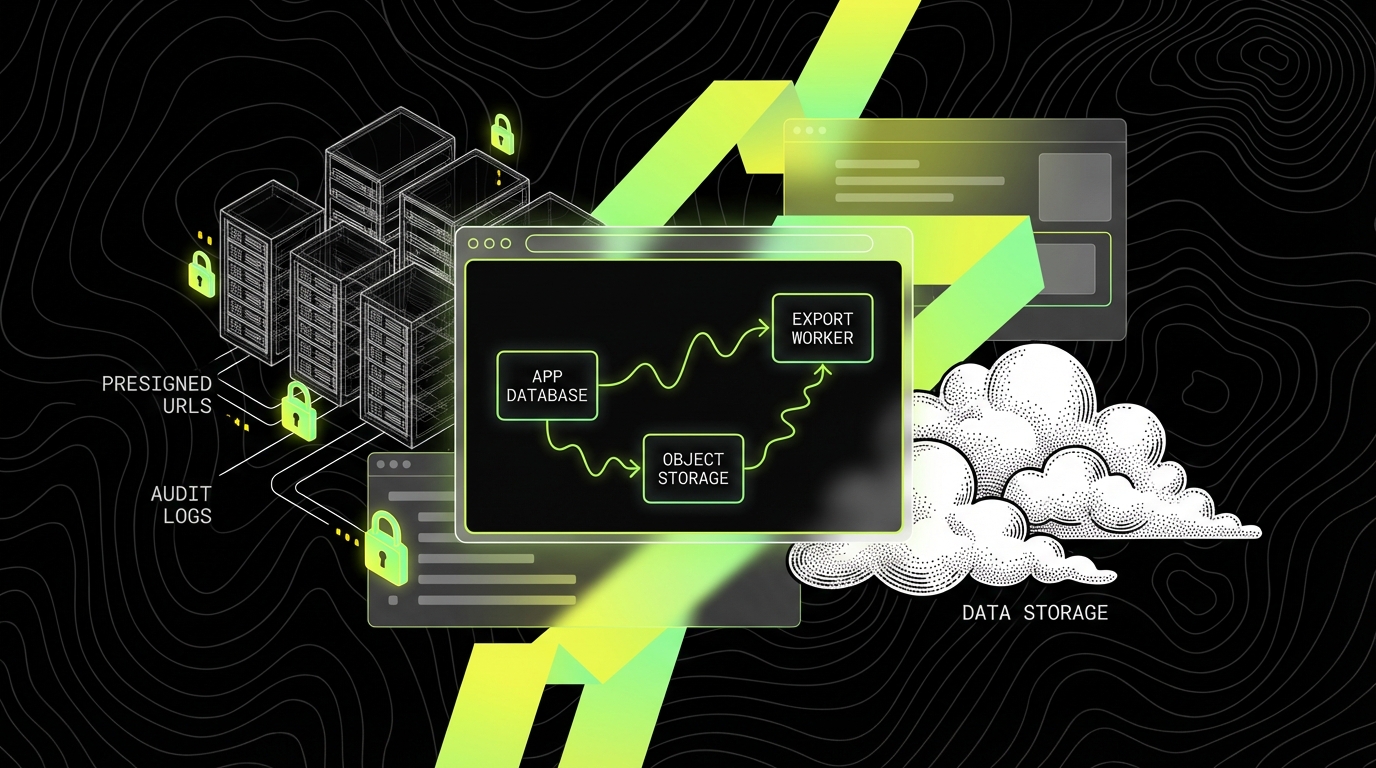
Exports turn scoped data into portable files. That is useful, but it changes the risk profile. Add explicit permissions for exports. Add watermarking or tenant identifiers in file names. Set short expirations on download URLs. Store exports in a separate bucket with tighter policies than general uploads.
For object storage, block public access at the account level where possible. Use presigned URLs for downloads and uploads. Log access to sensitive prefixes. If you support customer managed keys, document the operational cost, because lost keys can become irreversible data loss.
Application security: reduce common web risks and supply chain failures
Most SaaS apps are web apps with APIs. That means the same set of risks: injection, XSS, CSRF, SSRF, insecure deserialization, and broken access control. Frameworks help, but they do not remove the need for secure defaults and tests. A secure framework can still be used in an insecure way.
Supply chain risk is also real. Dependencies ship fast, and some will have known vulnerabilities. The goal is not “zero vulnerabilities.” The goal is to know what you run, patch fast when it matters, and avoid pulling arbitrary code into sensitive paths.
Harden API endpoints: validation, rate limits, and idempotency
Validate inputs at the boundary. Use schema validation for request bodies and query params. Reject unknown fields when it makes sense, because permissive parsing can hide bugs. Add rate limits on auth endpoints, password reset, and expensive queries. Use idempotency keys for payment and webhook driven operations to avoid duplicates.
Rate limits can also fail in practice. If you implement them only in memory, they reset on deploy and do not work across instances. Use a shared store (Redis) or a gateway feature. Also, do not block legitimate bulk operations without a plan. Provide higher limits for trusted service accounts or async job patterns.
// Example: webhook signature verification with replay protection (Node/TypeScript)
import crypto from 'crypto';

function timingSafeEqual(a: string, b: string) {
  const ab = Buffer.from(a);
  const bb = Buffer.from(b);
  if (ab.length !== bb.length) return false;
  return crypto.timingSafeEqual(ab, bb);
}
export function verifyWebhook(rawBody: Buffer, headerSignature: string,
  headerTimestamp: string, secret: string, maxSkewSeconds = 300
) {
  const ts = Number(headerTimestamp);
  if (!Number.isFinite(ts)) throw new Error('Invalid timestamp');
  const now = Math.floor(Date.now() / 1000);
  if (Math.abs(now - ts) > maxSkewSeconds) throw new Error('Stale request');
  const payload = `${ts}.${rawBody.toString('utf8')}`;
  const expected = crypto.createHmac('sha256', secret).update(payload).digest(
    'hex');
  if (!timingSafeEqual(expected, headerSignature)) {
    throw new Error('Invalid signature');
  } // Store (ts, signature) or event id in Redis to prevent replays.
}
Secure headers, cookies, and browser surfaces
Set security headers at the edge: Content Security Policy, X-Content-Type-Options, and frame protections. CSP takes time to tune, and it can break analytics scripts or embedded widgets. Start with a report-only mode, then tighten. For cookies, avoid storing access tokens in localStorage. Prefer httpOnly cookies and rotate refresh tokens.
CSRF protection still matters when you use cookies. Use same-site cookies where possible, and implement CSRF tokens for unsafe methods. The failure mode is “we switched to SPA so we removed CSRF,” while still using cookies for auth. That gap shows up later as account takeover through malicious sites.
Dependency and build security: know what ships
Use automated dependency scanning in CI, and pin versions with lockfiles. Keep your build images minimal and patched. Sign artifacts if your platform supports it, and restrict who can publish packages used by your org. Also, treat internal packages as production code. They can be compromised too.
In practice, teams drown in low severity alerts. Triage by reachability and exposure. A vulnerable dev dependency that never runs in production is different from a vulnerable auth library. Track mean time to patch for high severity issues. If you cannot patch fast, add compensating controls like WAF rules or feature flags.
Observability and incident response: detect fast, respond without panic
Security controls will fail. A good SaaS team assumes this and invests in detection and response. You want to know who did what, when, and from where, without digging through a dozen systems. You also want a playbook that works at 3 a.m., when context is missing and stress is high.
Logging and monitoring can also create risk. Logs can contain secrets, tokens, and personal data. So observability needs guardrails: structured logs, redaction, retention policies, and access controls. If everyone can read production logs, you have created a new data exposure path.
What to log: security events, not everything
Log events that help answer incident questions. Examples: login success and failure, password reset requests, MFA enrollment, token refresh, role changes, export creation, API key creation, and admin actions. Include request IDs, actor IDs, tenant IDs, and source IPs. Avoid logging raw request bodies unless you have a clear reason and a redaction plan.
Set alerts on patterns that indicate abuse. A few examples: many failed logins for a single account, many accounts from one IP, spikes in export creation, or repeated 403 errors that suggest probing. Alerts should be practical. If an alert fires every day, people will mute it.
- Security event stream with consistent schema (actor, tenant, action, target, result).
- Separate audit log storage with stricter access than application logs.
- Retention policies aligned with compliance and customer expectations.
- Redaction for tokens, passwords, and payment data.
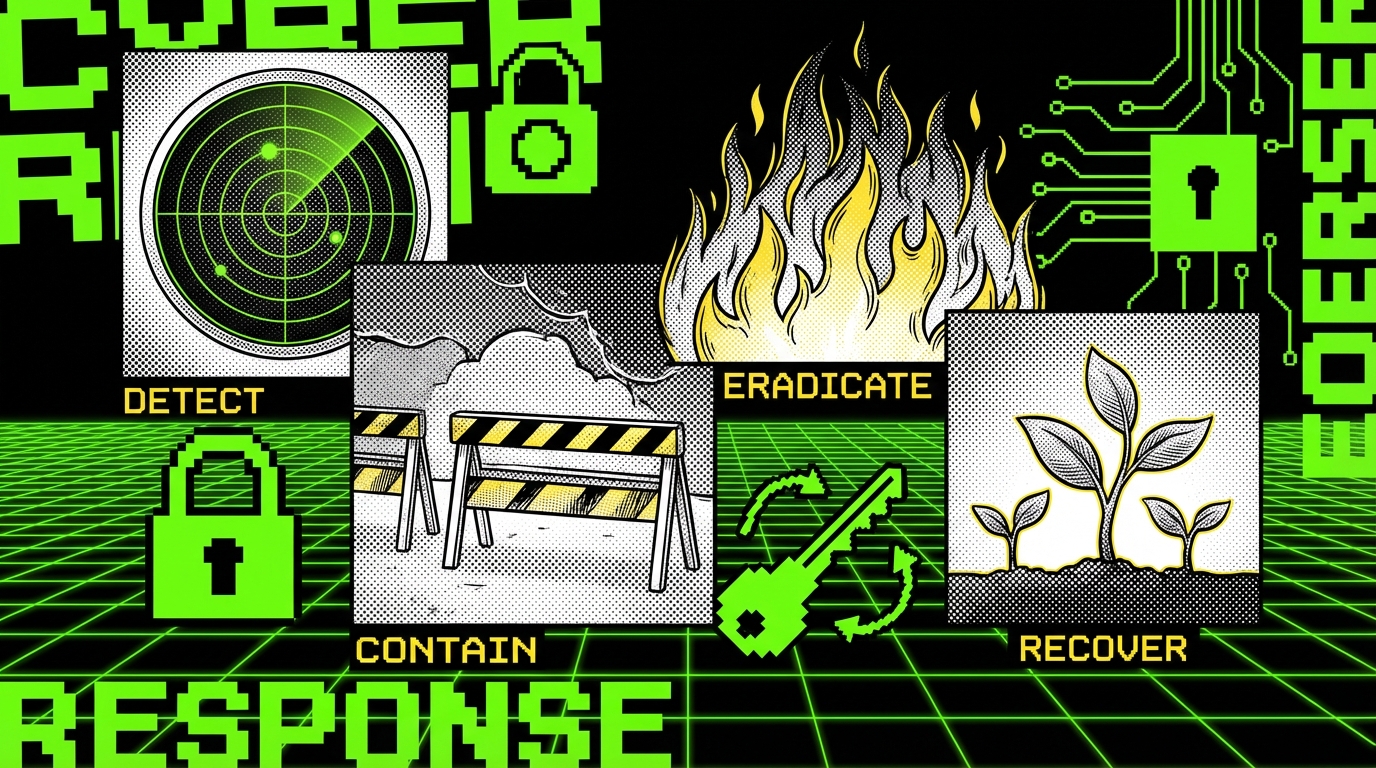
Build an incident playbook and practice it
Write a playbook that fits on a few pages. Include who is on call, how to declare an incident, and how to communicate internally. Include technical steps: rotate keys, revoke sessions, disable risky features, and capture evidence. Practice with a tabletop exercise once per quarter. Practice reveals missing permissions and missing runbooks.
In SaaS delivery, we often see teams skip practice because it feels like overhead. Then the first real incident becomes the practice, and the cost is higher. Even a simple “stolen API key” drill forces you to confirm you can rotate secrets, invalidate tokens, and find affected tenants quickly.
- Identify scope: which tenants, which data, which time window.
- Contain: revoke tokens, rotate keys, block abusive IPs, disable endpoints if needed.
- Eradicate: patch the bug, remove malicious accounts, fix misconfigurations.
- Recover: restore normal traffic, validate data integrity, monitor for recurrence.
- Learn: write a postmortem with concrete fixes and owners.
Security in delivery: CI/CD, infrastructure, and change control
SaaS security depends on how you ship changes. CI/CD can either reduce risk through repeatable deployments or increase risk through fast, silent misconfigurations. The goal is to make secure changes easy and insecure changes hard. That means policy checks, environment separation, and review gates where they matter.
Infrastructure is also part of the application. If your IaC is messy, your security posture is messy. Teams often discover that their biggest risks are in IAM, security groups, and public buckets, not in the API code. A small amount of structure in infrastructure pays off quickly.
Guardrails in CI: tests, SAST, and IaC scanning
Add automated checks that run on every pull request. Include unit tests for authorization and tenant isolation, plus integration tests for critical flows like password reset and exports. Add SAST and dependency scanning, but tune them so they do not become noise. For IaC, scan for common misconfigurations like public storage, open security groups, and overly broad IAM policies.
These tools fail when teams treat them as a badge. A passing scan does not mean “secure.” It means “no known issues in this tool’s rule set.” Keep humans in the loop for changes that affect auth, billing, and data access. Use code owners or review rules to enforce that.
Least privilege in cloud IAM: reduce blast radius
Define separate roles for runtime services, background workers, and CI. Give each role only the permissions it needs. Avoid wildcard actions and wildcard resources. If you must use broad permissions early, create a ticket to narrow them and track it like product debt. Broad IAM permissions are a common root cause in cloud incidents.
Also separate environments. Production should not share credentials with staging. If a staging key leaks, it should not open production. This sounds obvious, but it breaks in practice when teams rush to unblock a deploy. Make the secure path the default path by providing templates and automation.
Feature flags and safe rollouts
Use feature flags for risky changes, especially in auth and billing flows. Flags let you roll out to internal users first, then a small slice of tenants, then everyone. They also let you turn off a feature during an incident without a full rollback. That can be the difference between a contained issue and a long outage.
Flags can also become a mess if you never remove them. Set an expiry date and clean them up. A stale flag with an old code path can reintroduce a patched vulnerability if someone toggles it later.
If you cannot roll back or disable a risky feature in minutes, you do not have a release process. You have a hope process.
Conclusion: a secure SaaS is a set of habits
SaaS security is not one tool or one audit. It is a set of habits: clear threat models, strict identity controls, safe secret handling, careful data movement, hardened APIs, and honest monitoring. Each habit reduces a specific failure mode. Together they make incidents rarer and smaller.
Some controls will slow you down if you add them late. Add them early, and they become part of normal work. When we build SaaS products at Apptension, we aim for a baseline that supports fast delivery without leaving obvious gaps: centralized authorization, tenant isolation tests, secrets in managed stores, and incident playbooks that people can follow.
If you want a simple next step, pick three items you can finish this sprint. For many teams, that is: add tenant isolation tests for exports, rotate and scope cloud IAM roles, and implement a security event log for admin actions. None of that is glamorous. All of it reduces real risk.