Direct answer
AI-era SaaS product management needs eval gates, data ownership, and delivery partners who can ship governed AI features. Prioritize senior engineers who treat AI as production systems, not demos. See Generative AI.
Introduction: AI raised the bar for SaaS PM work
In 2026, most SaaS roadmaps include “AI features.” The hard part is not adding a model. The hard part is shipping something that stays correct, safe, and useful after the first demo. Product management now sits closer to engineering, data, security, and support than it did even two years ago.
The failure mode looks familiar: teams ship a chatbot, adoption spikes for a week, and then support tickets climb. Users complain about wrong answers, missing sources, and inconsistent behavior. The PM sees “usage” go up, but churn does not go down. That gap happens when you measure output (features shipped) instead of outcomes (tasks completed, time saved, fewer tickets, higher retention).
This article is a 2026 edition playbook for SaaS product management with AI in the loop. It focuses on concrete practices: how to define AI problems as product problems, which metrics to track, how to structure delivery, and how to keep risk under control without freezing progress. We’ll also reference patterns we’ve seen while delivering products at Apptension, including an AI driven internal knowledge chatbot built for secure environments.
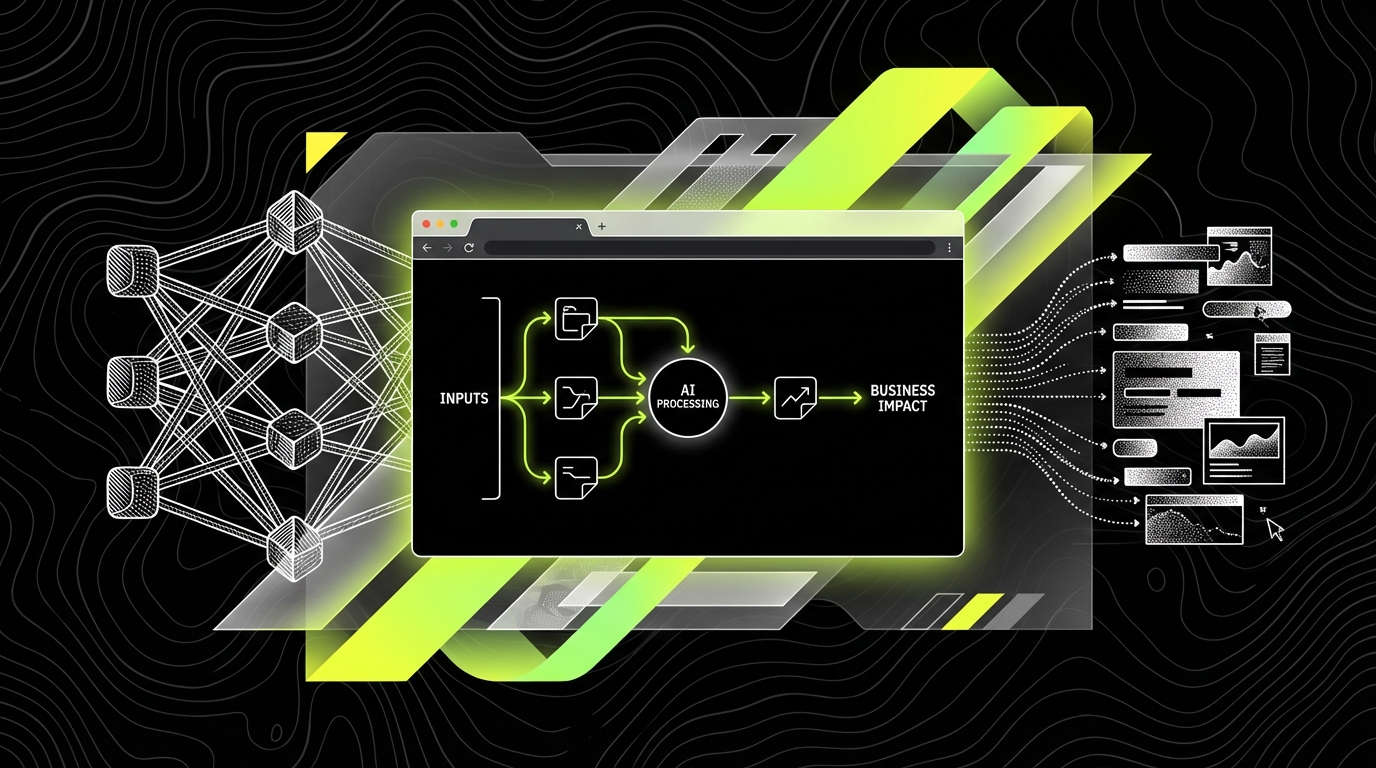
1) Start with user tasks, not “add AI” requests
“We need AI” is not a product requirement. It is a guess about a solution. In SaaS, the durable unit of value is a user task: “resolve a customer ticket,” “create a report,” “find the right policy,” “configure access,” “approve an invoice.” AI is only useful if it reduces the cost of that task in time, effort, or errors.
Define the task with observable steps and a clear finish line. For example, “Answer a policy question” becomes: search internal docs, open 2 - 3 pages, copy a snippet, sanity check with a colleague, then respond. That gives you baseline metrics you can measure before and after AI: median time to answer, number of sources opened, escalation rate to a senior person, and rework rate when the answer is corrected later.
Turn fuzzy requests into testable product hypotheses
Write hypotheses that include a user, a task, a measurable change, and a time window. A solid hypothesis sounds like: “Support agents will reduce median time to first response from 18 minutes to 12 minutes within 30 days by using an answer draft with citations.” A weak one sounds like: “Agents will like the chatbot.” Liking is not a metric you can run a sprint on.
When we built an AI driven internal knowledge chatbot (Mobegí case context), the scope only became stable once the task definition was explicit: “Find policy level answers with sources under access control.” That pushed the team to prioritize retrieval quality, citations, and permission checks over “more creative answers,” because the job was compliance heavy and the cost of a wrong answer was high.
Discovery artifacts that still work in 2026
Classic discovery tools did not become obsolete. They just need tighter instrumentation. Use a top tasks list (top 10 user tasks by frequency and business value), job stories (When… I want… so I can…), and a simple opportunity solution tree. Then attach a measurement plan to each branch.
For AI features, add one more artifact: a “failure catalog.” List realistic failure modes like hallucinated facts, missing context, stale data, and permission leaks. For each, define how users detect it today (if they can), and what the product should do when it happens (show sources, ask a follow up question, or refuse and route to a human).
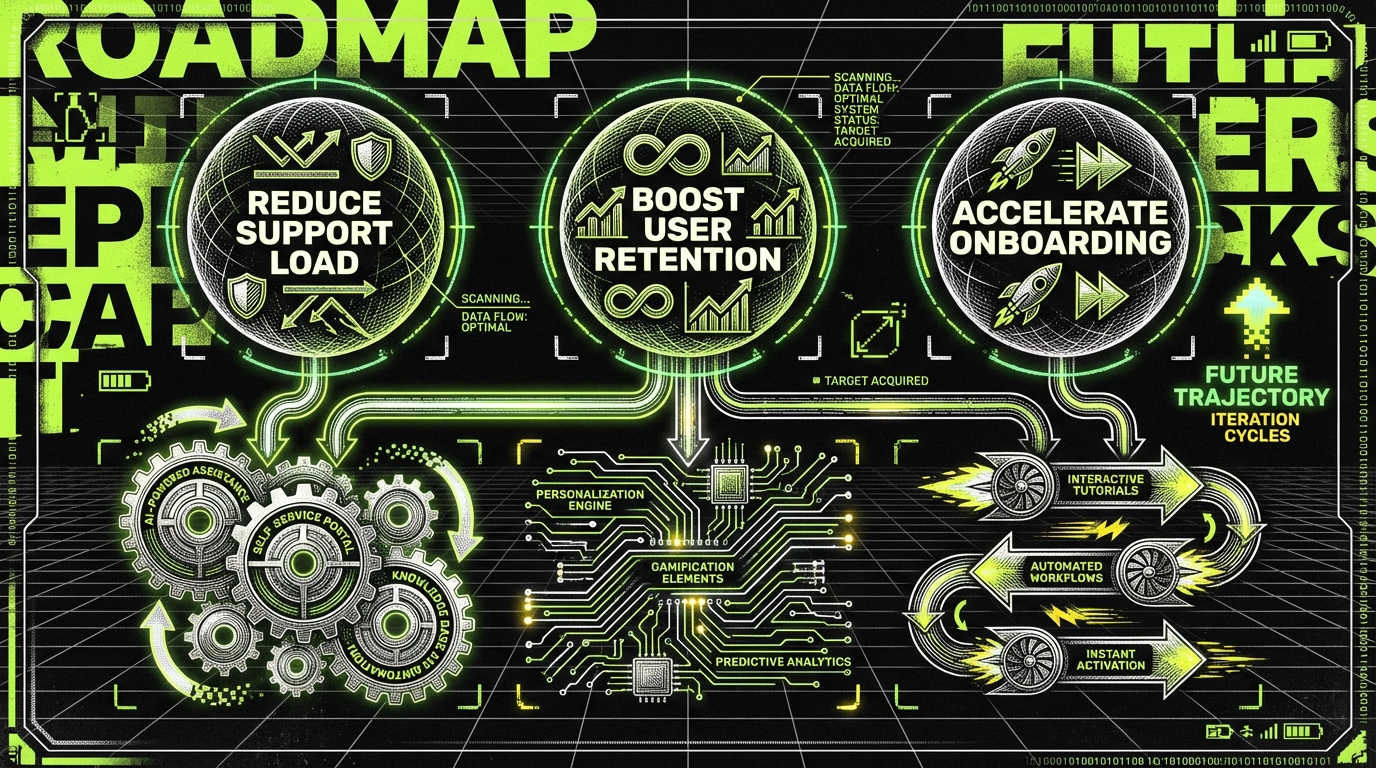
2) Use a two layer roadmap: outcomes and capabilities
AI pushes teams into a trap: roadmap items become “Add GPT,” “Add RAG,” “Fine tune model,” and the business can’t tell what improved. A better approach is a two layer roadmap. The top layer is outcomes users and the business care about. The bottom layer is capabilities that enable those outcomes.
Example outcome: “Reduce onboarding time for new analysts.” Capability work might include: “guided setup,” “template library,” and “AI assisted query builder.” The PM can sequence capabilities, but the roadmap conversation stays anchored in outcomes. This also prevents the “model upgrade treadmill,” where you swap models every month without measurable user impact.
Define outcome metrics that connect to money
Pick metrics that tie to retention, expansion, or cost. For SaaS, that often means a mix of product and support metrics. Concrete examples include: Feature Adoption Rate (percentage of active accounts using the feature weekly), Activation Rate (percentage of new users who complete the key setup flow), and Net Revenue Retention (NRR, revenue from existing customers after churn and expansion).
For AI heavy workflows, add operational outcomes: Ticket Deflection Rate (percentage of issues resolved without human support), Cost per Resolution (support cost divided by resolved cases), and Time to Competency (days until a new hire reaches target output). If you cannot explain how a metric affects revenue or cost, it is usually a vanity metric.
If your roadmap item cannot name a user task and one measurable outcome, it is not ready for planning.
3) Measure AI features with product metrics and model metrics
In 2026, PMs need comfort with two measurement layers. Product metrics tell you if users succeed. Model metrics tell you why the system behaves the way it does. If you only track model metrics, you can improve “accuracy” while the feature still fails in real workflows. If you only track product metrics, you will not know what to fix.
Start with product success metrics tied to tasks. For a knowledge assistant, track Task Completion Rate (percentage of sessions ending with a confirmed answer), Median Time to Answer, and Escalation Rate (handoff to a human or creation of a ticket). Add experience metrics like Customer Effort Score (CES, “How easy was it to get an answer?” on a 1 - 7 scale) and a simple “Was this answer correct?” prompt with a required reason when negative.
Concrete model quality metrics you can operationalize
Model metrics should map to user visible failure. For retrieval based systems, track Retrieval Precision (percentage of retrieved chunks that are relevant), Citation Coverage (percentage of answers that include at least one source), and Groundedness Rate (percentage of answers whose claims appear in the cited sources). If you do summarization, track Compression Ratio (input tokens to output tokens) and Factual Consistency (human or automated checks that summary statements match the source).
Also track safety and policy metrics. Examples: Refusal Accuracy (refuse when asked for forbidden content), Prompt Injection Success Rate (how often malicious instructions override policy), and PII Exposure Rate (percentage of outputs containing emails, phone numbers, or IDs when they should not). These are not academic. They are the difference between a feature you can roll out to enterprise accounts and one you keep behind a flag forever.
Instrument feedback so it becomes training data, not noise
Thumbs up and thumbs down are not enough. Capture structured signals: “wrong because outdated,” “wrong because missing context,” “wrong because permissions,” “wrong because misunderstood question.” Then log the full trace: user query, retrieved documents (IDs only if sensitive), model output, and which guardrails fired.
In practice, teams do best when they treat AI feedback like bug reports. Each negative rating should be triaged into: prompt fix, retrieval fix, data fix, UI fix, or policy fix. That makes the backlog practical and keeps PMs from turning “improve AI quality” into an endless vague epic.
4) Ship with guardrails, not hope
AI features fail in production because teams assume the model will “figure it out.” It will not. SaaS products need predictable behavior. Guardrails are explicit constraints and checks around the model that keep outputs within acceptable boundaries.
Guardrails include UI constraints (limited actions, confirmation steps), retrieval constraints (only approved corpora), and policy constraints (refuse, redact, or route to human). The PM’s job is to define what “acceptable” means with examples, not just to request “safer outputs.”
Common guardrails that work in SaaS
For knowledge assistants, citations are the simplest guardrail that users understand. Require at least one source for factual answers. If the system cannot find a source, it should say so and offer next steps: ask a clarifying question, search again with suggested filters, or create a ticket with the query attached.
For AI actions (like “create user,” “change permissions,” “refund invoice”), use a two step flow: draft then confirm. The model proposes the action, but the UI shows a diff and requires a human click. Track Confirmation Rate (percentage of drafts accepted) and Correction Rate (percentage edited before acceptance). Those metrics tell you if the model is helping or just creating more work.
Plan for the “unknown unknowns” with staged rollout
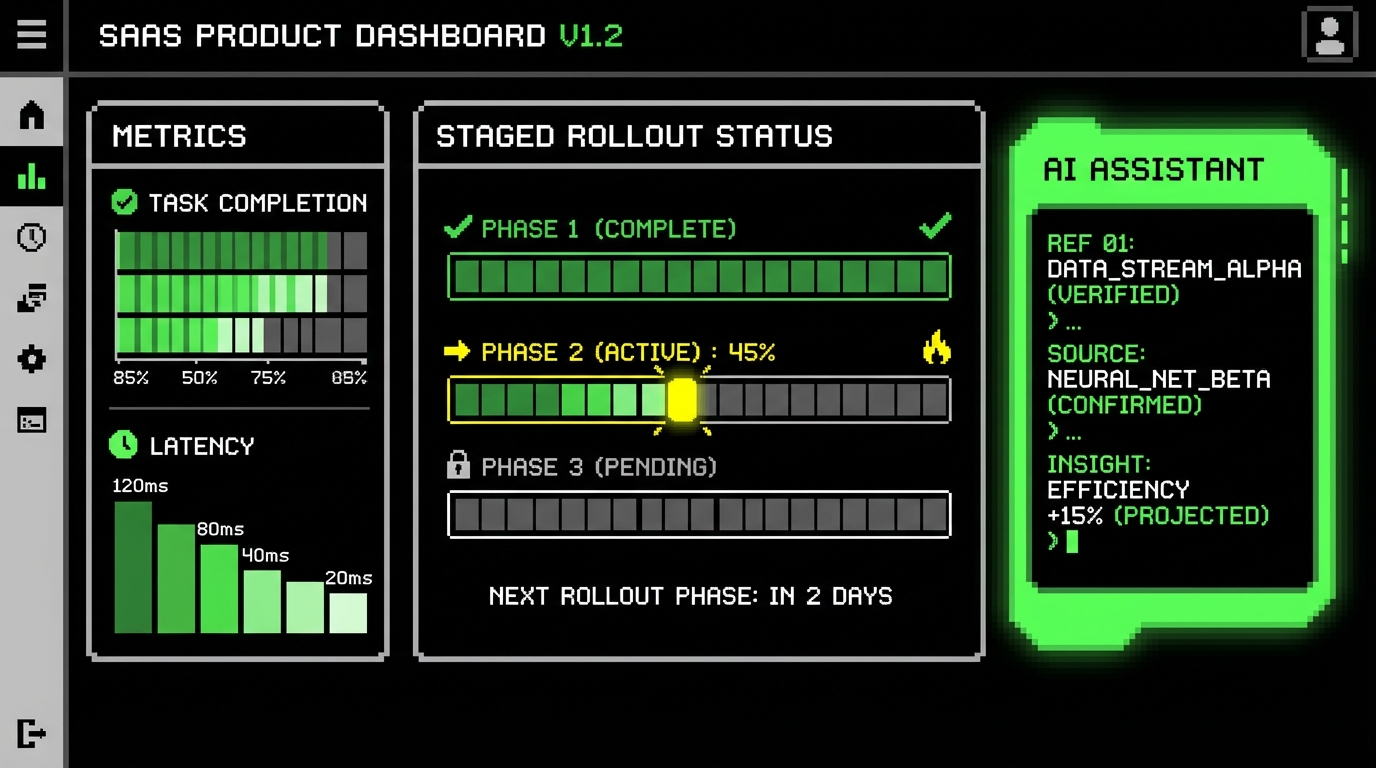
Do not roll AI features to 100% on day one. Use feature flags and staged cohorts: internal users, then 5% of accounts, then 25%, then full release. Define abort conditions in advance. Examples: if PII Exposure Rate exceeds 0.1% of sessions, or if support tickets tagged “AI wrong answer” exceed 20 per week, roll back or tighten constraints.
At Apptension, we often pair staged rollout with “shadow mode.” The AI runs in the background and logs outputs, but users do not see it yet. This lets you estimate Groundedness Rate, refusal behavior, and latency before you attach the feature to a critical workflow.
5) Treat AI delivery as a product system, not a single feature
In SaaS, “AI” is usually a system: data pipelines, retrieval, orchestration, UI, monitoring, and feedback loops. If you manage it like a normal feature, you will ship a demo and then spend months firefighting. The PM needs an operating model that keeps improvements continuous and measurable.
That starts with a clear ownership map. Who owns the prompt and orchestration logic? Who owns the document corpus and its freshness? Who owns policy and security reviews? Without explicit ownership, every incident becomes a cross team blame session, and fixes take weeks instead of days.
Flow metrics that keep delivery honest
Velocity is not enough because it hides waiting and rework. Track flow metrics that reflect how work moves through the system. Examples: Cycle Time (median time from “in progress” to “deployed”), Lead Time (median time from request to deployment), and Work in Progress (WIP, number of items actively being worked on).
Pair them with reliability metrics from DevOps practice: Deployment Frequency (deploys per day or week), Change Failure Rate (percentage of deploys causing rollback or incident), and MTTR (mean time to recover after an incident). If Cycle Time drops but Change Failure Rate rises, you are shipping faster but breaking more. That is not progress.
Define “done” for AI work with acceptance tests
AI stories often end with “seems better.” Replace that with acceptance tests based on real examples. Create a small evaluation set: 50 - 200 representative queries with expected sources and acceptable answer patterns. “Done” means the new version improves Groundedness Rate by, say, 5 percentage points without increasing refusal errors or latency beyond your threshold.
Also define performance targets users feel. For interactive assistants, many teams aim for p95 latency under 2 - 4 seconds for a first response, with streaming if longer. If the assistant takes 12 seconds, users stop trusting it, even if the answer is correct.
6) Pricing and packaging: sell outcomes, control costs
AI features change unit economics. Token costs, vector storage, and additional compute can turn a profitable plan into a loss leader. PMs need a pricing and packaging approach that matches value and protects margins, without punishing normal use.
A practical pattern is to package AI around outcomes and limits users understand. Examples: “AI assisted drafts up to 500 per month,” “knowledge assistant with 50k indexed documents,” or “advanced compliance mode with citations and audit logs.” Avoid opaque limits like “10 million tokens,” because most buyers cannot map that to their usage.
Metrics for unit economics you should review monthly
Track Cost per Active AI User (monthly AI infrastructure cost divided by unique active AI users) and Cost per Successful Task (AI cost divided by tasks completed with confirmation). If Cost per Successful Task is $0.40 and the task saves 5 minutes of an agent’s time, the value can be clear. If the same task costs $1.80 and still escalates 30% of the time, you have a pricing and quality problem.
Also watch Gross Margin by plan, not just overall. AI heavy enterprise plans can subsidize free tier usage if you do not separate costs. A simple practice is to tag all AI calls with account ID, feature name, and environment (prod, staging). Then finance and product can see which features are expensive and which are worth it.
Good packaging makes cost visible to the team and value visible to the buyer. If neither can explain it, the feature will be hard to sustain.

7) Security, compliance, and trust: make it part of the UX
In regulated industries, “trust” is not a brand slogan. It is a set of controls users can see and auditors can verify. AI features introduce new risk surfaces: data leakage, unauthorized access, and incorrect advice that looks confident. PMs need to design trust into the product experience, not bolt it on after procurement asks.
Start with data boundaries. Define what content can be indexed, who can access it, and how quickly removals propagate. If an employee loses access to a folder, the assistant must stop using that content immediately, not after the next weekly reindex. That requirement affects architecture, but it is a product promise.
Trust signals users understand
Show sources with timestamps (“Updated 2025-11-03”), and show scope (“Based on: HR Handbook, IT Policy”). When the assistant is uncertain, say so and ask a clarifying question. Users forgive “I don’t know” more than they forgive a confident wrong answer that creates rework.
Add auditability for enterprise workflows. Examples: store an audit log entry when an AI draft is accepted, include the source IDs used, and record who confirmed the action. This supports internal review and reduces disputes when something goes wrong (“Who approved this permission change?”).
What fails: hidden risk and silent drift
Two common failures show up after launch. First, silent drift: the underlying documents change, but the assistant keeps answering with stale content. Second, hidden risk: users copy sensitive data into prompts because the UI does not warn them, and now you have PII in logs. Both are preventable with product design: freshness indicators, clear “do not paste secrets” warnings, and automatic redaction for known PII patterns.
When we build AI features for secure environments, we treat “what gets logged” as a product decision. For example, you can log document IDs and retrieval scores without storing raw document text. You can store user feedback without storing the full prompt in plain form. Those decisions reduce risk while keeping enough signal to improve quality.
Conclusion: the 2026 PM job is tighter loops and clearer promises
SaaS product management in the AI era is less about big bets and more about tight loops. Define tasks. Measure outcomes. Instrument failures. Ship guardrails. Roll out in stages. Those steps are not exciting, but they keep your product stable and your team sane.
The best teams in 2026 treat AI as a product system with explicit promises: what it can do, what it cannot, how it shows its work, and what happens when it is unsure. They pair product metrics like Task Completion Rate and CES with model metrics like Groundedness Rate and PII Exposure Rate. They also watch flow and reliability metrics like Cycle Time, Change Failure Rate, and MTTR so delivery stays healthy.
If you want one practical next step, run a two week audit on one AI feature: write the task definition, pick three outcome metrics, pick three model metrics, and add an abort condition for rollout. Then review the dashboard weekly with engineering and support. That routine turns AI from a demo into a dependable part of your SaaS product.
From AI product practice to delivery
When you need a delivery partner for AI-enabled SaaS, see generative AI solutions and SaaS development. Stack options: Python and React.