Adding AI to a SaaS product is less about “adding a model” and more about changing how your system behaves under uncertainty. A database query returns the same result for the same inputs. A language model will not. That difference forces new work: evaluation, monitoring, and guardrails.
In Apptension projects we see the same pattern. Teams ship a prototype in days, then spend weeks making it safe and predictable. The hard part is not the prompt. It is data access, latency, cost, and failure handling across the whole stack.
This article goes deep on the technical side. It covers architecture options, data and retrieval, model selection, evaluation, and production operations. It also calls out what often fails, with concrete mitigations.
Start with the job, not the model
Most AI features in SaaS fall into a few buckets: search, summarization, classification, extraction, and automation. Each bucket has different failure modes and different acceptance criteria. “Help users find the right document in under 2 seconds” is testable. “Make the app smarter” is not.
Define the job in terms of inputs, outputs, and constraints. Inputs include user text, documents, tables, and events. Outputs include UI text, structured fields, or actions. Constraints include latency, cost per request, and the impact of a wrong answer.
We usually write a one page spec that includes a measurable target. For example: 95th percentile latency under 1500 ms, cost under $0.02 per request, and a refusal rate under 3% for allowed queries. Those numbers force design decisions early, like whether you can call a large model on every keystroke.

Pick the smallest acceptable output
Teams often start by generating paragraphs because it looks impressive. In a SaaS app, structured output is easier to validate, store, and audit. If the goal is “extract invoice fields,” return JSON with a schema. If the goal is “route a support ticket,” return a label and a confidence score.
Even when you need text, you can constrain it. Ask for bullet points, a max length, or citations. Smaller outputs reduce token usage and lower the chance of the model drifting into unrelated content.
Decide what happens on failure
AI calls fail in more ways than typical APIs. You can get timeouts, rate limits, partial responses, or content that violates policy. You need a plan for each failure path that does not break the user flow.
Common fallbacks include cached results, a smaller model, or a non AI baseline. For example, in a resource planning product like Teamdeck, a “suggest allocation” feature can fall back to rule based heuristics when the model is unavailable. The user still gets something practical, and you keep the UI responsive.
Architecture patterns that work in SaaS
You can integrate AI as a synchronous request, an async job, or a background assistant. The right choice depends on latency tolerance and how visible the output is. A chat widget can tolerate a spinner. A validation step on checkout usually cannot.
In practice, most SaaS apps end up with two paths. They use synchronous calls for small, low risk tasks like classification. They use async workflows for long running tasks like document processing or multi step reasoning. Mixing both without clear boundaries often creates slow pages and hard to debug incidents.
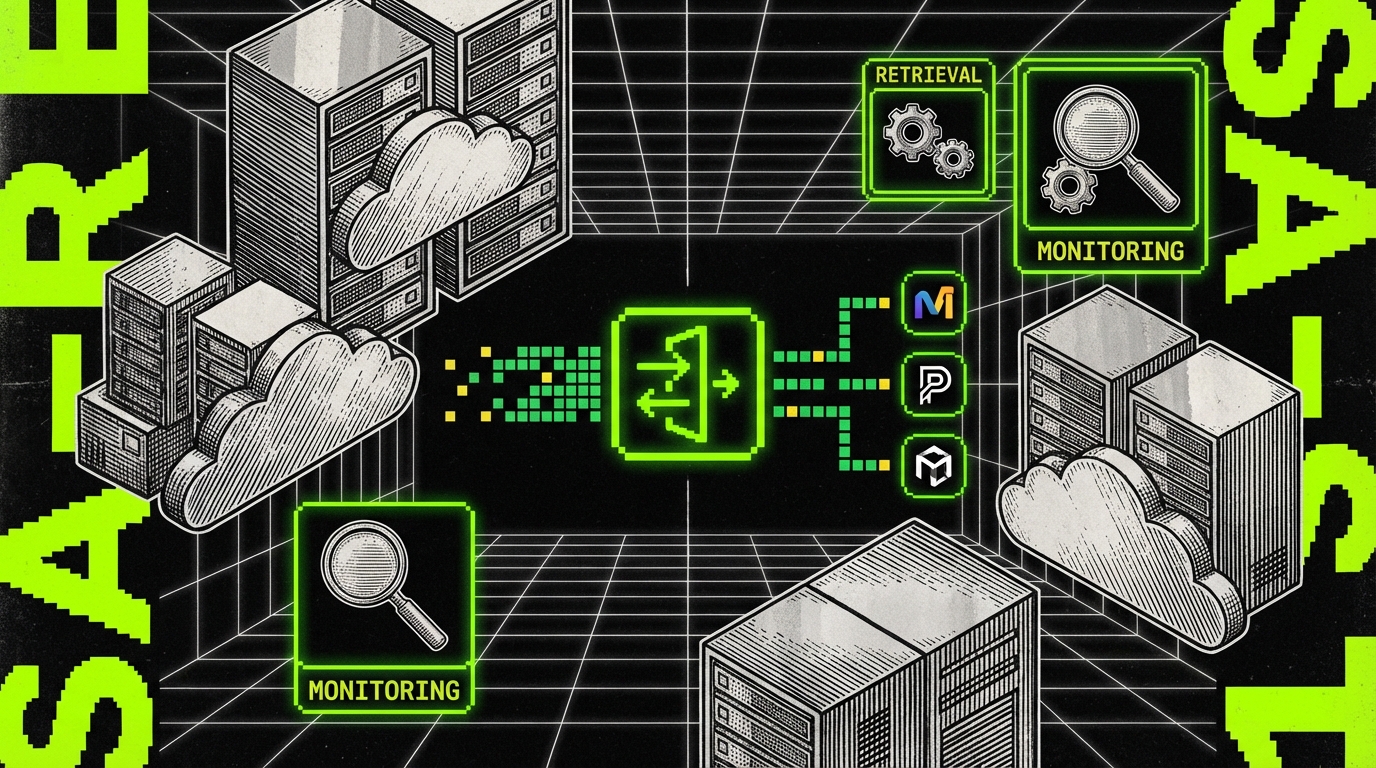
At Apptension we often implement AI as a separate “AI gateway” service. It centralizes model calls, prompt templates, secrets, rate limiting, and logging. That reduces duplicated logic across the monolith and worker services.
Pattern 1: Synchronous AI in the request path
This pattern works when the model call is fast and the output is small. Examples include spam detection, intent classification, and short answer generation. You still need timeouts and circuit breakers, because model providers can have noisy latency.
Set a strict budget. If your API has a 2 second SLA and the database already uses 500 ms at p95, you cannot afford a 3 second model call. Use a timeout like 800 to 1200 ms, and return a fallback when it hits.
- Pros: simple UX, immediate feedback, fewer moving parts.
- Cons: couples user latency to model latency, harder to retry safely.
Pattern 2: Async jobs with a results store
This pattern fits document ingestion, audio transcription, and batch enrichment. The user triggers a job, you enqueue work, and you persist results for later viewing. You can retry, fan out, and run heavier models without blocking the UI.
Use idempotency keys and explicit job states. A common bug is duplicate processing when users refresh or when workers crash mid task. A job table with states like queued, running, failed, completed saves time later.
- Create a job record with an idempotency key.
- Enqueue a message with the job id.
- Worker locks the job, runs the pipeline, stores artifacts.
- API serves results from the database or object storage.
Pattern 3: “Copilot” inside existing workflows
A copilot works best when it sits next to real product data and actions. It can draft text, propose filters, or generate reports. But a copilot that can do “anything” becomes hard to secure and hard to test.
Constrain actions with a tool layer. Instead of letting the model call internal APIs freely, expose a small set of tools with strict schemas and permission checks. Treat the model as an untrusted planner that proposes calls, not as a trusted actor.
Data and retrieval: where most bugs hide
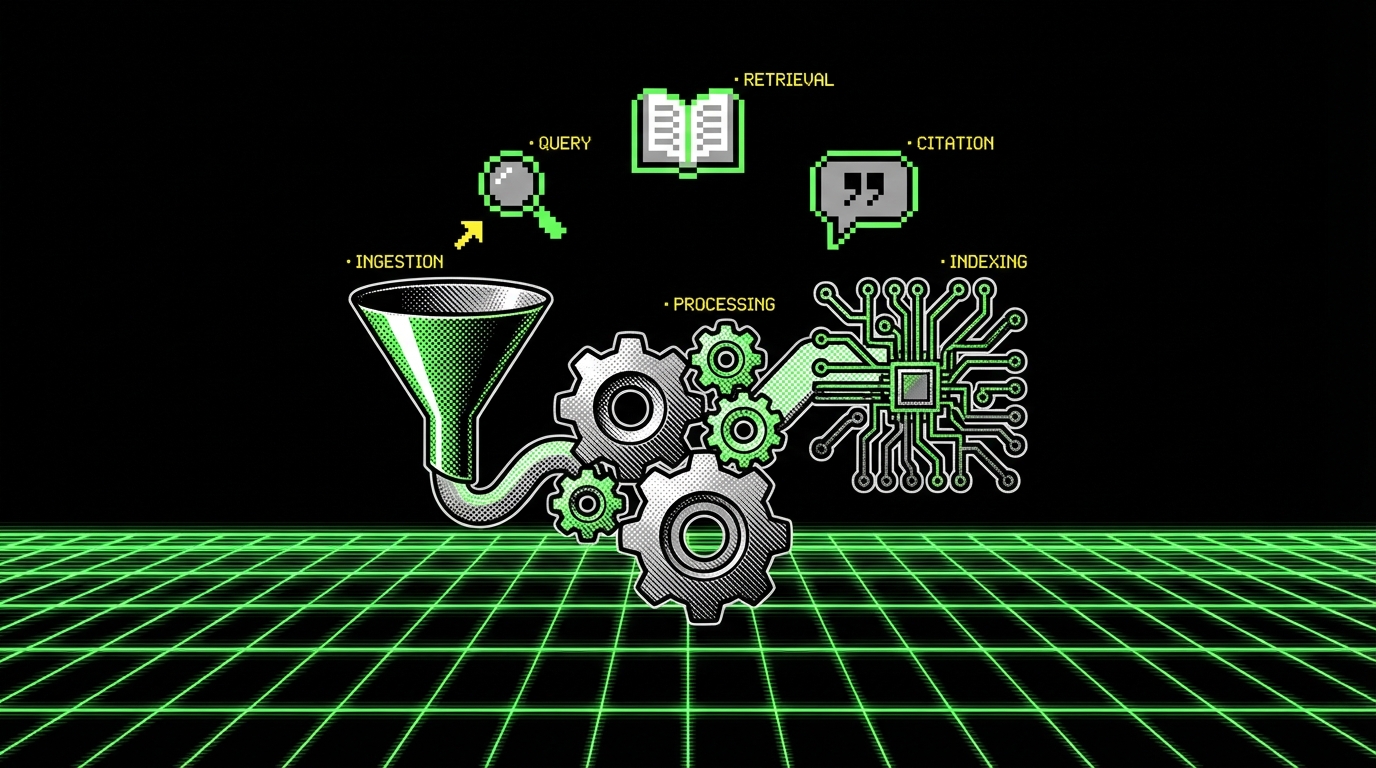
If your AI feature depends on company data, you need retrieval. Without it, the model guesses. Retrieval is not one thing. It includes document parsing, chunking, embeddings, ranking, and access control.
Teams often underestimate the work in ingestion. PDFs have broken text order. Spreadsheets have implicit meaning in layout. Support tickets include quoted threads. If you feed messy chunks into a vector store, you get messy answers back.
For SaaS products, multi tenant access control is the sharp edge. A single retrieval bug can leak data across tenants. That risk is higher than most “normal” API bugs because the output can look plausible, so it may not get reported quickly.
Chunking and metadata strategy
Chunk size is not a universal constant. For policies and docs, 300 to 800 tokens per chunk often works. For code or logs, smaller chunks with strong metadata help more. The goal is to retrieve the smallest context that answers the question.
Store metadata you can filter on, not just text. In multi tenant SaaS, you almost always need tenantId. You often also need projectId, documentType, and visibility. Filtering first, then vector search, reduces leakage risk and improves relevance.
- Keep a stable document id and chunk index for traceability.
- Store source fields for citations (file name, page, URL path inside the app).
- Version embeddings when you change chunking or the embedding model.
RAG is not “add a vector DB and done”
Retrieval augmented generation fails in predictable ways. It retrieves the wrong chunks because the query is vague, or because your embeddings do not capture domain terms. It also fails when the model ignores context and answers from prior knowledge.
Fixes are mostly boring. Add query rewriting for short questions. Add a reranker for the top 20 chunks. Force citations and refuse answers without supporting context. In internal tools, we often require at least one citation before showing an answer, even if the answer is short.
In production RAG systems, relevance is a pipeline metric, not a model property. If retrieval is wrong, generation quality does not matter.
Tenant isolation and authorization
Do not rely on the model to “respect tenant boundaries.” Enforce them in the retrieval layer. If you use a shared index, apply metadata filters on every query. If you use per tenant indexes, automate lifecycle and cost controls, because thousands of tenants can get expensive fast.
Also watch for indirect leakage through prompts and logs. If you log full prompts for debugging, you may log user documents. That can violate your own data retention policy. A safer approach is to log hashes, chunk ids, and short excerpts with redaction.
Model selection and orchestration
Picking a model is a trade between cost, latency, and error rate. Bigger models often reduce certain errors, but they can also produce longer outputs and higher bills. In SaaS, the “best” model is the one that meets your targets under load.
We usually start with two models: a small fast one for routing and extraction, and a larger one for complex generation. That lets you keep most requests cheap. It also reduces tail latency because you avoid sending everything to the slowest option.
Orchestration is the glue. You need prompt templates, tool calling, retries, and structured outputs. A thin wrapper around provider SDKs is fine at first, but it tends to sprawl. Centralize it early if you expect more than one AI feature.
Structured outputs with schema validation
If you want reliable automation, do not parse free form text. Ask for JSON and validate it. When validation fails, you can retry with a repair prompt, or fall back to a simpler approach. This turns “model weirdness” into a controlled error path.
Below is a TypeScript example using a schema to validate a model response. The same pattern works whether you call an external provider or a self hosted model.
import {
  z
} from "zod";
const TicketRouteSchema = z.object({
  queue: z.enum(["billing", "bug", "feature", "account"]),
  confidence: z.number().min(0).max(1),
  rationale: z.string().max(240)
});
type TicketRoute = z.infer;
export async function routeTicket(input: {
  subject: string;body: string;
}): Promise {
  const prompt = `Classify the ticket into one queue.
Return JSON with keys: queue, confidence, rationale.
Subject: ${input.subject}
Body: ${input.body}`;
  const raw = await callLLM({
    model: "small-fast",
    prompt,
    temperature: 0
  });
  const parsed = JSON.parse(raw);
  return TicketRouteSchema.parse(parsed);
}
async function callLLM(args: {
  model: string;prompt: string;temperature: number;
}):
Promise { // Provider call omitted. Keep timeouts and request ids here. return "{\"queue\":\"bug\",\"confidence\":0.82,\"rationale\":\"User reports an error and steps to reproduce.\"}";
}
Tool calling with hard permission checks
When you let a model call tools, treat tool execution like any other API request. Check auth, rate limits, and tenant scope. Do not pass raw SQL execution as a tool. Expose high level operations like “list invoices for customer X” with strict filters.
A good rule is: the model can propose, your system decides. If a tool call would change data, require an explicit user confirmation step. This is not only safer; it also reduces “why did the system do that” support tickets.
When fine tuning makes sense
Fine tuning helps when you have stable inputs and outputs, and you can collect high quality labeled examples. It is less useful when the task depends on fresh private data, because fine tuning does not solve retrieval. For many SaaS products, fine tuning becomes relevant for classification, extraction, and style consistency.
It can also backfire. If your training set reflects old workflows, the model will keep producing outdated outputs. Plan for dataset versioning, and measure regressions like you would for any model change.
Evaluation, testing, and release strategy
AI features need tests that cover meaning, not just syntax. Unit tests still matter for your orchestration code, but they do not tell you if answers are correct. You need offline evals, online metrics, and human review for edge cases.
Set up an evaluation set early. Even 200 examples can catch obvious regressions. The key is to include hard cases: short queries, ambiguous phrasing, and tenant specific jargon. If you only test “happy path” prompts, production will surprise you.
In delivery work for SaaS teams, we often see a fast prototype followed by a painful stabilization phase. A structured eval loop reduces that pain. It also makes model upgrades less scary because you can quantify changes.
Offline evals: build a harness
An eval harness runs the same prompts against different model versions and prompt templates. It stores outputs, scores them, and produces a report. You can score with heuristics (schema validity, citation presence) and with human labels (correct, partially correct, wrong).
Keep the harness close to your codebase. Treat prompts as versioned artifacts. If you store prompts only in a dashboard, you will lose track of which prompt produced which behavior in production.
- Deterministic checks: JSON schema validity, max length, banned phrases, citation required.
- Task checks: exact match for extraction, label accuracy for classification.
- Human checks: helpfulness, correctness, tone, policy compliance.
Online metrics: what to log
Log enough to debug without storing sensitive content by default. At minimum, log request id, tenant id, model name, token counts, latency, and which retrieval chunks were used. Add a “user feedback” mechanism so you can label failures in the wild.
Track metrics that map to your constraints. Common ones include cost per successful request, refusal rate, and escalation rate to human support. If you do not measure these, you will not notice when a model provider changes behavior and your spend doubles.
Token counts are a production metric. If you do not watch them, you will find the cost problem in the invoice.
Release: feature flags and gradual rollout
Ship behind a feature flag. Start with internal users, then a small cohort, then expand. This is not special to AI, but it matters more because behavior shifts with model updates and prompt changes.
Use canary tenants with known data patterns. In Apptension we do this for data heavy SaaS work like SmartSaaS style platforms, where one tenant can have 10x the document volume of another. Canary coverage helps you catch scaling issues early.
- Internal rollout with verbose logging and manual review.
- Beta cohort with feedback UI and stricter guardrails.
- General availability with tighter budgets and alerting.
Cost, latency, and reliability engineering
AI features can become your top infrastructure cost if you do not control them. Costs scale with tokens, not just requests. A single long context prompt can cost more than dozens of small classification calls.
Latency is a product feature. Users notice 1 second delays in common workflows. You need budgets, timeouts, and caching. You also need to handle provider incidents without breaking your app.
Reliability work is where SaaS engineering discipline helps. Rate limit per tenant, isolate noisy neighbors, and degrade gracefully. Treat model providers like any external dependency, with circuit breakers and fallbacks.
Budgets and guardrails
Set per request and per tenant budgets. Per request budgets cap max tokens and enforce short outputs. Per tenant budgets prevent one customer from generating a surprise bill. When a tenant hits the budget, show a clear message and offer an upgrade path only if it fits your product model.
Practical controls that work:
- Hard caps on max output tokens and context size.
- Stop sequences to prevent rambling outputs.
- Caching for repeated prompts, especially for summaries of stable documents.
- Batching embeddings during ingestion to reduce overhead.
Latency tactics
Start with the basics: keep prompts short, avoid unnecessary system text, and do not send the same context twice. Use streaming responses for chat UIs so users see progress. For retrieval, precompute embeddings and keep your vector store close to your app region.
If you need multi step reasoning, consider splitting work. A small model can rewrite the query and select tools. A larger model can generate the final answer. This reduces both cost and latency because the large model sees less context.
Retries, timeouts, and idempotency
Retries can multiply cost fast. Retry only on known transient errors, and cap attempts. For async jobs, use idempotency so a retry does not create duplicate artifacts. For synchronous calls, prefer a fast fallback over repeated retries.
Make timeouts explicit in code and in config. A hidden default timeout of 60 seconds will eventually freeze a worker pool. In incident reviews, we often find that a single missing timeout caused a queue backlog that took hours to drain.
Security, compliance, and user trust
Security in AI features is not only about data leaks. It is also about prompt injection, unsafe tool calls, and storing sensitive outputs. SaaS products have to handle multi tenant boundaries, role based access, and audit trails. AI does not remove those requirements.
Assume that any user supplied text can try to manipulate the model. “Ignore previous instructions” is the obvious example, but there are subtler ones: hidden instructions in documents, or content that tries to exfiltrate secrets. Your system should not have secrets in the prompt in the first place.
User trust comes from predictable behavior. If the assistant sometimes makes up answers, users will stop using it. If it refuses too often, they will also stop. That balance is a product decision backed by technical guardrails.

Prompt injection defenses that hold up
You cannot “prompt your way” out of prompt injection. You need layered controls. The model can help detect suspicious content, but enforcement must happen in code. Treat retrieved text as untrusted input, even if it comes from your own database.
- Separate system instructions from user and retrieved content.
- Use a tool layer with strict schemas and permission checks.
- Limit what tools can return, especially secrets and personal data.
- Log tool calls with actor, tenant, and parameters for audits.
Data handling: retention, redaction, and audit
Decide what you store. Storing full prompts and outputs makes debugging easier, but it can create compliance problems. A safer default is to store structured metadata and allow opt in verbose logging for specific tenants or time windows.
Redact common sensitive fields before sending to a provider when possible. Email addresses, phone numbers, and access tokens should not be in prompts. For enterprise customers, be ready to answer: where is data processed, how long is it retained, and how can it be deleted.
Human in the loop where it matters
Some workflows should not be fully automated. If the AI suggests a financial adjustment, a contract clause, or a data deletion, require review. This is not only about risk; it also improves model performance over time because reviewers can label errors.
A simple pattern is “draft, then confirm.” The model drafts a change and shows a diff. The user approves or edits. You store the final decision as training and evaluation data later.
Conclusion: treat AI as a system, not a widget
Integrating AI into SaaS works when you treat it like any other production subsystem. Define the job and constraints. Choose an architecture that matches latency and risk. Build retrieval with tenant isolation and traceability. Validate outputs and log the right metrics.
Most failures come from the boring parts: messy data ingestion, missing timeouts, weak evaluation, and unclear fallbacks. The model is rarely the only problem. If you invest in the pipeline and the ops loop, you can ship features that stay useful after the demo.
In Apptension delivery work, from data heavy SaaS like Teamdeck and SmartSaaS style platforms to fast concept work like Spedibot, the pattern holds. Prototype fast, then harden with tests, budgets, and guardrails. That is the difference between a feature users try once and a feature they keep using.